
Compare the best AI conversation intelligence software platforms, including features, pricing, integrations, and best use cases for sales and CX teams.

Ka Ling Wu
Co-Founder & CEO, Upsolve AI
10 min

If you’re evaluating AI conversation analytics software, you’re likely trying to understand what’s actually happening inside sales calls, support conversations, and customer meetings without manually reviewing hours of recordings.
Most teams already record conversations. The challenge isn’t access to data, it’s turning conversations into clear, actionable insights. Missed objections, churn signals, compliance risks, and coaching opportunities often stay hidden because teams don’t have a reliable way to analyze conversations at scale.
AI conversation analytics tools solve this by automatically transcribing, analyzing, and organizing customer interactions across calls, meetings, chats, and emails. They help teams identify sentiment, intent, recurring topics, deal risks, and performance patterns in near real time.
In this guide, we compare the leading AI conversation analytics and conversation intelligence platforms, breaking down:
Core features and use cases
Pricing and scalability
Strengths and limitations by team type (sales, support, compliance)
Whether you’re choosing a tool for revenue teams, contact centers, or product-led analytics, this comparison will help you understand which platforms fit your needs — and where different solutions excel.
What is AI Conversation Analytics & Intelligence?
AI conversation analytics is the process of using artificial intelligence to automatically analyze spoken or written customer interactions, such as calls, sales pitches, and support chats, to extract insights like sentiment, intent, objections, and buying signals.
Instead of manually reviewing hours of recordings, AI surfaces the most important patterns and insights in minutes.
It listens → transcribes → analyzes → and gives you insights you can actually use.
Instead of guessing what happened on a call, you see the exact words, patterns, and even emotions.
So what’s it used for?
Sales coaching → Spot what top reps say and help the rest of the team level up.
Customer experience → Catch pain points early before they become churn.
Agent quality monitoring → Track performance without endless manual reviews.
This isn’t just call recording. It’s intelligence that makes conversations your unfair advantage.
Quick Comparison Table: Best Conversation Intelligence Tools
Not all conversation intelligence platforms are built the same.
Some are amazing at sales forecasting. Others crush it in call center QA.
A few are affordable for startups, while most will burn through an enterprise budget fast.
Here’s the quick side-by-side breakdown so you can see who does what best (and where they fall short):
Platform | Pricing (Starting Point) | Core Use Case | Best Feature | Weakness | Ideal For |
Upslove | From ~$1,000/month (embedded analytics plans) | Full-funnel conversation intelligence | Embebbed Bi | smaller ecosystem | Teams needing embedded BI with fast deployment and scalable analytics. |
Gong | ~$1.4K+/user/year + platform fee | Sales revenue intelligence | Deal-risk detection, forecasting insights | Costly, complex pricing structure | Large sales orgs with budget to burn |
Chorus.ai | ~$1.2K/user + ~$8K base/year | Sales & coaching analytics | CRM sync, conversation tagging | Scaling issues, pricey for growing teams | Mid-sized sales-centric teams |
Observe.AI | Custom pricing (capability-based packages) | Contact center AI and agent performance optimization | Real-time and post-interaction AI for QA and coaching | Complex rollout and learning curve | Enterprise contact centers with QA and compliance needs |
CallMiner Eureka | Enterprise-grade pricing | Compliance-focused conversation analytics | Deep omnichannel analytics, QA scoring | Complex deployment, expensive | Regulated industries requiring accuracy |
Talkdesk CX Cloud | From $85/user/month (plan-based pricing) | Contact center with AI insights | Built-in AI automation, customizable UI | Limited flexibility in deeper analytics | Support orgs using contact center platforms |
Avoma | From $19/user/month (+ CI add-on) | Meeting transcription & coaching | Auto summaries, collaboration workflows | Less suited for enterprise analytics | SMBs & SaaS teams needing easy setup |
Gong and Chorus are strong in sales-focused analytics, while Observe.AI and CallMiner cater more to compliance-heavy call centers.
Avoma works well for smaller teams with limited budgets.
Upslove stands out for delivering fast, secure, and scalable embedded BI, enabling teams to launch client-ready analytics without heavy engineering effort.
TL;DR: The 7 Best Conversation Analytics & Intelligence Software Overall |
|---|
Here’s a quick overview of the best conversation analytics & intelligence software (which we dig into later in this guide):
|
Key Features to Look for in AI Conversation Intelligence Software
Here’s what separates the best AI conversation intelligence software from the rest:
Sentiment & Emotion Analysis: Detects frustration, excitement, or hesitation in real time to improve responses.
Predictive Insights: Forecasts outcomes like deal success or churn risks, helping teams stay proactive.
Seamless Integrations: Connects with CRMs, helpdesks, and productivity tools to centralize insights.
Omnichannel Coverage: Tracks calls, emails, and chats in one view for unified conversation analysis.
Enterprise Security: Ensures GDPR and HIPAA compliance with built-in encryption and data protection.
How Did We Choose the Best Conversation Analytics & Intelligence Tools?
In order to determine the best conversation analytics and intelligence software, we considered the following factors:
Overall reliability and performance of the platform under high conversation volumes.
Whether the tool supports both voice and text across calls, chats, and emails.
How quick and simple it is to set up and start using without heavy IT involvement.
Speed and accuracy of real-time transcription and sentiment detection.
Clarity and transparency of pricing, with no hidden costs.
Compliance with GDPR, CCPA, HIPAA, and enterprise-grade security standards.
Ability to handle noisy environments and poor-quality audio reliably.
Reputation and independent user reviews across trusted platforms.
Quality of customer support, onboarding assistance, and aftercare.
Availability of advanced features like CRM integrations, multilingual support, predictive analytics, and custom dashboards.
How Moonnox Embedded BI in Days with Upsolve Read the full case study to see why Moonnox calls Upsolve a game-changer for embedded analytics. |
7 Best AI Conversation Analytics & Intelligence Software
After evaluating features, usability, and value, here are the best AI conversation analytics and intelligence platforms worth considering.
1. Upslove
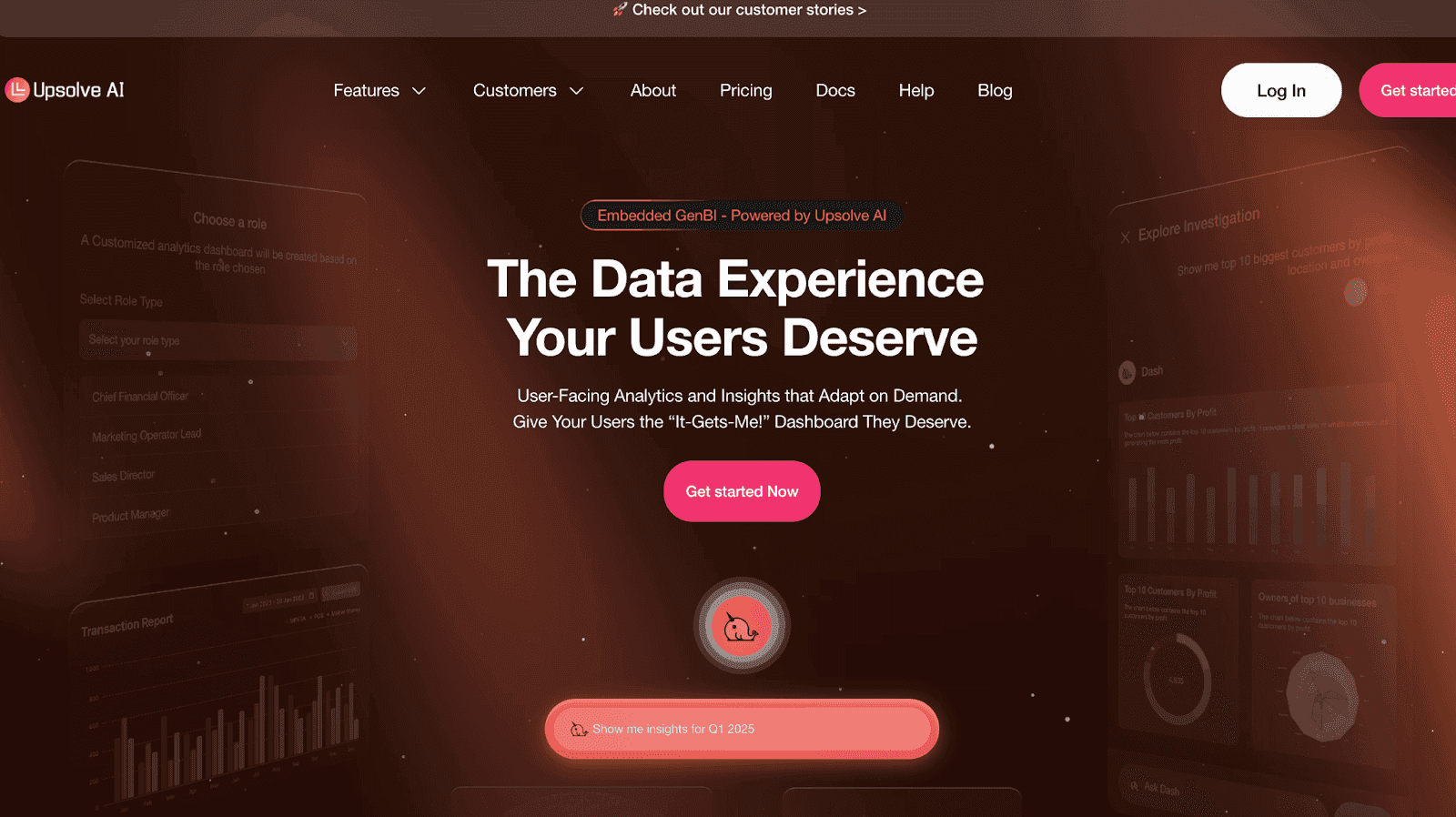
While Upsolve isn’t a direct conversational analytics tool, it brings conversational intelligence into embedded BI.
It allows end users to drill down into dashboards using natural language queries.
No complex setups or coding required.
On top of that, it offers AI-guided alerts to keep teams informed in real time.
With hyper-personalized dashboards, every user gets insights tailored to their role and needs.
Together, these features give businesses the power of conversation-driven analytics, all embedded seamlessly inside their product.
Key Features:
Embedded Dashboards: Deliver customizable, real-time dashboards directly inside your product or customer portal.
Self-Service Analytics: Enable users to explore data, filter views, and generate insights without engineering support.
Seamless Integration: Embed analytics in days using lightweight React components, iframes, and APIs.
Enterprise-Grade Security: Maintain existing permission models like PostgreSQL row-level security for compliance and data integrity.
Scalable Architecture: Grow with your data and user needs without re-engineering infrastructure.
Pros:
Affordable pricing for startups and enterprises alike.

Easy onboarding with minimal training needed.

Cons:
No free tier or trial, requiring upfront commitment.
Limited support for internal BI use cases compared to customer-facing dashboards.
Pricing & Plans
Growth – $1,000+/mo
Basic observability through embedded dashboards.
50 tenants included, CSV/PDF exports, and app embedding.
Professional – $2,000+/mo
Adds AI-powered insights into agent behavior.
Unlimited dashboards, scheduled reports, and usage analytics.
Enterprise – Custom
Full-scale observability for complex agent workflows.
Unlimited tenants, advanced integrations, SSO, compliance.
Best For:
Companies seeking an all-in-one, modern alternative to complex legacy platforms.
Teams want affordable AI conversation analytics without sacrificing enterprise-grade features.
2. Gong
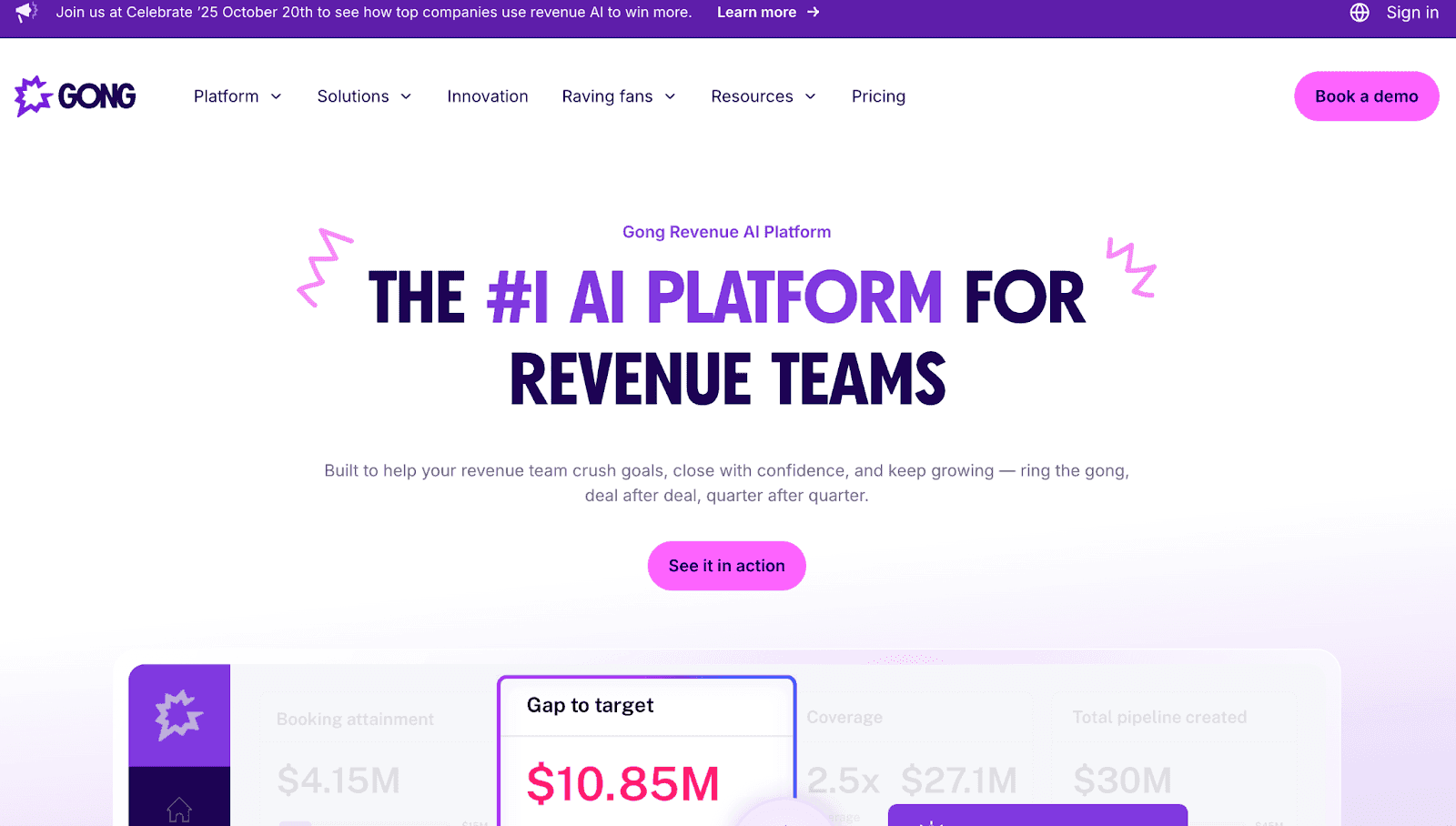
Gong is one of the most recognized sales intelligence platforms, designed to maximize deal visibility, coach sales reps effectively, and provide revenue leaders with AI-powered forecasting capabilities.
Key Features:
Conversation Capture & Analysis: Records and analyzes calls, meetings, and emails to uncover insights like buyer intent and red flags.
Deal Health Tracking & Forecasting: Tracks deal progress in real time and delivers AI-powered revenue forecasts.
AI-Powered Agents: Automates follow-ups, CRM updates, and coaching feedback with intelligent AI workflows.
Ask Anything & AI Briefs: Lets users query deal data in natural language and get instant, actionable summaries.
CRM Integration: Syncs seamlessly with CRMs to provide a unified, searchable view of all customer interactions.
Pros:
Excellent for B2B sales teams managing complex deals.
Robust integrations with popular CRMs.
Strong reputation and brand trust in the market.
Cons:
Expensive, less intuitive, with delays and accuracy issues in AI.

Steep learning curve due to feature complexity

Can overwhelm users with an overload of data
Pricing & Plans
Growth – $1,400+/user/year
Entry-level plan with call recording, transcription, and basic deal intelligence.
Platform fee (~$5,000/year) applies.
Professional – $2,000+/user/year
Adds advanced conversation analytics, integrations with CRM, and team performance dashboards.
Enterprise – Custom
Full revenue intelligence suite with forecasting, pipeline insights, security, and compliance.
Best For:
B2B sales organizations prioritizing pipeline accuracy.
Revenue-focused teams wanting advanced forecasting tools.
3. Chorus.ai
Chorus.ai is a cloud-based, AI-powered conversation intelligence platform that captures and analyzes sales calls, meetings, and emails, delivering actionable insights to improve coaching, deal visibility, and revenue performance.
Key Features:
Recording & Voice Transcription , Automatically captures calls and meetings and converts them into searchable transcripts.
Real-Time Alerts (Popups & Notifications) , Detects and flags important moments during conversations as they happen.
Analytics & Custom Reporting , Offers detailed conversation analytics with options to generate tailored reports.
Sales Coaching & Onboarding Tools , Enables training and onboarding with AI-powered insights and best-practice playbooks.
Supports Conversation Intelligence Workflows , Optimized for use cases like sales coaching, workflow management, collaboration, and knowledge sharing.
Pros:
Strong analytics to track conversation health.
Easy call review for managers and reps.
Popular among sales-focused organizations.
Cons:
Here’s what a user has to say in her Chorus Review:
Delayed transcripts and slow search reduce overall efficiency.

Generated call summaries can be repetitive or lack detail, reducing their effectiveness.

Users find the interface clunky and navigation unintuitive, making it harder to use efficiently.

Pricing & Plans
Growth – $8,000/year (3 seats)
Basic conversation capture and playback with core analytics.
Professional – $1,200+/user/year (add-on seats)
Adds deal tracking, CRM integration, and coaching insights.
Enterprise – Custom
Unlimited seats, advanced security, and workflow integrations.
Best For:
Mid-sized businesses prioritizing sales enablement.
Teams focused on improving pipeline health and rep coaching.
4. Observe.AI
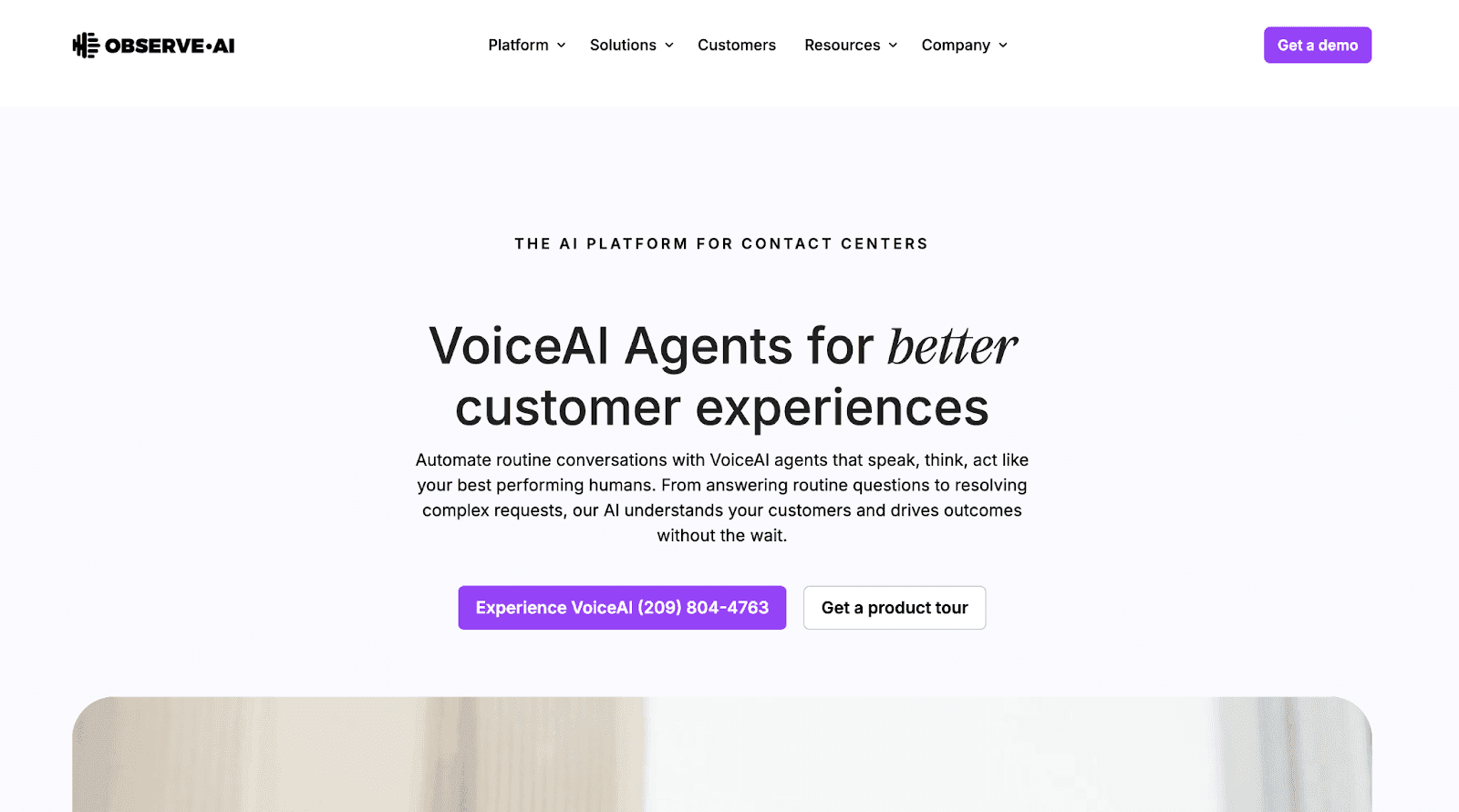
Observe.AI specializes in call centers, using AI to monitor conversations, ensure compliance, and deliver real-time coaching that transforms agent performance and boosts customer service quality.
Key Features:
Real-time AI assistance: Gives agents live prompts and guidance during customer conversations.
Automated call summaries: Instantly generates concise summaries after each interaction.
100% Auto-QA coverage: Evaluates every call automatically to ensure quality and consistency.
GenAI conversational insights: Lets users query conversation data in natural language for instant insights.
VoC dashboards: Connects customer sentiment and interaction themes directly to business KPIs.
Pros:
Excellent quality assurance features for call centers.
Boosts customer support efficiency at scale.
Strong compliance capabilities for regulated industries.
Cons:
Users report a long list of missing functionalities and delays in implementation.

Struggles with understanding history-related questions and delivering accurate answers.

Call data collation isn’t always complete or real-time.

Pricing & Plans
VoiceAI Agents – Custom
AI-powered virtual agents designed to automate conversations, improve CX, and reduce agent workload.
Real-time AI – Custom
Live agent assist with AI-driven guidance to improve response quality and interaction speed.
Post-interaction AI – Custom
Automated QA, performance analysis, and coaching insights after customer interactions.
Enterprise Advanced – Custom
Combines real-time and post-interaction AI for organization-wide insights and operational improvements.
Enterprise Unlimited – Custom
Full enterprise package including call summarization, knowledge AI, and large-scale optimization across teams.
Best For:
Contact centers prioritizing customer service excellence.
Enterprises in regulated sectors needing compliance tools.
5. CallMiner Eureka
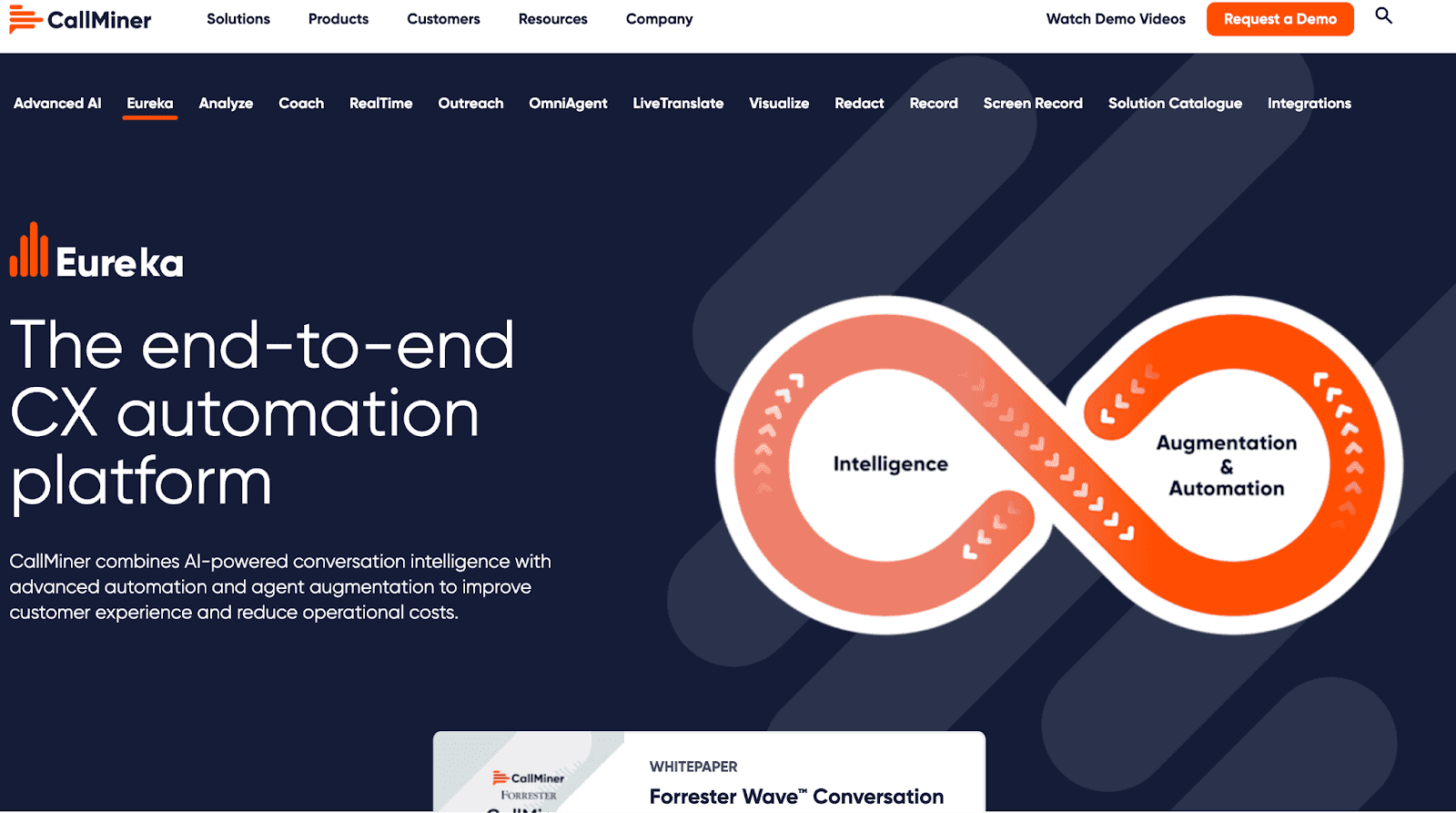
CallMiner Eureka is an enterprise-grade analytics platform designed for omnichannel monitoring, compliance-heavy environments, and businesses requiring deep AI-driven insights across large-scale customer interactions.
Key Features:
Omnichannel Data Capture: Analyzes customer interactions across voice, chat, email, and social channels.
Real-Time Agent Guidance: Provides live coaching prompts and next-best-action alerts during calls.
Sentiment & Emotion Analytics: Detects customer sentiment, emotion, and intent for deeper insights.
Interactive Dashboards: Visualizes conversational data with intuitive, customizable dashboards.
Sensitive Data Redaction: Automatically removes private information from transcripts and recordings.
Pros:
Extremely powerful analytics for large organizations.
Rich compliance tools for secure industries.
Works across multiple communication channels.
Cons:
Coach dashboards can feel overwhelming for new or less experienced users.

Syntax setup and platform onboarding take time and require extra support.

Premium pricing and add-ons make stakeholder buy-in and ROI harder to achieve.

Pricing & Plans
Growth – $1,275+/mo
Entry usage plan (up to 1,500 hours). Includes call transcription and search.
Professional – Custom
Adds multi-channel analytics, real-time agent feedback, and reporting.
Enterprise – Custom
Enterprise-scale speech analytics with security, compliance, and integrations.
Best For:
Large enterprises with strict compliance requirements.
Businesses handling high volumes of cross-channel conversations.
6. Talkdesk CX Cloud with AI
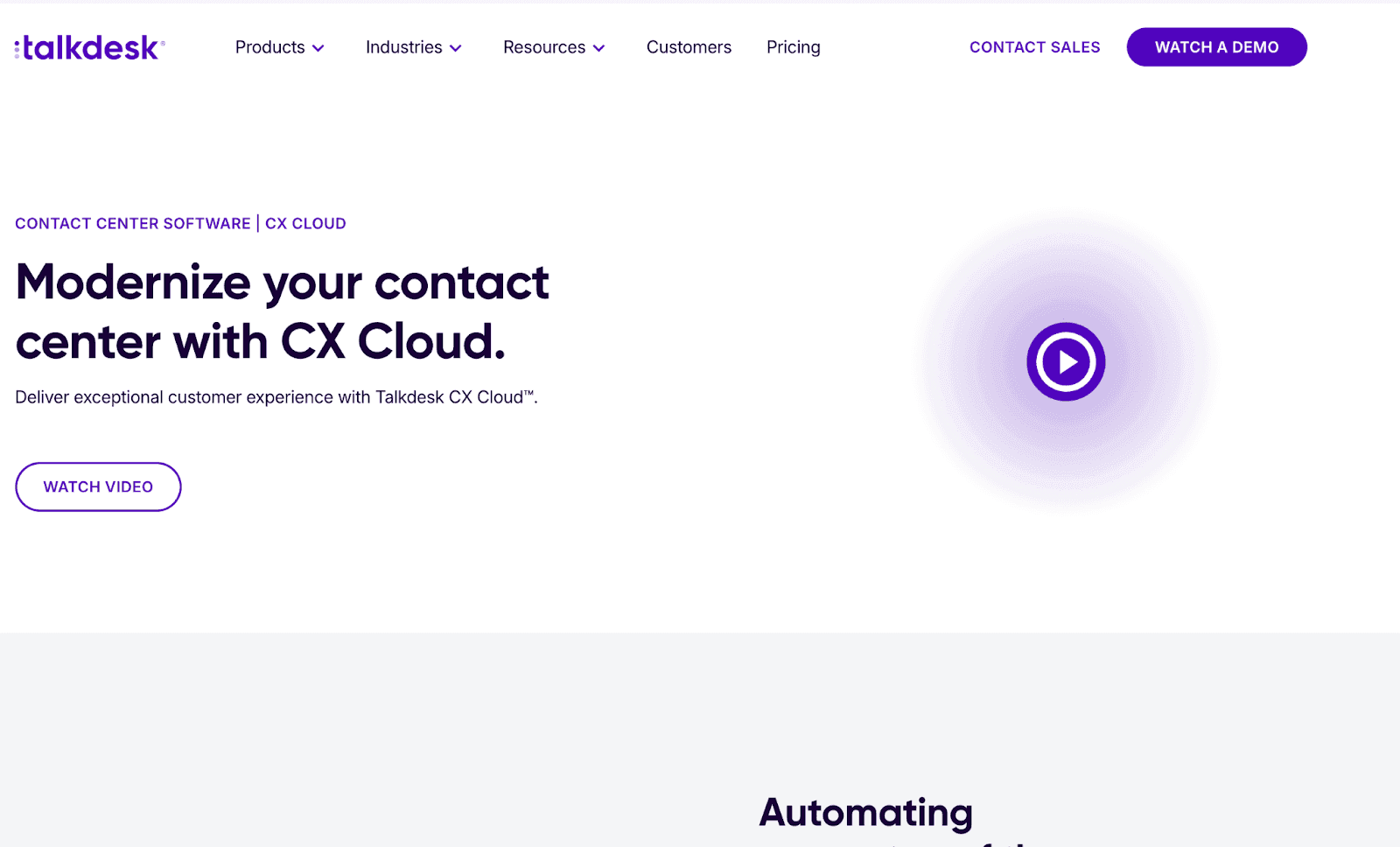
Talkdesk CX Cloud combines contact center functionality with AI analytics, helping businesses improve customer support, automate workflows, and deliver insights that optimize customer satisfaction and team productivity.
Key Features:
AI-Powered Self-Service: Automates customer self-service across voice and digital channels to resolve queries efficiently.
Omnichannel Engagement: Supports seamless interactions across voice, chat, email, SMS, social media, and more.
Workforce Engagement Tools: Includes features like quality management, recording, performance coaching, and workforce management.
Customer Experience Analytics: Delivers real-time dashboards, sentiment analysis, BI insights, and operational monitoring.
Low-/No-Code Customization: Offers APIs, SDKs, and visual tools for quick configuration with little or no coding.
Pros:
Complete end-to-end support solution.
Strong cloud infrastructure with scalability.
Includes workflow automation for efficiency.
Cons:
Occasional connection problems can affect performance.

Downloading and installing the app isn’t always straightforward.

Some useful options like bilingual support aren’t easy to find.

Pricing & Plans
Digital Essentials – $85/user/mo
Entry-level plan focused on digital engagement and basic omnichannel capabilities.
Voice Essentials – $105/user/mo
Designed for voice-based engagement with routing, dashboards, and reporting.
Elite – $165/user/mo
Advanced plan for omnichannel operations, workforce management, and performance insights.
Industry Experience Clouds – $225/user/mo
Industry-specific solution with tailored capabilities for regulated and specialized sectors.
Best For:
Customer support-heavy organizations.
Companies needing an AI-ready contact center solution.
7. Avoma
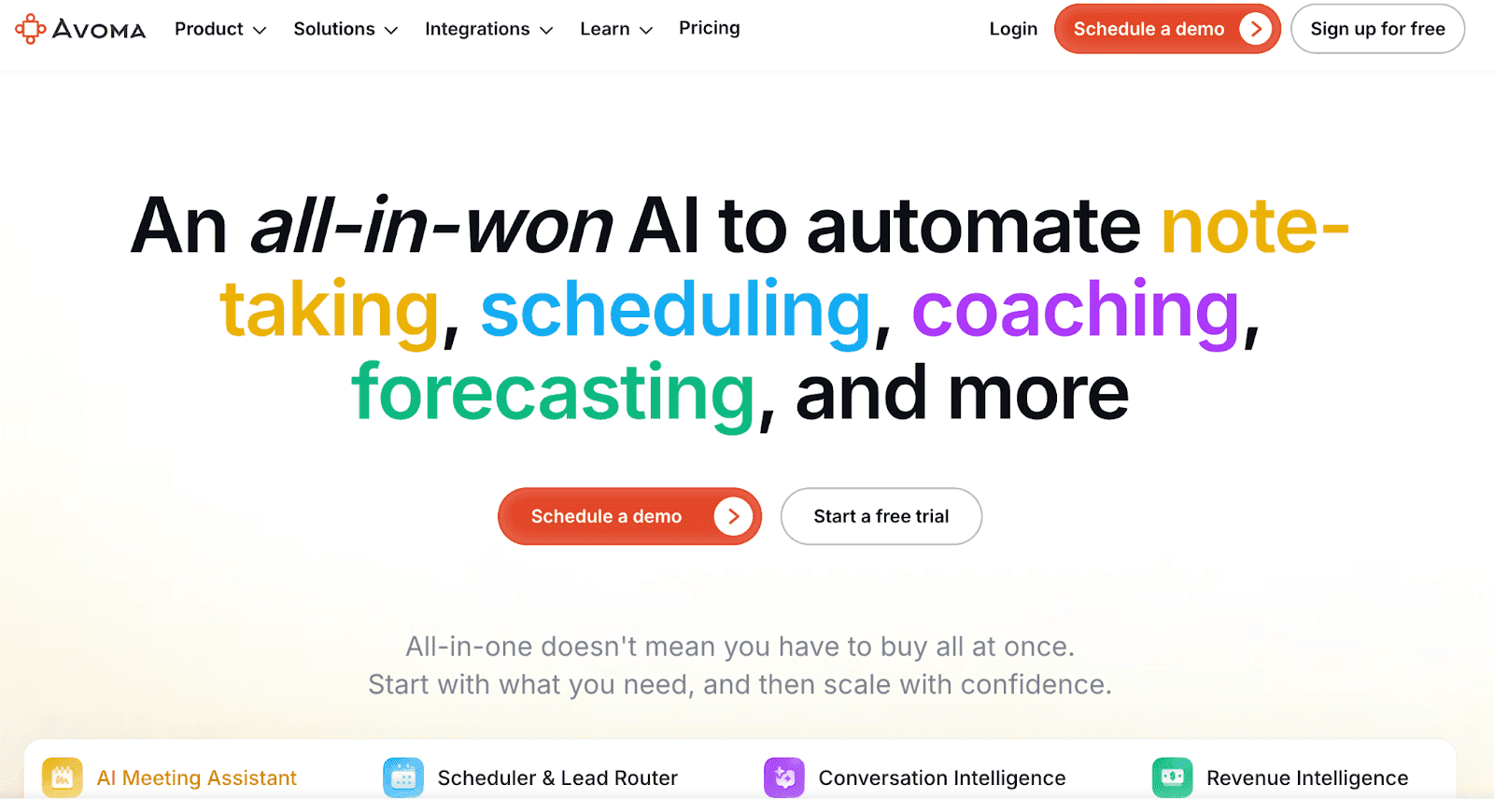
Avoma is a lightweight meeting assistant plus conversation intelligence tool, enabling SaaS teams and startups to transcribe meetings, collaborate efficiently, and access affordable conversation insights.
Key Features:
AI Meeting Assistant: Automates note-taking, follow-up emails, and CRM updates, saving users several hours per week.
Real-Time Transcription & Notes: Captures live audio in 60+ languages and converts it into searchable, AI-generated notes and smart chapters.
"Ask Avoma" AI Copilot: Lets users ask questions in natural language and get accurate, objective responses to guide decision-making.
Smart Scheduler & Lead Router: Enables seamless scheduling (1:1, group, round-robin) and automates lead qualification and routing with customizable rules.
Conversation & Revenue Intelligence: Includes live objection handling, AI call scoring, talk-pattern insights, proactive deal risk alerts, pipeline forecasting, and win-loss analysis.
Pros:
Affordable pricing for smaller companies.
Easy to adopt with minimal training.
Great fit for SaaS and startups.
Cons:
Rapid iteration sometimes introduces small glitches or feature gaps.

Limited free trial makes it hard to explore full capabilities.

Note takers may join late, mislabel speakers, or show incorrect video status.

Pricing & Plans
Startup – $19/user/mo
Entry-level plan for AI meeting assistance, recording, and transcription.
Organization – $29/user/mo
Designed for growing teams with custom AI notes, scheduling, and collaboration.
Enterprise – $39/user/mo
Advanced plan with compliance controls, governance, and usage intelligence.
Conversation Intelligence (Add-on) – $29/user/mo
Optional add-on providing AI call scoring, smart trackers, coaching insights, and conversational analytics.
Best For:
SMBs need affordable intelligence.
SaaS teams seeking collaboration and coaching insights.
Startups looking for simple yet effective CI tools.
Looking to go beyond conversation analytics? Explore our detailed guide on the best AI business intelligence tools to see how BI can transform decision-making.
Conclusion
More businesses are moving beyond basic call recording and adopting AI-driven conversation analytics to improve sales, support, and customer experience.
These tools help teams save hours by offering real-time transcription, sentiment detection, predictive insights, and smooth integrations with existing workflows.
When choosing a platform:
Define your primary use case , sales, support, or compliance
Compare accuracy, features, and integrations
Check pricing transparency and scalability
Upsolve isn’t a direct conversational analytics tool, but with natural language queries, predictive insights, and role-based dashboards, it’s a balanced alternative.
If you need purely conversational analytics, options like Gong, Observe may fit better.
[PLACEHOLDER] - CTA Block
FAQs
1. What is conversation intelligence software used for?
It’s used to transcribe, analyze, and interpret conversations from sales calls, customer support, and meetings.
Businesses leverage it to improve coaching, boost conversions, and enhance customer experiences.
2. Is AI conversation analytics only for large enterprises?
No. While enterprises benefit most, modern tools like Upslove make it affordable for SMBs and startups.
Even small teams gain insights into customer interactions without needing huge infrastructure.
3. How accurate is AI-powered transcription today?
Accuracy now exceeds 90% for English and continues to improve for multilingual support.
Tools combine speech-to-text with sentiment detection, making them highly reliable for business-critical insights.
4. What’s the difference between conversation analytics and call recording?
Call recording just stores conversations, while analytics extracts insights like sentiment, keywords, and sales triggers.
Analytics transforms raw data into actionable intelligence.

Try Upsolve for Embedded Dashboards & AI Insights
Embed dashboards and AI insights directly into your product, with no heavy engineering required.
Fast setup
Built for SaaS products
30‑day free trial



