
A detailed comparison of AI agent observability platforms to help teams monitor behavior, performance, and reliability in production.

Ka Ling Wu
Co-Founder & CEO, Upsolve AI
10 min

If you’re searching for AI agent observability platforms, your agents are likely already running in production or close to it.
As AI agents become more autonomous, teams need reliable ways to understand how those agents behave, how decisions are made, and where things break. Without observability, small issues can go unnoticed until they affect users, costs, or trust.
AI agent observability helps teams move beyond surface level metrics. It provides visibility into performance, decision flows, and errors across complex workflows, making it easier to debug problems, improve reliability, and scale with confidence.
This guide reviews five AI agent observability platforms designed to help teams monitor behavior in real time, detect issues early, and maintain transparency as agent usage grows. Each platform takes a slightly different approach, so the right choice depends on your workflows, technical setup, and how deeply agents are embedded into your product or operations.
TL;DR: Best AI Agent Observability Platforms Overall |
|---|
|
What is AI Agent Observability?
AI agent observability is the ability to see, understand, and analyze everything an AI agent does in real time.
It reveals how agents make decisions, how fast they respond, and whether their outputs are accurate.
Without it, AI agents become black boxes, making it difficult to trust or optimize their actions.
Observability focuses on three critical areas:
Performance metrics: Track speed, accuracy, and response quality.
Behavior tracking: Map decision flows and detect biases or inefficiencies.
Error analysis: Catch and fix issues instantly before they escalate.
For LLM-powered agents, observability is vital since their outputs can be unpredictable and spread across multiple workflows.
Proper monitoring ensures transparency, accountability, and reliable performance at scale.
Key Features to Look for in an AI Agent Observability Platform
The most effective platforms include:
1. Real-time monitoring: Track latency, accuracy, and responses instantly to catch issues before they grow.
2. Analytics and dashboards: Visualize agent behaviors, decision paths, and workflow performance.
3. Root cause analysis: Understand why errors occur and resolve them quickly with clear decision-flow mapping.
4. Natural language queries: It should allow teams to explore data and filter results simply by asking questions, making observability more accessible.
5. Scalability and integrations: Support larger workloads while connecting seamlessly with enterprise systems and APIs.
6. Security and compliance: Protect sensitive data with encryption and audit-ready controls.
7. Ease of use: The platform should support quick adoption with embeddable dashboards, an intuitive interface, and minimal setup effort.
How Did We Choose the Best Agent Observability Platform?
To evaluate AI agent observability platforms, we focused on a set of criteria that indicate whether a tool can deliver reliability, transparency, and scalability in real-world environments:
Real-time visibility into agent behavior, latency, accuracy, and performance.
Clear dashboards that show decision paths, reasoning steps, and workflow efficiency.
Root cause analysis to detect and fix errors quickly.
Scalability to support enterprise workloads with smooth API and LLM integrations.
Strong security standards and compliance with data regulations.
Ease of use through developer-friendly APIs, SDKs, and intuitive dashboards.
These factors allowed us to compare platforms on the same scale and highlight strengths and weaknesses.
How Arthur Cut Costs by 70% and Scaled AI Governance 3x Faster with UpsolveDiscover how a Fortune 100–backed AI observability leader replaced Grafana, saved tens of thousands in engineering costs, and accelerated time to market. Read the full case study to see why Arthur calls Upsolve a “fantastic investment." |
5 Best AI Agent Observability Platforms
Today’s observability platforms give businesses clarity and control over complex AI systems, from tracking performance to debugging workflows and ensuring compliance. Based on the evaluation criteria outlined earlier, here are five strong options to consider.
Here’s a detailed look at each tool.
Best AI Agent Observability Platforms: Quick Comparison Table
Platform | Best For | Key Features | Pricing Model |
Arize AI | Model monitoring | Drift detection, explainability | $0 (AX Free) → Starts at ~$50/month (AX Pro) → Custom Enterprise |
W&B | ML tracking | Experiment logging, reporting | Free → Starts at $60/month → Custom Enterprise |
Fiddler AI | Explainability | Bias detection, monitoring | Free Guardrails → Pricing available on request → Custom Enterprise |
Langfuse | LLM monitoring | Trace visualization, debugging | Free → Starts at $29/month → Enterprise plans available |
Helicone | Lightweight tracking | Usage monitoring, logging | Free → $79/month (Pro) → $799/month (Team) → Enterprise |
1. Arize AI
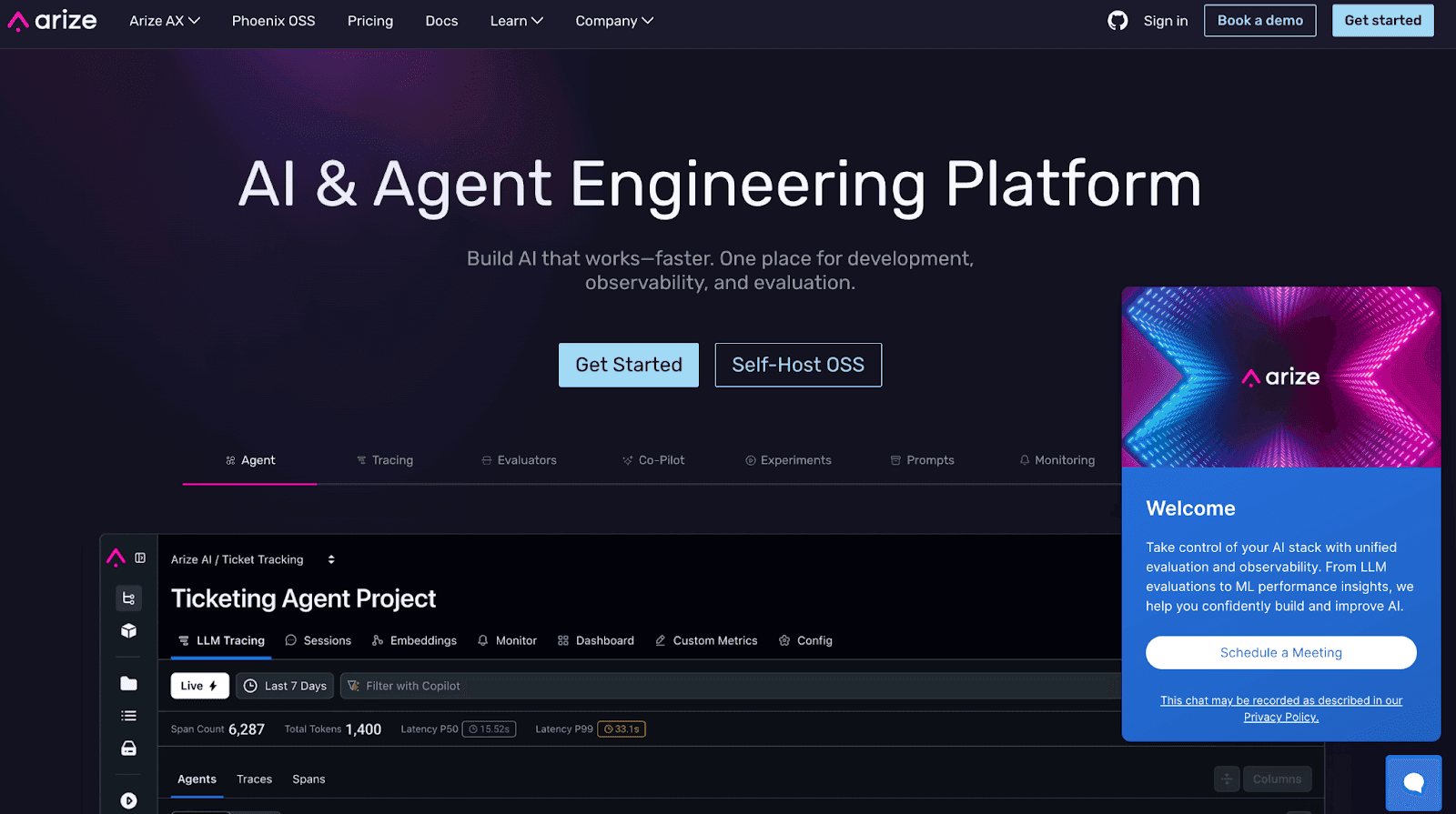
Arize AI goes beyond surface-level metrics by offering deep visibility into how models perform in real-world environments.
Instead of simply detecting drift, it helps teams understand why drift is happening, making AI troubleshooting proactive rather than reactive.
Its explainability-first approach ensures that both technical and non-technical stakeholders can trace outcomes back to inputs and decisions, fostering trust in AI across the organization.
Key Features
Drift Detection Across Dimensions: Real-time alerts when model predictions diverge from expected outcomes or training data distributions.
Explainability Tools: Feature importance, prediction breakdowns, and bias analysis help teams understand why a model behaves the way it does.
Role-Based Dashboards: Tailored views for data scientists, compliance officers, and business stakeholders, ensuring insights are accessible and relevant.
Fairness & Bias Auditing: Built-in bias detection tools highlight disparities across demographics or cohorts.
Flexible Integrations: Works with leading ML platforms, pipelines, and data warehouses, ensuring smooth adoption without overhauling infrastructure.
Collaboration-Friendly Workflows: Shared dashboards and annotation tools allow cross-functional teams to debug, discuss, and resolve issues in context.
What Makes It a Strong Observability Tool?
Deep focus on explainability rather than just monitoring numbers.
Bias and fairness checks make it suitable for regulated industries.
Role-based dashboards ensure each team member sees actionable insights.
Real-time drift detection keeps models aligned with shifting data patterns.
Integrates easily into existing ML pipelines, reducing friction.
Where Could It Improve?
Latency and custom instrumentation issues in certain cases affect the responsiveness and flexibility of the platform.

Learning curve can be steep for beginners, as some advanced features require deeper expertise and the documentation may feel overwhelming

API access is limited, making it harder to integrate Arize AI’s features into custom workflows or leverage them through packages.

Pricing may feel steep for small teams or early-stage startups.
Requires data science maturity—non-technical users may need guidance during onboarding.
Advanced features can feel overwhelming without a structured adoption plan.
Pricing & Plans
AX Free – $0/month
Core model monitoring
Suitable for individuals and small teams
AX Pro – Starts at $50/month
Drift detection, advanced dashboards, explainability
Designed for scaling teams needing collaboration
Enterprise – Custom Pricing
Full-scale monitoring with advanced compliance, integrations, and large-scale data handling
Best For:
Enterprises and regulated industries need trustworthy, explainable, and bias-aware AI monitoring.
2. W&B (Weights & Biases)
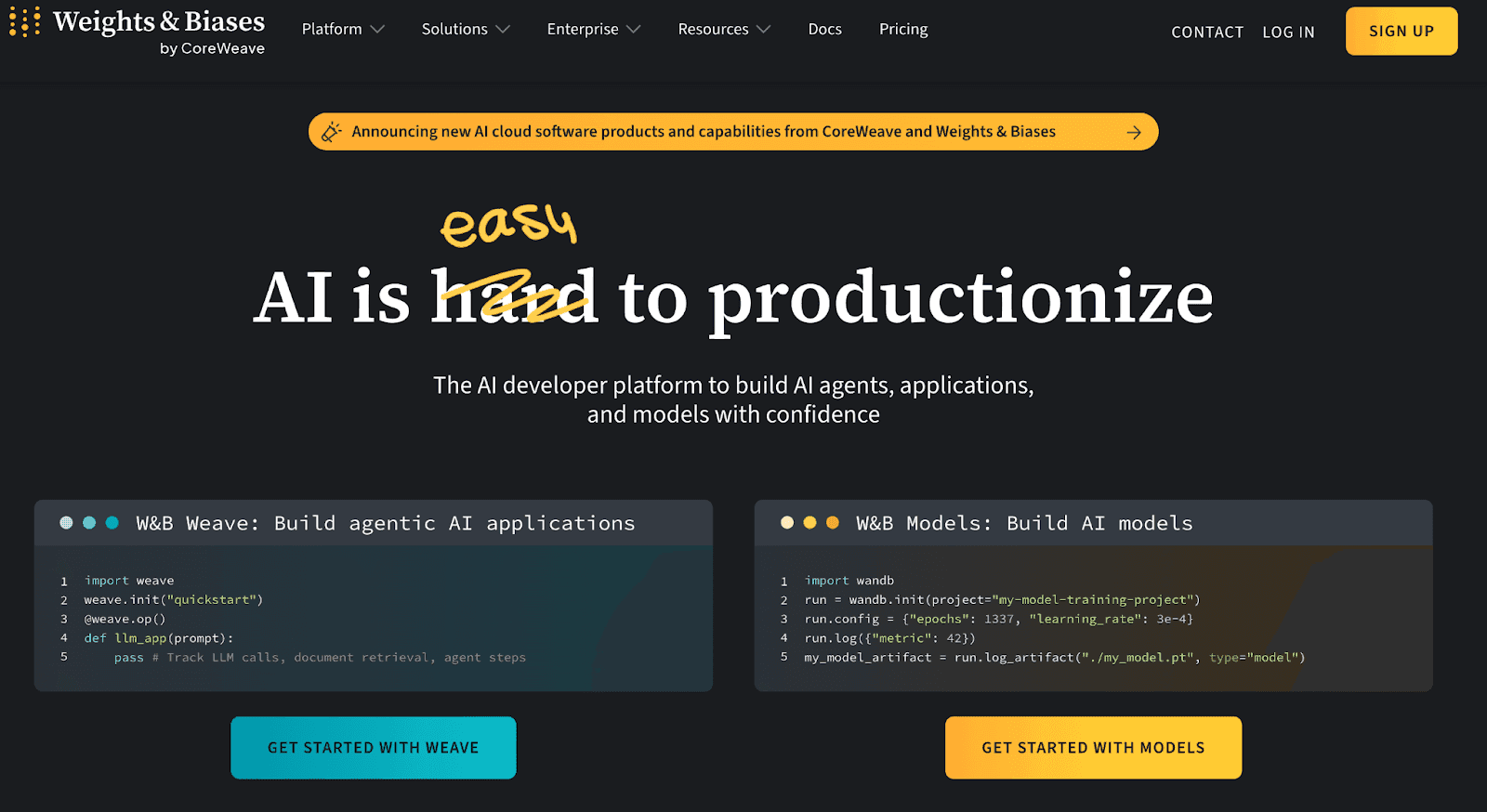
W&B is a top platform for experiment tracking and ML observability. It’s widely used by data science teams.
Its collaboration tools help teams manage experiments, compare results, and monitor training in real time.
The platform integrates with popular ML frameworks to streamline model development. It also boosts transparency and reproducibility.
With enterprise-grade scalability, W&B is trusted by data-driven businesses.
Key Features
Experiment Logging – Logs hyperparameters, datasets, and metrics across experiments for easy reproducibility and comparison.
Collaboration Tools – Enables real-time sharing of results, charts, and notes among distributed research teams.
Artifact Versioning – Tracks datasets and models with version control to avoid duplication and confusion.
Framework Integrations – Connects seamlessly with PyTorch, TensorFlow, and Scikit-learn to simplify machine learning workflows.
Custom Visualizations – Allows teams to create advanced, shareable visualizations for performance tracking and reporting.
Scalable Storage – Provides cloud-based storage for managing large experiment histories securely and efficiently.
API Access – Offers API endpoints for flexible integration into existing pipelines and workflows.
Model Monitoring – Tracks model performance, drift, and anomalies in real time to ensure reliability and accuracy.
What Makes It a Strong Observability Tool?
Centralized logging supports reproducibility across multiple experiments.
Rich framework integrations reduce setup friction for ML teams.
Visualization tools make complex metrics easier to understand.
Collaboration features support distributed research and communication.
Artifact versioning ensures consistent and reliable experimentation history.
Where Could It Improve?
Documentation for basic functionalities is lacking, making it difficult for users to find and use essential features.

Server lag in the online approach can affect performance, causing delays during critical operations.

Missing features like global normalization settings and window management options reduce flexibility and usability.

Pricing & Plans
Free – $0/month
Designed for individual developers and small teams getting started with AI experiments and application monitoring. Includes core experiment tracking, application tracing, evaluations, and community support.
Pro – Starts at $60/month (billed monthly)
Built for professional teams optimizing AI applications and models in production. Adds CI/CD automations, Slack and email alerts, unlimited collaborators, access controls, service accounts, and priority support.
Enterprise – Custom pricing
For organizations with advanced security, compliance, and governance needs. Includes single-tenant deployments, regional hosting options, HIPAA compliance, SSO, audit logs, private connectivity, customer-managed encryption keys, and enterprise support.
Best For:
Teams and enterprises needing experiment tracking, collaboration, and reproducibility in machine learning workflows.
3. Fiddler AI
Fiddler AI focuses on explainability in AI systems, offering observability tools tailored for regulated industries and compliance-heavy organizations.
It helps teams understand, monitor, and debug models by revealing the reasoning behind decisions.
By emphasizing fairness, bias detection, and regulatory alignment, Fiddler AI supports transparency while maintaining performance insights, making it a powerful ally for organizations with accountability at their core.
Key Features
Explainability Workflows – Guides users with step-by-step insights to better interpret model predictions in real scenarios.
Bias Attribution Engine – Pinpoints which data segments and features are contributing to fairness issues for targeted fixes.
Adaptive Drift Alerts – Learns from historical patterns to send smarter alerts that focus on real, actionable changes.
Governance Scorecards – Provides live dashboards to track compliance, fairness, and model health across teams easily.
Scenario Simulation Studio – Lets teams test different input scenarios to see how changes impact model results before deployment.
Federated Learning Support – Enables secure, distributed model training while preserving data privacy across multiple locations.
What Makes It a Strong Observability Tool?
Deep explainability clarifies model decisions beyond metrics alone.
Bias checks ensure fairness across sensitive data categories.
Compliance tools help meet strict industry regulations effectively.
Drift monitoring maintains model accuracy in production use.
Custom integrations enable seamless enterprise-level adoption quickly.
Where Could It Improve?
Usability can be difficult for users new to AI, AIOps, and AI monitoring, requiring more intuitive onboarding or tutorials.

A free version with limited features would help new users explore the tool before fully committing.

Pricing & Plans
Free Guardrails – Free
For teams needing real-time safety and moderation for GenAI applications. Includes contextual trust models, protection against hallucinations, toxicity, PII, prompt injection, and jailbreak attempts with low-latency enforcement.
Lite – Pricing available on request
For individuals and small teams building LLM and MLOps workflows. Covers model performance monitoring, drift detection, basic root-cause analysis, and security essentials.
Business – Pricing available on request
For teams aligning AI systems with business KPIs. Adds advanced analytics, model fairness and bias assessment, role-based access control, SSO, and dedicated customer success support.
Premium – Custom pricing
For enterprises deploying AI at scale. Includes SaaS or on-premise deployments, white-glove support, customized onboarding, and dedicated communication channels.
Best For:
Enterprises in regulated industries prioritizing explainability, compliance, and fairness in AI workflows.
4. Langfuse
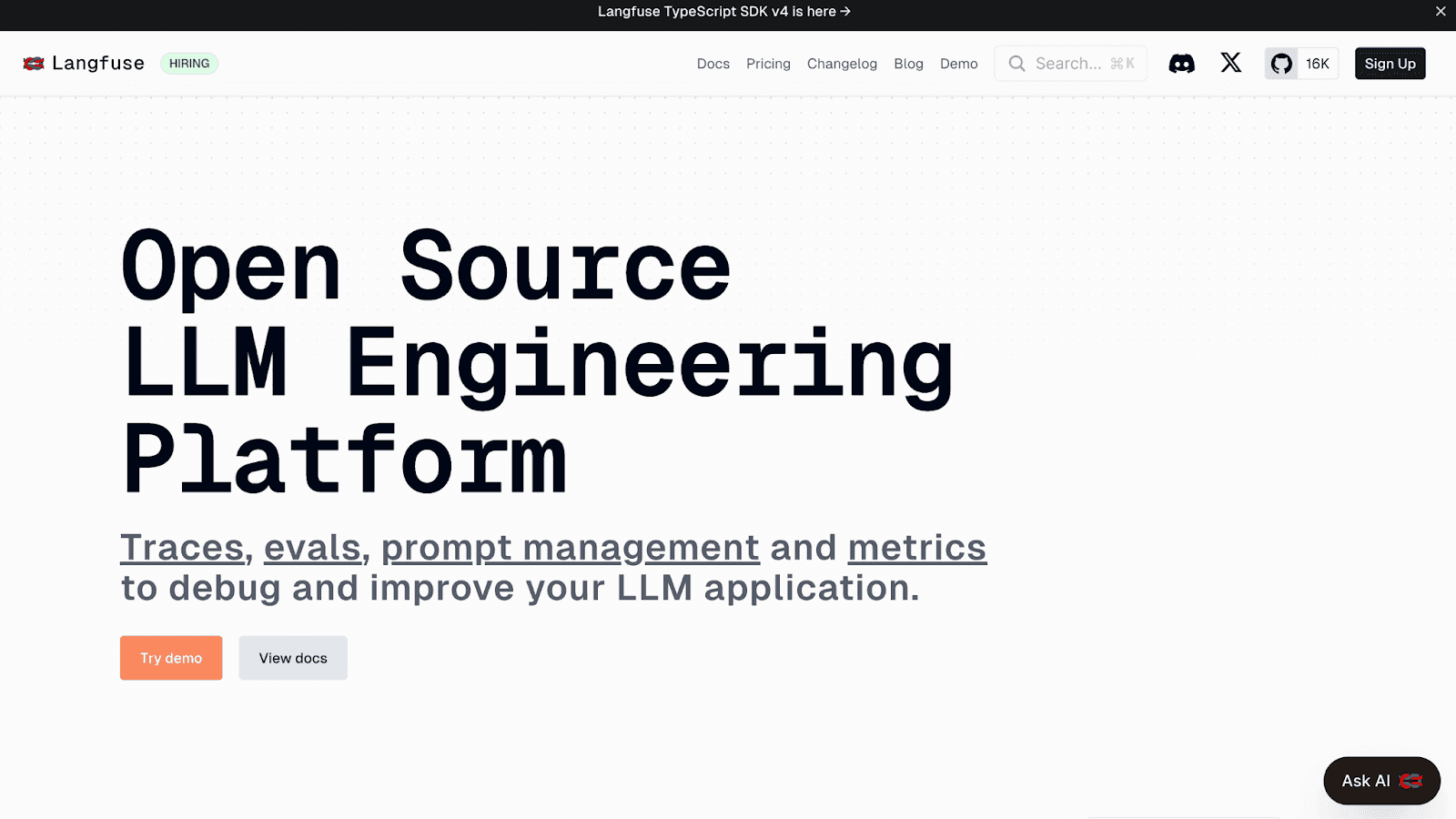
Langfuse is built for monitoring large language models (LLMs).
It offers specialized tools to visualize and debug conversational AI workflows.
By tracking each request and response, it helps teams understand model decisions.
This improves how models perform over time.
With trace visualizations, developers can see how the AI works step by step.
Flexible debugging tools make it easier to fix issues.
Langfuse also gives insights into LLM behavior, helping teams refine and scale their AI applications confidently .
Key Features
Trace Visualization – Displays the full request-response chain to clarify how LLMs reach outputs.
Prompt Debugging – Analyzes prompts and responses to improve consistency and reduce hallucinations.
Usage Analytics – Tracks token usage and cost metrics for better resource planning.
Error Monitoring – Identifies failed or degraded responses, enabling faster debugging.
Version Tracking – Keeps records of prompt versions to compare effectiveness across updates.
Integrations – Works seamlessly with OpenAI, Anthropic, and Hugging Face pipelines.
Custom Dashboards – Allows teams to build dashboards that highlight key LLM performance metrics.
What Makes It a Strong Observability Tool?
Trace visualizations clarify request-response chains quickly.
Prompt debugging reduces LLM errors and inconsistencies.
Usage analytics keep costs predictable for enterprises.
Error monitoring accelerates troubleshooting in real time.
Integration options simplify adoption across AI pipelines.
Where Could It Improve?
Niche focus on LLMs limits wider usage.
Fewer compliance tools than competitors.
Limited offline usability in secure environments.
May overwhelm teams new to observability tools.
Still maturing compared to larger platforms.
Pricing & Plans
Hobby – Free
For hobby projects and proofs of concept. Includes core platform features with usage limits, basic data retention, and community support.
Core – $29/month
For early production projects with small teams. Adds increased usage limits, longer data retention, unlimited users, and in-app support.
Pro – $199/month
For scaling production workloads. Includes unlimited data access, higher rate limits, data retention management, compliance options, and prioritized support.
Enterprise – $2,499/month
For large teams with enterprise requirements. Adds audit logs, custom rate limits, SSO and SCIM, uptime and support SLAs, and dedicated support.
Best For:
Teams building and scaling LLM-powered applications that require deep visibility and performance optimization.
5. Helicone
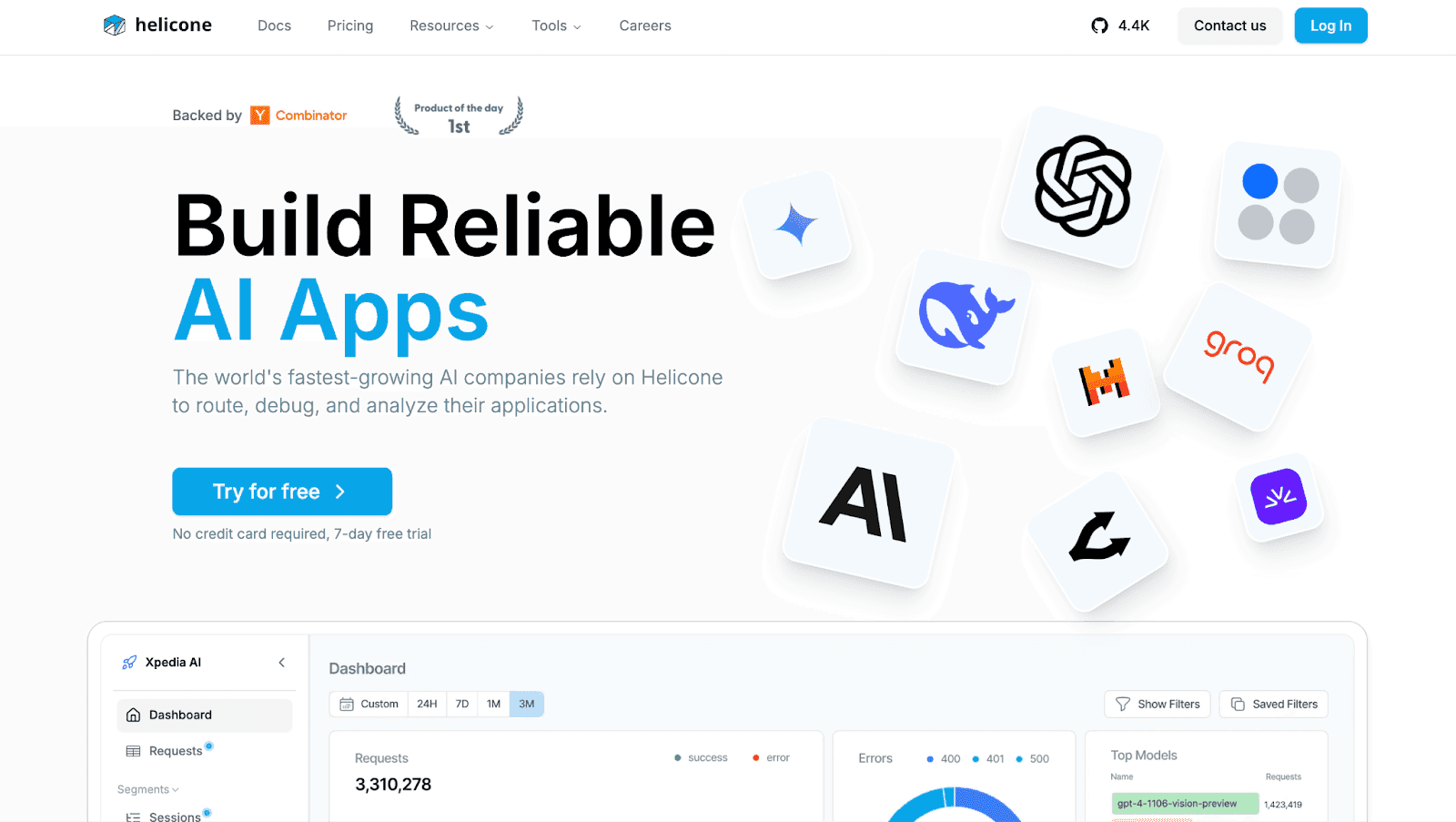
Helicone is a lightweight AI observability tool designed for quick adoption and straightforward monitoring.
It focuses on helping teams track API usage, monitor model performance, and manage costs efficiently.
By offering simple logging and visualization features, Helicone is well-suited for startups and smaller organizations that need transparency without the overhead of complex observability platforms.
Key Features
API Logging – Captures every request and response to ensure transparent monitoring of AI workflows.
Usage Tracking – Tracks API calls, token consumption, and associated costs for budget control.
Performance Metrics – Monitors response times and error rates to evaluate system reliability.
Lightweight Integration – Simple SDKs and plugins enable fast deployment without complex setup.
Custom Dashboards – Lets users design visual reports that highlight usage and performance metrics.
Collaboration Support – Provides team-based access to logs and dashboards for shared insights.
Export Options – Supports CSV and PDF export for sharing data outside the platform.
What Makes It a Strong Observability Tool?
Lightweight design makes adoption fast for startups and small teams.
Usage tracking enables better control over API costs effectively.
Performance metrics ensure reliable and predictable system behavior.
Collaboration features enhance visibility across technical and non-technical stakeholders.
Export options simplify sharing observability data externally when needed.
Where Could It Improve?
Numerous alternatives make it harder to choose Helicone, as competing solutions offer similar or better functionality.

Custom implementation of an LLM proxy is challenging, requiring significant effort on frameworks like Axflow.
Upload scanning takes too long, affecting the overall efficiency of the platform.

Pricing & Plans
Hobby – Free
For experimenting and early AI projects. Includes limited free requests, basic storage, and a single seat.
Pro – $79/month
For growing teams. Adds unlimited seats, unlimited requests, and usage-based billing.
Team – $799/month
For scaling organizations. Includes multiple organizations, SOC 2 and HIPAA compliance, dedicated support, and SLAs.
Enterprise – Contact sales
For large deployments with custom requirements. Adds SAML SSO, on-prem deployment, custom contracts, and volume discounts.
Best For:
Startups and small teams seeking lightweight AI monitoring with cost transparency and simple setup.
How to Choose the Right AI Agent Observability Platform
The right platform depends on how your team uses AI agents.
A lightweight LLM observability tool may suit a startup testing a few models, while enterprises running mission-critical workflows need advanced, enterprise-grade solutions.
Size of your team: Smaller teams need a simple setup. Larger teams need dashboards, compliance, and collaboration.
Workflow complexity: Basic apps work with simple monitoring. Multi-agent or autonomous workflows require full decision-flow visibility.
Budget and scalability: Startups prefer flexible pricing. Enterprises need scalable options for heavy workloads.
Depth of analytics needed: Some tools track data quality, others provide detailed decision paths and workflow optimization.
Conclusion
Observability has become a baseline requirement for anyone running AI agents in production rather than a nice-to-have. As agents take on more autonomous work, the ability to trace a decision, catch a regression, and explain an output is what separates a reliable system from a fragile one.
The platforms covered here approach that problem from different angles. Some lean toward model monitoring and evaluation at scale, some sit close to the experimentation and training workflow, and others focus on tracing and logging for LLM applications, including open-source options for teams that want more control. No single tool is the right answer for every team.
The best fit depends on your stack, your scale, and how much of the workflow you need to see. Start with the failure modes you care about most, whether that is latency, cost, hallucination rate, or drift, then evaluate each platform against how clearly it surfaces those signals in your own environment.
FAQs
What is AI agent observability?
AI agent observability tracks and explains how AI agents perform, helping improve reliability and decision-making.
Why is AI observability important?
It ensures AI agents are accurate, compliant, and trustworthy, reducing risks and boosting performance.
How is observability different from monitoring?
Monitoring tracks metrics; observability explains why agents act a certain way, helping with debugging and scaling.
Which businesses need AI agent observability?
Startups and enterprises in finance, healthcare, and e-commerce benefit most from reliable and transparent AI workflows.
How do pricing models vary across platforms?
Pricing varies widely. Some platforms offer free tiers, while others use seat-based, subscription, or usage-based pricing. Compare each plan against your expected query volume, team size, and compliance needs.

Try Upsolve for Embedded Dashboards & AI Insights
Embed dashboards and AI insights directly into your product, with no heavy engineering required.
Fast setup
Built for SaaS products
30‑day free trial



