Explore the best self-service analytics tools, comparing features, pricing, pros, cons, and which platforms fit non-technical teams best.

Ka Ling Wu
Co-Founder & CEO, Upsolve AI
Nov 14, 2025
10 min

Disclosure: This article is published by Upsolve AI. Where our product is mentioned alongside competitors, we aim to provide balanced coverage based on publicly available information. We encourage readers to evaluate all options independently.
You’re running a business. You don’t have time to wait for reports.
But every time you need data, you’re stuck waiting on your data team. That slows you down.
Self-service analytics fixes that.
These tools let anyone—founders, sales leads, support teams—get the insights they need, instantly.
No code. No delays.
In this blog, I’ll walk you through 5 of the best self-service analytics tools.
You’ll learn:
What they do
Who they’re for
How they fit your workflow
What they cost
If you want faster decisions without chasing reports, this is for you. Let’s get into it.
What Is Self-Service Analytics and How Does It Work?
Self-service analytics help you explore and understand data without needing help from a data analyst or IT team.
You don’t need to code or build custom SQL queries. You just log in, search, and get answers.
These tools are made for non-technical users.
They offer easy dashboards, simple filters, and search bars to help you work with data on your own.
Let’s say you want to check last month’s sales by region.
You open the dashboard, apply a filter, and see the numbers in seconds—no request needed.
This is possible through features like:
Drag-and-drop charts
Real-time filters
Search-based data exploration
It’s different from traditional BI tools that require technical setup or report building from analysts.
With self-service analytics, you run your own analysis when you need it.
Whether you're tracking performance, reviewing marketing results, or checking customer trends, everything is within reach.
You don’t wait for reports. You act on data immediately.
How AI Is Enhancing Self-Service Analytics
✅ Smarter, Faster, Easier
AI now handles the heavy lifting. No need to know what report to run—AI figures it out for you.
✅ Ask Questions in Plain English
With Natural Language Processing (NLP), just type things like:
“Show me the churn rate for last quarter.”
You’ll get instant, clear answers—no manual setup.
✅ Instant Visuals and Insights
Platforms like ThoughtSpot and Upsolve AI turn your questions into charts, summaries, or insights automatically.
✅ Spots Trends You Might Miss
AI highlights unusual shifts, like:
A drop in revenue
A spike in user activity
Churn rising in one region
✅ Predicts What’s Next
With predictive analytics, AI helps you:
Forecast sales
Identify churn risks
Estimate customer lifetime value
✅ Auto-Generated Dashboards
Some tools let you upload data and generate full dashboards based on your business goals—no technical work needed.
What Are the Key Benefits of Using Self-Service Analytics?
Self-service analytics makes it easier for business teams to work with data, without needing technical skills or support.
Instead of waiting on analysts or IT to pull reports, you can get the answers yourself.
Benefit | What It Means | Example |
Save Time & Reduce Data Dependency | Teams access data without waiting for analysts. | Marketing lead checks last week’s email results instantly using filters. |
Faster, Confident Decisions | Easy access means quicker, data-backed decisions. | Sales manager spots a dip and adjusts focus the same day. |
Empowers Non-Tech Teams | No-code tools make data easy for everyone. | Ops manager filters delays by region—no analyst needed. |
Useful Across All Departments | Helps sales, marketing, support, and finance stay aligned. | Each team tracks key metrics—campaigns, pipeline, tickets, and revenue—from one platform. |
With self-service analytics, every team gets the data they need—when they need it.
And that leads to better, faster, more informed decisions across the entire business.
Quick Comparison: Top 5 Self-Service Analytics Tools at a Glance
Tool Name | Key Feature | Ideal For | Pricing | Pro | Con |
|---|---|---|---|---|---|
ThoughtSpot | Natural language search | Mid to large businesses | From $95/user/month | Great for fast, AI-driven queries | Can get expensive at scale |
Power BI | Excel integration, drag-and-drop reports | Microsoft users, small teams | Free, Pro at $10/month | Budget-friendly and reliable | Not ideal for non-Microsoft stacks |
Tableau | Rich data visualizations | Enterprise and data analysts | From $75/user/month | Powerful visuals and insights | Steeper learning curve |
Qlik Sense | Associative data engine | Flexible deployments, IT teams | From $30/user/month | Smart data linking and filtering | Interface can feel complex |
Upsolve AI | Agentic dashboards from natural language | SaaS product teams, customer-facing analytics | Free tier; from $500/month | Self-serve for business users; embeds in your product | Focused on agentic dashboards, not deep custom modeling |
Which Are the 5 Best Self-Service Analytics Tools and Software?
1. ThoughtSpot
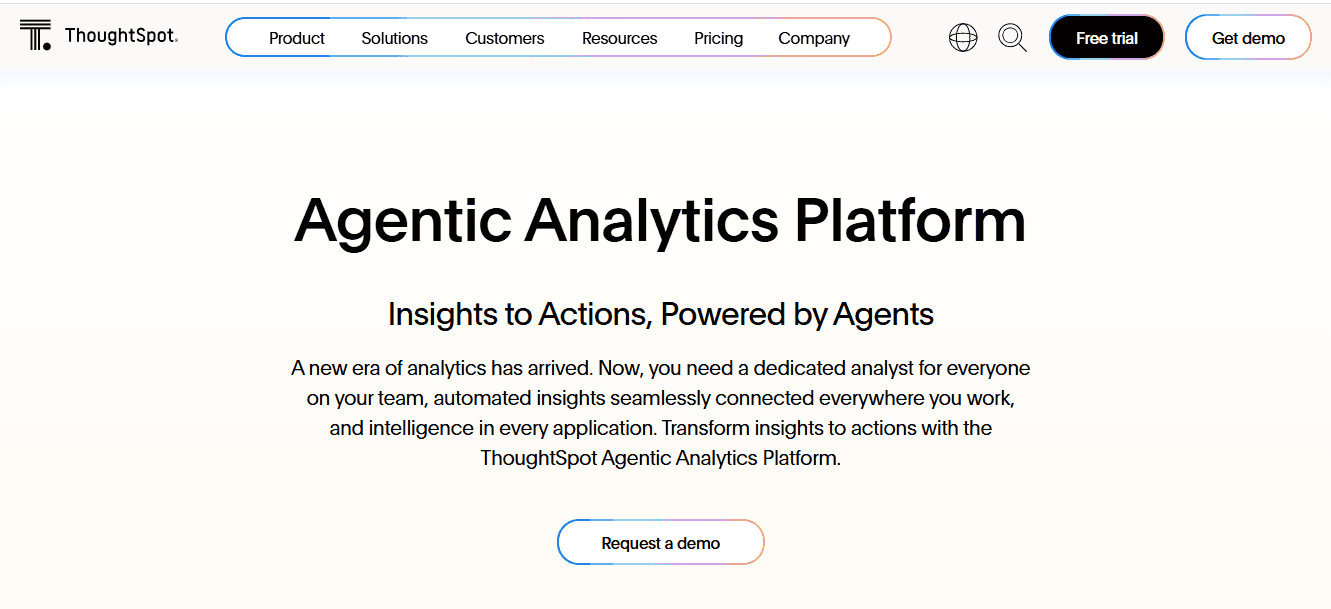
ThoughtSpot is designed for teams that want fast, search-driven access to data—without waiting on dashboards or reports.
It’s great for growing teams that need quick answers from lots of data.
The best part? You can just type a question like “Monthly revenue by region,” and it shows a chart right away.
It also uses AI to highlight trends automatically—even before you search.
So, you don’t have to build reports from scratch.
It connects with cloud tools, so your data is always fresh and accurate.
Best For:
Mid-sized to enterprise teams looking for AI-powered self-service BI with search-first dashboards.
Key Features:
Natural language search interface
AI-suggested insights and trends
Liveboards for real-time dashboards
Cloud data warehouse integrations
Role-based access and sharing
✅ Pros
It lets you search for answers using plain English, like using Google for your data.

Finds useful insights automatically using built-in AI.
Works great with cloud data warehouses like Snowflake and BigQuery.
Good for teams that need fast answers without building custom dashboards.
❌ Cons
It can get expensive if you have a lot of users or large data sets.
You don’t have much design control over how dashboards look.
💰 Pricing
Starts at $95/user/month. Scales based on usage and number of users.
2. Power BI
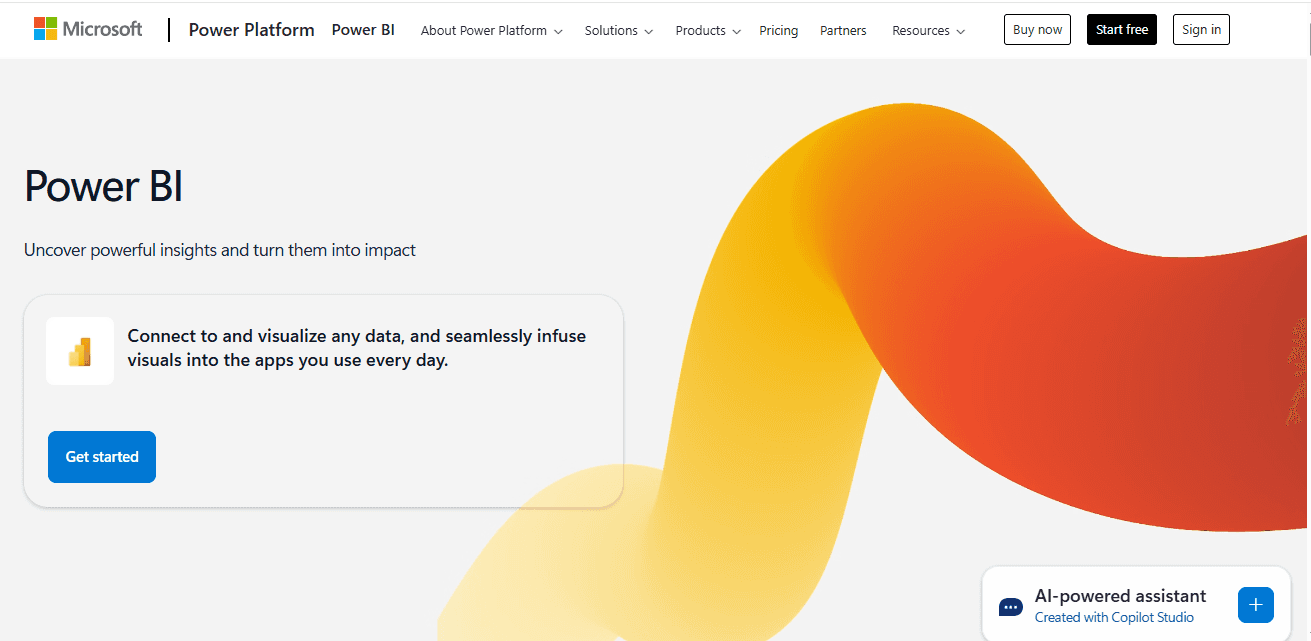
Power BI is a reliable option for teams already using Microsoft tools and looking to add simple, self-service reporting.
It’s a good pick for small teams that want to build dashboards fast.
You can connect data from Excel, SharePoint, SQL, or cloud tools like Azure.
It uses drag-and-drop, so anyone can make reports—no coding needed.
Since it’s a Microsoft tool, it works well with Excel, Teams, and other apps you already use.
Best For:
Small to mid-sized teams working within the Microsoft ecosystem who want cost-effective self-service analytics.
Key Features:
Drag-and-drop dashboard builder
Native Excel and Azure integration
Custom visuals and chart types
Scheduled report sharing
Role-based data access
✅ Pros
Affordable, especially for small teams just starting out
Easy to use if you're already working with Excel or Microsoft 365.

Good basic visuals and dashboard tools for everyday reporting.
Connects well with many Microsoft tools.
❌ Cons
Not as flexible if your team uses non-Microsoft tools.
Customizing dashboards can feel limited compared to more advanced platforms.

💰 Pricing
Free plan available. Pro plan starts at $10/user/month. Premium options for larger teams.
3. Tableau
Tableau is best known for its powerful data visualizations and interactive dashboards.
Tableau is great for teams that want more control and deeper insights.
You can connect it to almost any data source and build custom dashboards using drag-and-drop.
It helps you explore data and find answers at your own pace.
But it takes more time to learn, so it’s better for teams with some BI experience or time to train.
Best For:
Data-focused teams and enterprises that need advanced visual analytics with full dashboard customization.
Key Features:
High-quality interactive visualizations
Connects to many data sources
Real-time dashboard updates
Built-in sharing and publishing tools
Role-based permissions
✅ Pros
It offers detailed, high-quality visuals that are great for storytelling.

It helps you to explore large or complex data sets deeply.
Strong support community and learning materials are available online.
Useful if you want full control over dashboard layout and design.
❌ Cons
Takes time to learn, especially if you’re new to BI tools.

More expensive than most other tools.
Requires time and effort to set up and maintain dashboards.
Some key features are only available in higher-priced plans.
💰 Pricing
Starts at $75/user/month for the Creator license.
Viewer and Explorer plans are available at a lower cost.
4. Qlik Sense
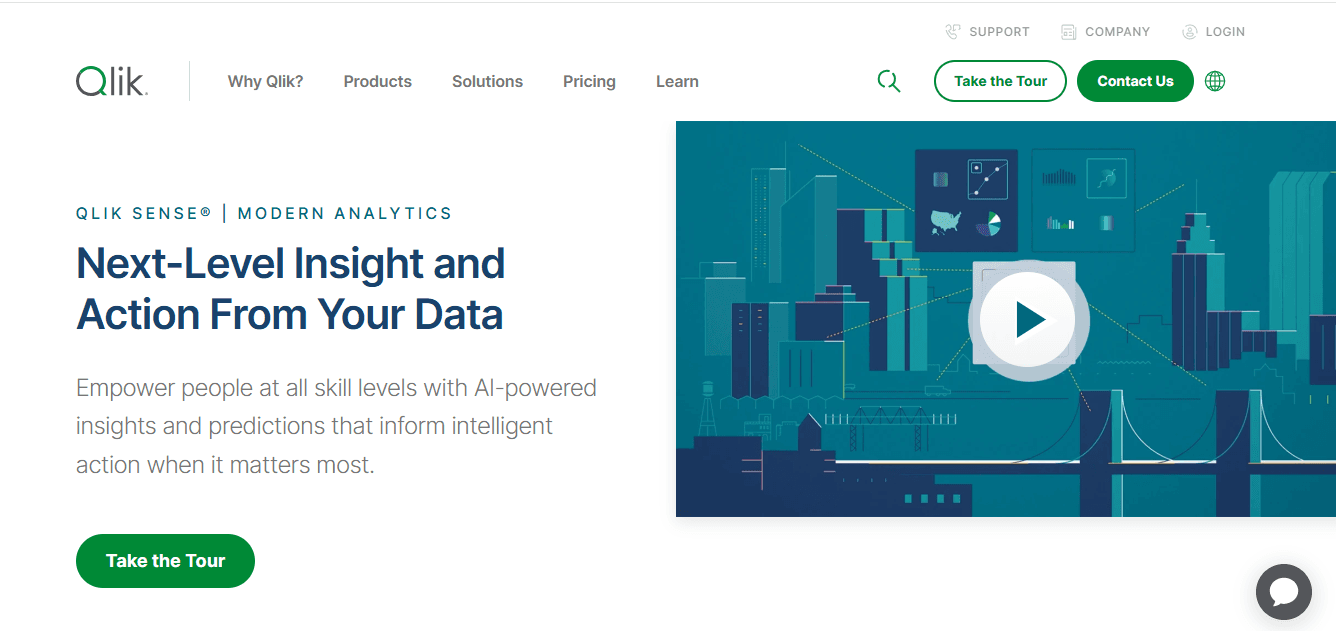
Qlik Sense offers a flexible and intuitive approach to self-service analytics, combining ease of use with smart data exploration.
Qlik Sense is good for teams that want more control over their data.
Its special data engine lets you explore connections between data points by just clicking around.
You don’t need to follow a set path—the tool helps you find insights as you go.
It works on both cloud and on-premise, so it fits different setups.
However, it takes more time to set up and may feel a bit complex for new users.
Best For:
Mid-sized teams or IT-led businesses that need flexible, interactive BI dashboards and smart data discovery.
Key Features:
Associative data engine for dynamic exploration
Smart search and filtering
Custom dashboard and app creation
Cloud and on-premise support
Granular access control
✅ Pros
Great for exploring how different data points are connected.
Smart search and filtering help you discover trends easily.
Works with both cloud and on-premise environments.
Offers good security and access controls for larger teams, user-friendly.

❌ Cons
It can be harder for beginners to use.

Takes longer to build and set up dashboards compared to simpler tools.
The interface may feel overwhelming for non-technical users.
💰 Pricing
Starts at $30/user/month. Enterprise pricing is available for custom deployments.
5. Upsolve AI
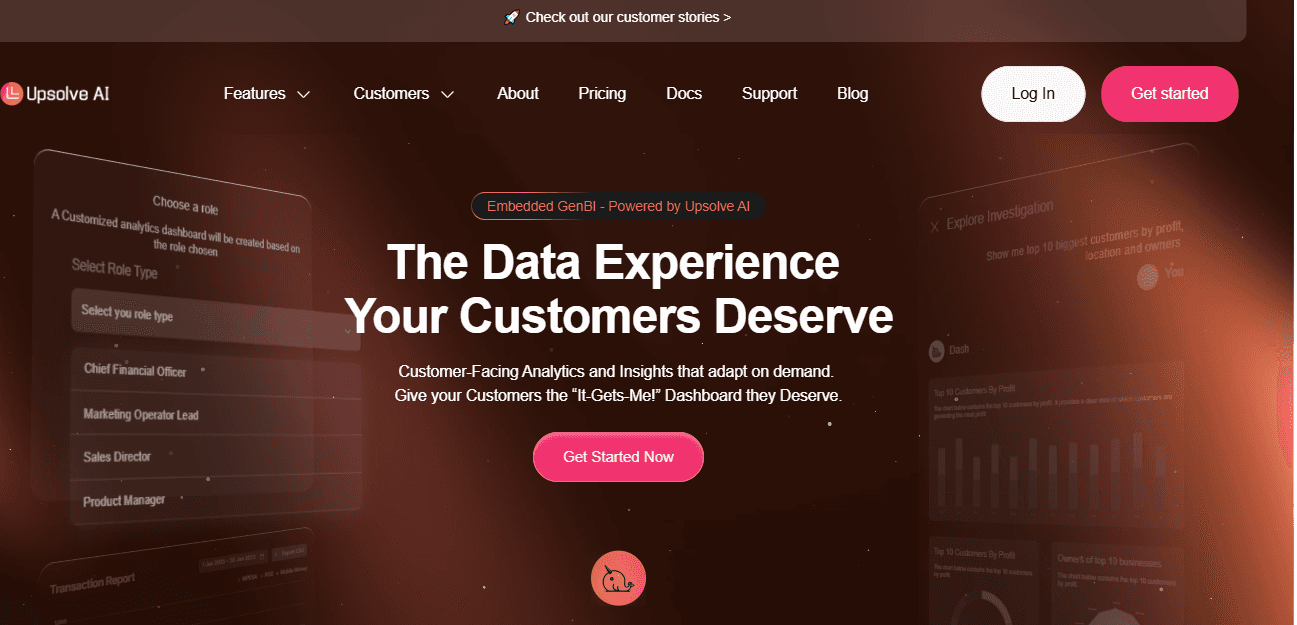
Upsolve AI is an agentic analytics platform. Business users work through an Agentic Dashboard, asking questions in natural language and describing the charts they want for the agent to build, while data teams use Agent Studio to encode the metric definitions and business rules that keep answers accurate.
For SaaS products, those same agent-driven dashboards can be embedded directly into your application, so customers get analytics inside the product rather than as an add-on. Role-based access and row-level security keep each user scoped to the data they should see.
Best For:
Startups and SaaS teams that want self-serve analytics they can embed for both internal users and customers.
Key Features:
Agentic Dashboard: business users ask in natural language and describe the charts they want, and the agent builds them
Agent Studio: data teams encode metric definitions, business rules, and validated queries so answers stay accurate
Embeddable and white-labeled for customer-facing products
Role-based access control and row-level security
Three-layer context architecture (Structure, Meaning, Trust) for trustworthy answers

✅ Pros
Business users build and share dashboards without code
Deploys for both internal teams and customer-facing use
Embeddable and white-labeled to match your brand
Context layer keeps answers consistent across users
❌ Cons
Focused on agentic dashboards rather than deep custom data modeling.
💰 Pricing Free tier + paid plans from $500/month, billed on usage-based credits. Custom Enterprise pricing is available for advanced security and deployment.
What we’ve learned
Power BI is great for Microsoft users, Tableau shines with visuals, ThoughtSpot offers fast search, Qlik Sense gives you flexibility with data exploration, and Upsolve AI brings an agentic, embeddable approach for internal and customer-facing analytics.
Each tool has its place depending on your team, budget, and technical needs.
How to Choose the Right Self-Service Analytics Software for Your Team
Choosing the right self-service analytics software depends on your team’s goals, how technical your users
are, and how quickly you need to get started.
Some tools are simple and made for non-technical users.
Others are more advanced but take time to set up and learn.
Here’s what you should focus on before making a decision:
1. Is It Easy to Use Without Technical Skills?
Does the tool offer a no-code or drag-and-drop interface?
Can team members navigate dashboards easily without training?
2. Does It Integrate With Your Existing Data Sources?
Can it connect to tools like Google Sheets, CRMs, databases, or cloud warehouses?
Will it reduce the need for manual data uploads?
3. Can the Tool Scale With Your Team?
Will it still work well as your data grows or your team expands?
Does it support more users or higher data volumes without performance issues?
4. Do You Need a Cloud-Based or On-Premise Tool?
Would you prefer something easy to set up and maintain (cloud)?
Or do you need more control over data storage (on-premise)?
5. Does It Offer Real-Time or Frequent Data Updates?
Can you get up-to-date insights quickly when needed?
Are dashboards refreshed automatically?
6. Is It Secure and Role-Based?
Can you control who sees what data?
Is it safe to share dashboards with internal teams or external users?
📋 Quick Checklist: What to Look For
Feature | Why It Matters |
No-code interface | Helps non-technical users get started fast |
Native integrations | Saves time and reduces manual data uploads |
Real-time dashboards | Keeps insights fresh for better decisions |
Cloud/on-premise options | Flexibility based on your infrastructure |
Role-based access control | Ensures data privacy and user-specific views |
Scalability | Supports growth without needing a new solution |
Conclusion: Is Self-Service Analytics the Right Fit for Your Business?
Each self-service analytics tool has its own strengths, depending on your team’s needs.
Power BI works well for small teams already using Microsoft tools.
Tableau is ideal if you need detailed visuals and have time to learn.
ThoughtSpot gives you fast, AI-powered answers with a search-first approach.
Qlik Sense offers flexible data exploration with smart connections across data.
Upsolve AI brings an agentic, embeddable approach built for fast-moving teams and customer-facing use cases.
All of these tools are worth exploring. The right one depends on your team's technical level, your budget, and whether you need internal analytics, customer-facing analytics, or both.
FAQs
What Is a Self-Service Analytics Tool?
A self-service analytics tool lets non-technical users access, analyze, and visualize data without relying on IT or data teams.
Which Is the Best Self-Service Analytics Software for Startups?
Several tools fit startups well. Power BI is budget-friendly for Microsoft stacks, ThoughtSpot and Qlik Sense suit teams that want search or flexible exploration, and Upsolve AI offers no-code, embeddable agentic dashboards for internal and customer-facing use. The best choice depends on your stack and whether you need to embed analytics for customers.
How Do I Choose the Right Self-Service Analytics Tool?
Focus on ease of use, integrations with your data sources, real-time insights, and scalability. Choose a tool that matches your team's technical level and goals.
Can I Use Self-Service Analytics Without Any Technical Skills?
Yes. Tools like Power BI, ThoughtSpot, and Upsolve AI are designed for non-technical users with search, drag-and-drop, or natural-language interfaces.
What Are the Benefits of Self-Service Analytics?
It saves time, reduces dependency on analysts, and helps you make faster decisions with real-time access to key metrics.
Do Self-Service Analytics Tools Work with Cloud Data Warehouses?
Yes. Most modern tools, including ThoughtSpot and Upsolve AI, connect to cloud data platforms like BigQuery, Snowflake, and Redshift.
Can I Embed Dashboards in My SaaS Product?
Yes. Tools like Upsolve AI offer embedded, agent-driven analytics, so you can display dashboards inside your product or portal with full customization.
Are There Free Self-Service Analytics Tools?
Some platforms like Power BI offer free versions. Others, like Upsolve AI, offer a free tier so you can test before committing.
What Types of Teams Use Self-Service Analytics?
Sales, marketing, product, operations, and customer support teams all use self-service analytics to monitor KPIs and track performance.

Try Upsolve for Embedded Dashboards & AI Insights
Embed dashboards and AI insights directly into your product, with no heavy engineering required.
Fast setup
Built for SaaS products
30‑day free trial