
The Ultimate Guide to Building Dashboards that are ACTUALLY Meaningful for Your Users
It's not too hard to build a dashboard, especially with drag and drop interfaces (such as Upsolve's customer-facing analytics). But goodness it's hard to build one that's ACTUALLY good. In this article I've broken it down to tried-and-tested steps.

Serguei Balanovich
Co-Founder & CTO
Nov 14, 2025
10 min

Introduction
A great SaaS dashboard isn’t just a collection of charts—it’s a story. A well-designed dashboard makes your product look good, highlights the impact of your product, and gives users real insights into their usage.
This guide walks you through the key principles of crafting an analytics dashboard that:
Shows clear value to your users
Highlights meaningful improvements over time
Provides self-service analytics to increase engagement
1. Pick the Right Analytics Database
A fast, scalable analytics backend is crucial for a smooth dashboard experience. Traditional relational databases struggle with analytics workloads, so moving data to a modern analytics engine is a smart investment.
Recommended databases:
TimescaleDB – Best for time-series analytics
ClickHouse – Blazing-fast OLAP queries
Apache Iceberg – Great for large-scale analytical workloads
BigQuery – Managed analytics at scale
Your analytics queries should be optimized for performance, ensuring instant insights for your users.

2. Choose a High-Performance Charting Library
Your charts should be visually appealing, interactive, and responsive. They also need to handle large datasets efficiently. Two excellent libraries to consider:
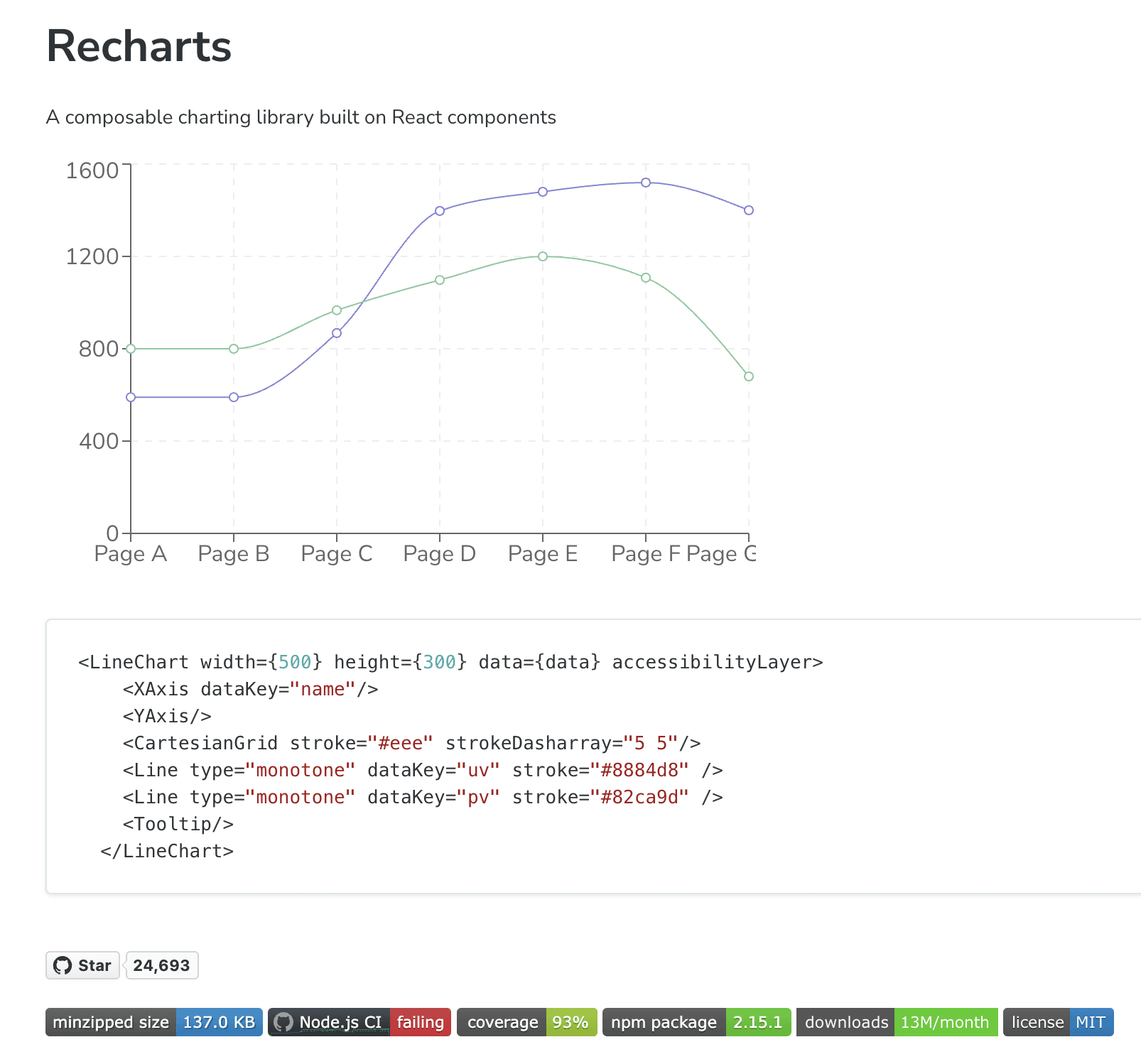
Recharts – Simple, composable React-based charting
ECharts – High-performance with rich interactivity
Your choice of charting library should align with your tech stack and performance needs.

3. Identify Key Metrics That Matter
Your dashboard should immediately communicate value by showing users the most impactful metrics. The best way to do this is through stat cards—small visual elements displaying key numbers prominently.
Observability:
Error rate over time
Latency percentiles (p50, p95, p99)
System uptime percentage
Product Management:
Feature adoption rate
User retention by cohort
Average session duration
Sales and Marketing:
Lead conversion rate
Customer acquisition cost (CAC)
Email campaign open rate
Logistics and Supply Chain:
On-Time Delivery %
Warehouse fulfillment speed
Inventory turnover rate
Ads Optimization:
Click-through rate (CTR)
Cost per acquisition (CPA)
Return on ad spend (ROAS)
Healthcare Operations:
Patient wait time
Readmission rate
Average length of stay
Stat cards should be placed at the top of the dashboard for maximum visibility.


4. Highlight a Time-Based Improvement Metric
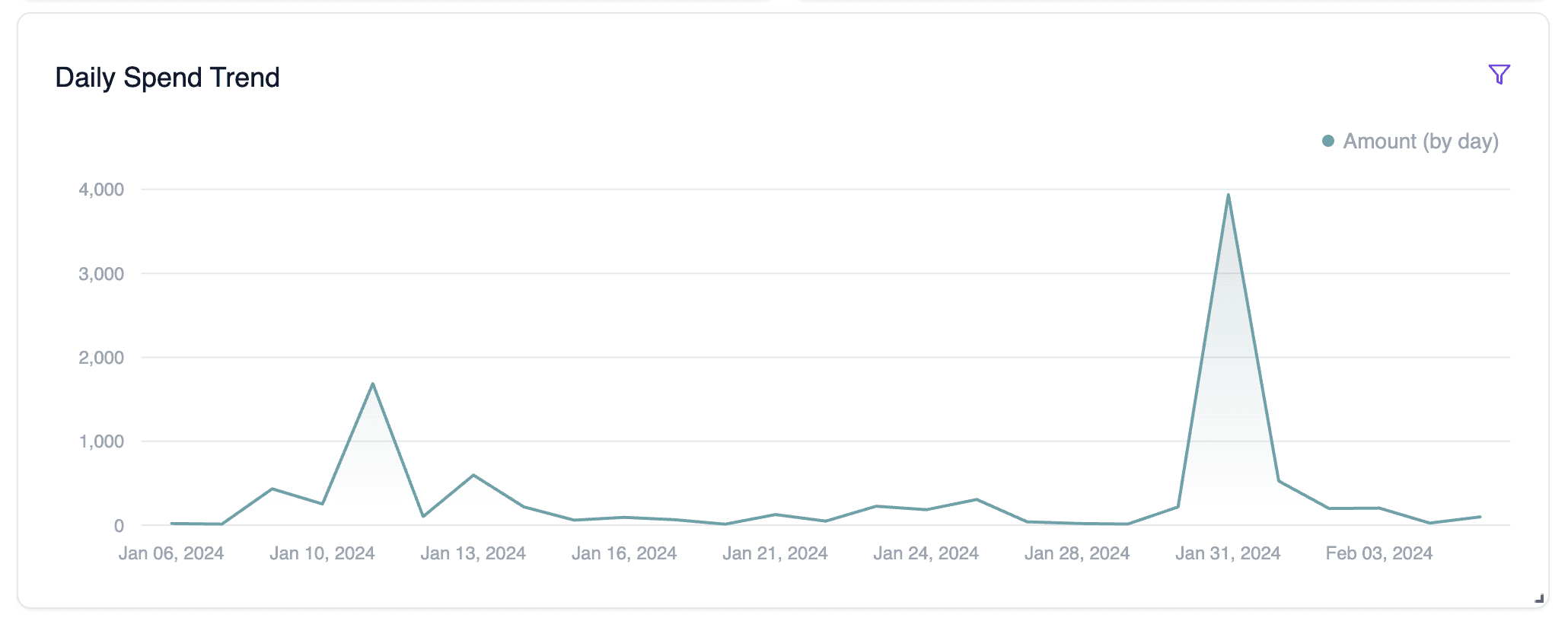
Your product likely helps users improve some metric over time. Find that metric and make it the focal point of your dashboard.
Observability:
Mean time to resolution (MTTR) decreasing over time
Reduction in system downtime
Faster incident detection and response
Product Management:
Growth in feature adoption over time
Increase in daily/weekly active users
Improved user retention by cohort
Sales and Marketing:
Shorter sales cycle length
Increasing conversion rate over time
Growth in marketing-generated revenue
Logistics and Supply Chain:
Decrease in average delivery time
Reduction in warehouse fulfillment delays
Improvement in supply chain efficiency
Ads Optimization:
Increasing return on ad spend (ROAS)
Lowering cost per acquisition (CPA) over time
Rising click-through rate (CTR) from ad optimizations
Healthcare Operations:
Shorter patient wait times
Decreasing hospital readmission rates
Improved staff efficiency metrics
Place this trend line chart right below your stat cards to tell a compelling story.
5. Add Filters for Deeper Insights
A great dashboard lets users drill down into their data. At a minimum, include:
Date Range Selector – Essential for trend analysis
Categorical Filters – Industry, product type, region, etc.
These filters should be intuitive and persistent, allowing users to refine their view effortlessly.

6. Enable Personalization & Self-Service Analytics
Users love flexibility. Provide a catalog of additional charts they can add to their dashboard. This makes your product feel more powerful and tailored to their needs.
Observability:
API response time distribution
Error rate breakdown by service
Anomaly detection trends
Product Management:
Daily active users (DAU) vs. Monthly active users (MAU)
Feature engagement trends
Customer churn prediction
Sales and Marketing:
Sales funnel conversion drop-off points
Lead source performance over time
Customer lifetime value (LTV) trends
Logistics and Supply Chain:
Shipment tracking accuracy
Supplier performance over time
Route optimization impact
Ads Optimization:
Ad placement effectiveness
A/B testing performance breakdown
Ad spend efficiency by region
Healthcare Operations:
Bed occupancy trends
Telehealth usage patterns
Cost savings from operational improvements
By allowing users to customize their dashboards with these additional insights, you empower them to extract the most value from your product.
The more users can personalize their dashboards, the more value they’ll see in your product.


Ready to transform your analytics experience? Fast-track your dashboard development with Upsolve AI
Upsolve's dashboard solution delivers everything covered in this guide—and more:
Pre-built analytics infrastructure optimized for performance and scale
Professionally designed visualization components that handle complex data with ease
Customizable metric cards and filters that adapt to your unique business needs
Self-service capabilities your users will love (and that will reduce your support burden)
Deployment in days, not months - without straining your engineering resources
Save months of development time and hundreds of thousands in engineering costs while delivering a superior dashboard experience to your users.
Key Takeaways
Hire once: Add an employee in Payroll and they’re synced to Time automatically.
A named manager, clear escalation paths with time commitments.
Reconcile faster: Payment deposits and fees auto‑post to your GL.
Hire once: Add an employee in Payroll and they’re synced to Time automatically.
A named manager, clear escalation paths with time commitments.
Reconcile faster: Payment deposits and fees auto‑post to your GL.
Pros
Hire once: Add an employee in Payroll and they’re synced to Time automatically.
A named manager, clear escalation paths with time commitments.
Reconcile faster: Payment deposits and fees auto‑post to your GL.
Cons
Hire once: Add an employee in Payroll and they’re synced to Time automatically.
A named manager, clear escalation paths with time commitments.
Reconcile faster: Payment deposits and fees auto‑post to your GL.
Try Upsolve for Embedded Dashboards & AI Insights
Embed dashboards and AI insights directly into your product, with no heavy engineering required.
Fast setup
Built for SaaS products
30‑day free trial