
We tested AI data agents in real workflows. Here’s which tools scaled past demos and worked reliably for analysis and decision-making.

Ka Ling Wu
Co-Founder & CEO, Upsolve AI
10 min

Disclosure: This article is published by Upsolve AI. Where our product is mentioned alongside competitors, we aim to provide balanced coverage based on publicly available information. We encourage readers to evaluate all options independently.
If you asked me whether AI agents could handle real data analysis, I’d probably say: not in production.
We tested the early tools. Most were just thin wrappers on top of ChatGPT. They broke on long prompts, lost context, or hallucinated results. You couldn’t trust them with much more than summarizing a spreadsheet.
That’s changed.
Today’s AI agents aren’t just “copilots.” They’re autonomous systems that can reason across your data, connect to live sources, interpret complex queries, and deliver answers that actually drive decisions.
And this isn’t limited to internal analytics teams.
Founders are embedding agents directly into SaaS products. Ops teams are using them for recurring reporting. Growth teams are replacing static dashboards with conversational agents that understand context and intent.
In this post, I’m breaking down 10 AI agents that stood out not because they hyped the “agent” label, but because they actually worked when we tested them inside real workflows:
Tools that shipped into real products
Tools that scaled beyond prototypes
Tools that could realistically replace dashboards
Whether you’re a founder, product manager, or data team lead, this list is designed to help you evaluate which AI agents are truly usable, without getting distracted by hype.
Let’s get into it.
TL;DR: 10 Best AI Agents for Data Analysis |
|---|
|
What Are AI Agents for Data Analysis? (And What They're Not)
Let’s clear something up first:
An AI agent for data analysis is not just a chatbot slapped on top of a spreadsheet.
What we’re talking about here are autonomous or semi-autonomous agents that can understand questions, interpret your data, and take multi-step actions without needing you to hold their hand at every step.
Here’s what a real data agent can do:
Connect to your live data sources — SQL, APIs, data warehouses, and cloud sheets.
Parse natural language prompts — “What’s our CAC trend over the last 6 months?”
Run logic, not just return facts — It breaks the question down, applies filters, does comparisons, and returns a smart answer.
Adapt across steps — Ask a follow-up like “What changed last quarter?” and it remembers context.
Act autonomously — Generate a report, visualize results, or push alerts without manual intervention.
So What’s Not a Real Data Agent?
A chatbot that only replies with prebuilt charts? ❌
A GPT plugin that reads a CSV and gives you one-off stats? ❌
A GenAI dashboard with a pretty UI but zero reasoning behind the scenes? ❌
Those are assistants.
What we’re seeing today are actual agents — systems that think, reason, and act across your data stack.
Some can be embedded in your product.
Some are for internal ops. Some even spin up workflows and trigger alerts on their own.
If you’re evaluating tools this year, the question isn’t “Does it use AI?”
It’s “Can it think?”
How We Evaluated These Tools (Framework + Real-World Use)
We didn’t just read product pages or copy G2 reviews.
We tested these AI agents like you would, inside actual workflows.
Some of them we tried embedding into client dashboards.
Some we used for internal analytics.
Others broke before they did anything useful.
Here’s the framework we used to evaluate whether each tool deserved to be on this list:
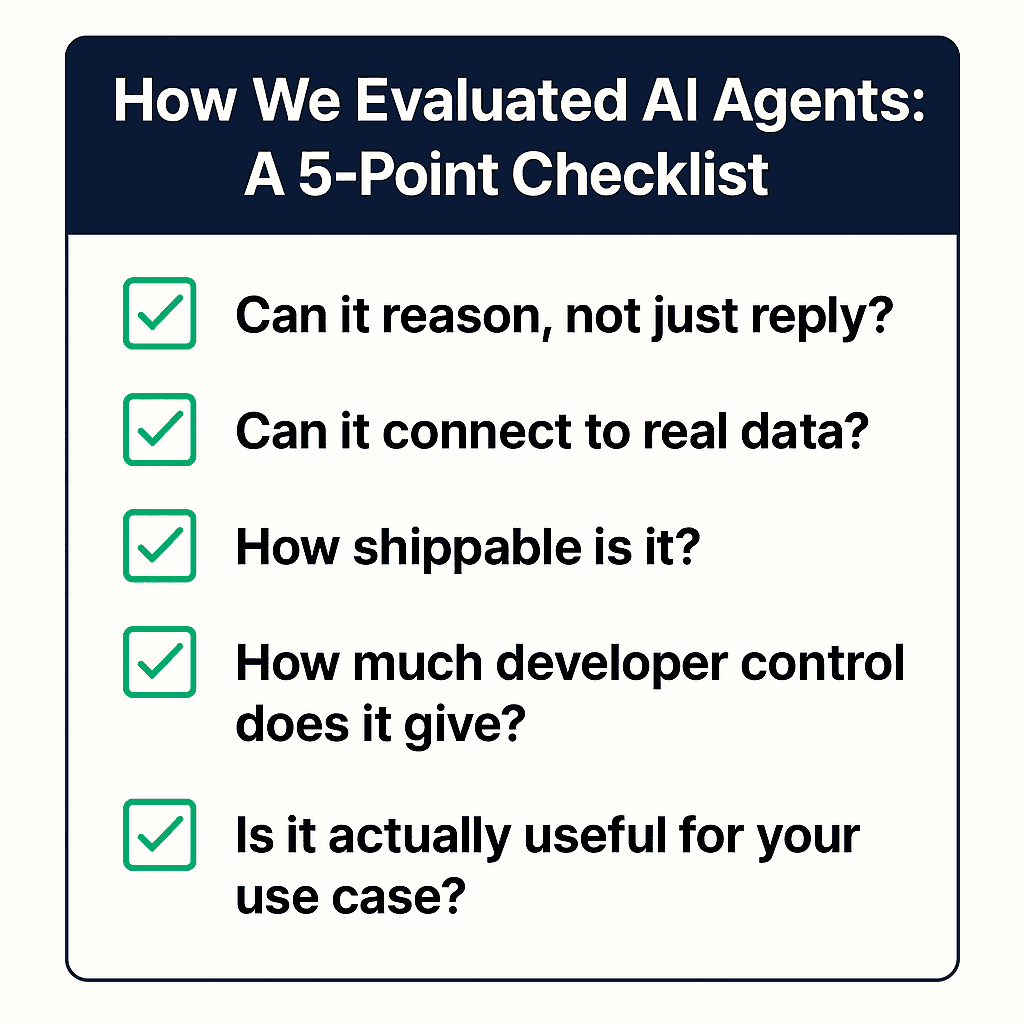
✅ 1. Can it reason, not just reply?
We looked for agents that could:
Handle follow-up questions
Chain logic across steps
Summarize trends and anomalies without hardcoded templates
If it just gave shallow responses like “Here’s a chart,” we didn’t include it.
✅ 2. Can it connect to real data (structured & unstructured)?
We tested:
Live SQL databases
Airtable + Google Sheets
APIs + data lakes
Unstructured data like transcripts, PDFs, etc.
Good agents adapt to messy, real-world data — not just sandbox demos.
✅ 3. How shippable is it?
This was big for us.
Could we take this agent and plug it into a real product?
Could a non-technical team use it in Slack or a dashboard?
If the answer was no, we didn’t consider it production-grade.
✅ 4. How much developer control does it give?
We love open-ended AI, but not when it’s unpredictable.
So we checked if you could:
Tune prompts
Add system instructions
Control access to data sources
Set fallback behaviors
The tools that scored well here gave you real control; the ones that didn't tended to feel unpredictable the moment they hit production. That gap is exactly what a disciplined analytics agent evaluation is designed to expose before you commit.
✅ 5. Is it actually useful for your use case?
We broke it down by:
Founders building customer-facing agents
Analysts automating internal reporting
Agencies needing AI summaries
Teams looking for no-code copilots
Because a tool that works for a solo marketer may not work for a product team scaling to 10,000 users. Bottom line: If it couldn’t reason, connect, scale, or ship, it didn’t make the cut.
Next up, let’s walk through the 10 AI agents that passed this test.
The 10 Best AI Agents for Data Analysis
Each pick is labeled by the use case it fits best, so the order maps to scenarios rather than a strict one-to-ten quality ranking.
AI Agent | Key Features | Best For / Use Cases | Ease of Use | Integrations / Notes |
|---|---|---|---|---|
Powerdrill AI | Interactive NLQ, visualizations, text/image conversion | Analysts, medium enterprises, data teams | Easy | Supports personal and enterprise datasets |
Tableau (with Pulse) | Generative AI queries, smart dashboard suggestions, deep visual analytics | Established data teams, advanced analytics | Medium | Works with the Tableau ecosystem |
Julius AI | Conversational interface, spreadsheet analysis, academic research | Non-technical users, researchers, educators | Very easy | Integrates with Excel and Google Sheets |
Microsoft Power BI (GenAI) | AI narrative generation, automated insights, enterprise integration | Large organizations, corporate teams | Medium | Works with Microsoft 365, Azure |
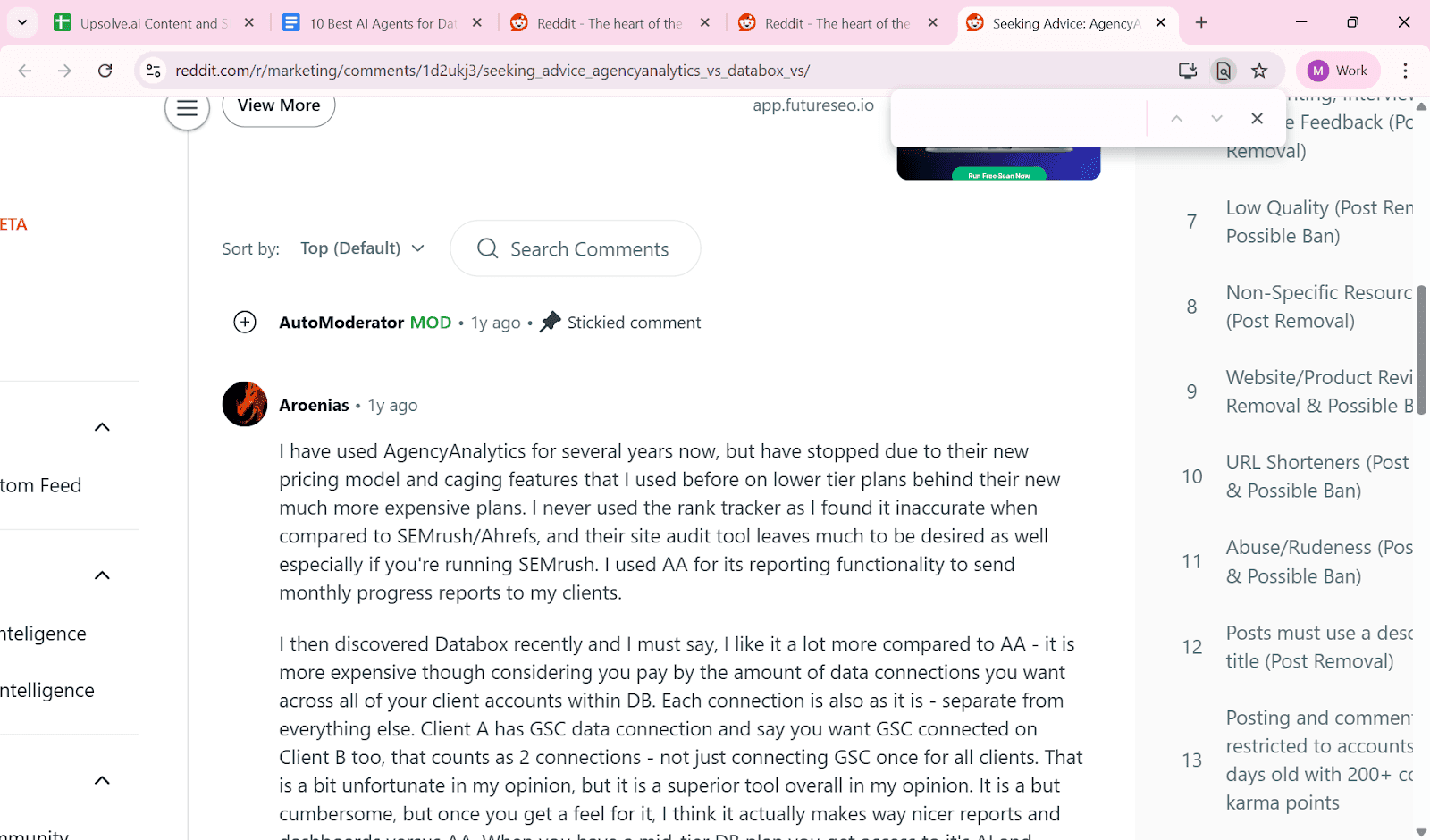
AgencyAnalytics | Ask AI, AI summary, predictive campaign analytics, workflow automation | Marketing agencies, client reporting | Easy | Agency-focused dashboards |
Sisense (AI Studio) | NLQ, advanced dashboarding, enterprise integrations | Large enterprises, complex datasets | Medium | Enterprise-ready analytics |
Snowflake Data Science Agent | Automated ML model development, pipeline orchestration with LLMs | Data science teams, high-growth sectors | Advanced | Cloud-based ML workflows |
Kanerika Karl | SQL-free queries, chart/table generation, plain-English explanations | All business functions, non-technical users | Very easy | Accessible for all teams |
LangChain and Microsoft AutoGen | Multi-agent collaboration, customizable pipelines, data transformation and reporting | Teams needing bespoke AI workflows | Advanced | Customizable orchestration |
Upsolve AI | Agent Studio, natural language analytics, three-layer context (Structure, Meaning, Trust) | Product teams, data teams, customer-facing analytics | Moderate (setup required) | Embeddable, multi-source, developer platform |
1. Powerdrill AI - Best Lightweight Interface for Business Users and Analysts
Powerdrill AI is designed for teams who want to ask natural language questions over their data without setting up a full agent framework.
It's not trying to be a developer platform. Instead, it focuses on giving fast insights to business teams, analysts, and operations users who don’t want to learn SQL.
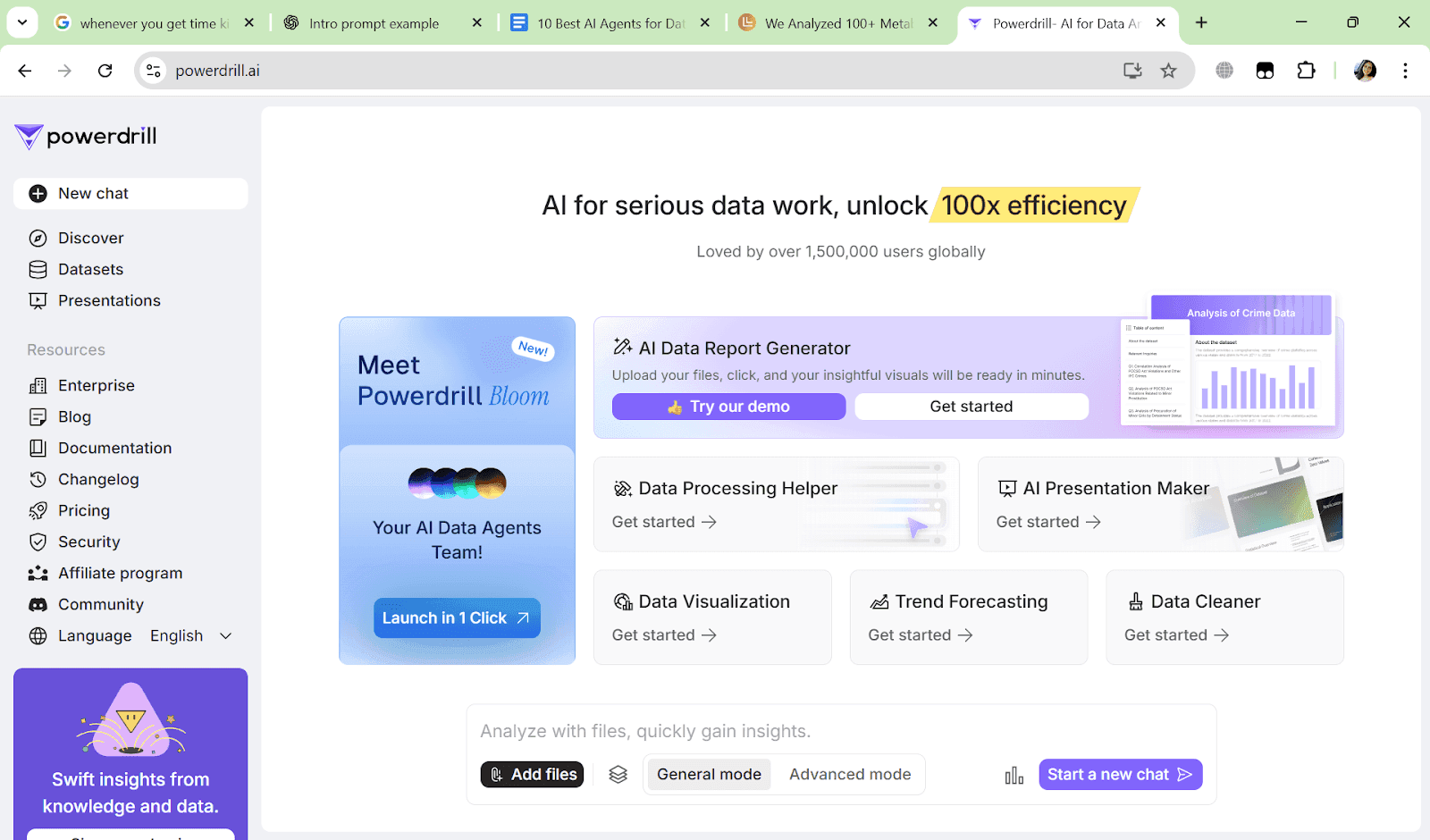
You can think of it as a more polished version of a GPT-over-database tool.
It’s ideal for internal teams that need self-serve analytics, quick metric lookups, or snapshot reporting, without relying on analysts for every query.
What Makes It Stand Out
The real strength of Powerdrill is simplicity.
You can upload Excel, CSV, or even PDFs, and the tool will automatically run exploration, generate insights, recommend follow-up questions, and even produce AI-generated reports or presentations.
Powerdrill focuses on full-stack, explainable, no-code analysis.
It also supports advanced features like time-series forecasting (Prophet, ARIMA), image table extraction, and batch file analysis - rare for a product at this price point.
Pros
No-code setup with support for 1,000+ files and up to 1GB of batch analysis
Built-in machine learning and LLM-powered insight generation
Supports multimedia inputs like PDFs, images, and audio for analysis
Explainable analysis steps with detailed reasoning paths
Automatic report and presentation generation for stakeholders
Works well across both structured and semi-structured inputs
Very affordable across all tiers, including unlimited features in Pro

Cons
Not designed for developers or engineering teams building custom agents
Limited prompt control or agent orchestration flexibility
Accuracy can vary with loosely structured data or vague inputs
Lacks a granular configuration for power users needing full control
Visualization options are limited compared to advanced BI tools like Tableau

Ideal For
Operations or sales teams asking ad hoc data questions
Internal dashboards where non-technical users need access
Startups that need a fast analytics layer without building out a data team
Teams using spreadsheets, Airtable, or basic SQL data sources
Pricing
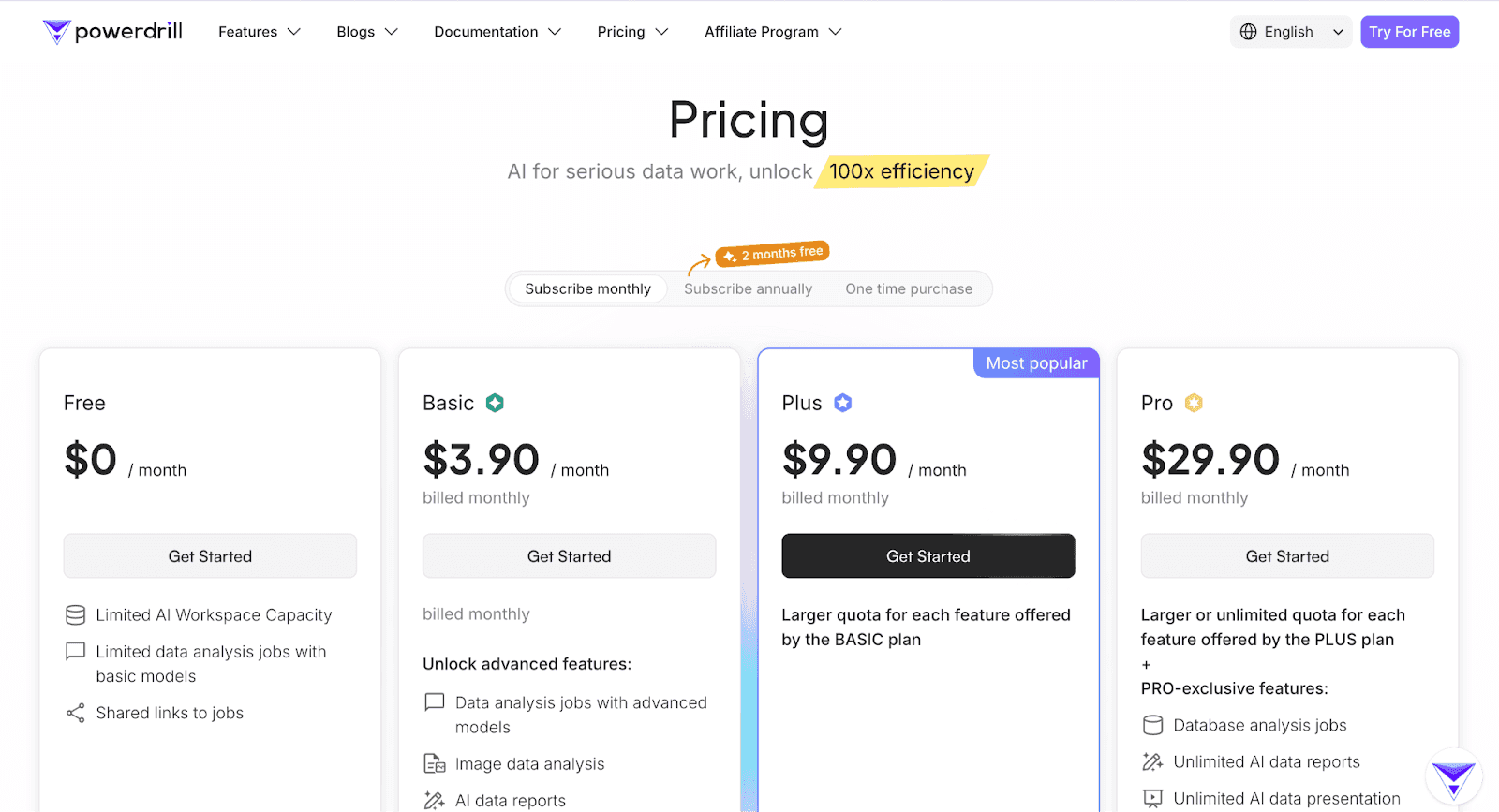
Powerdrill offers four tiers:
Free – Limited workspace and basic models, suitable for trial
Basic ($3.90/month) – Adds better models, limited image and report generation
Plus ($9.90/month) – Unlocks full features like forecasting, presentations
Pro ($29.90/month) – Unlimited access to reports, database jobs, ML models, and multimedia features
There’s also an enterprise track:
SaaS Team Edition – Includes API access and team collaboration tools
Dedicated Cloud Edition – For businesses needing isolated cloud deployments with privacy/security compliance
Powerdrill’s affordability makes it a practical choice if you're optimizing for cost, simplicity, and output speed.
Summary
PowerDrill isn’t built for complex agent flows, but it nails the core experience: asking smart questions and getting answers instantly.
If you’re not ready to go full agentic but want to ditch dashboards and empower your team to move faster, this is a safe and affordable starting point.
2. Tableau + Pulse – Best Enterprise-Grade AI Agent for Data Analysis
Tableau, long known as a leader in business intelligence, has introduced Pulse, an AI-driven extension designed to bring generative AI directly into enterprise analytics.
Unlike smaller AI tools, Tableau + Pulse is built for large organizations that already have a BI ecosystem in place but want to layer in AI-powered agents for smarter, faster decision-making.
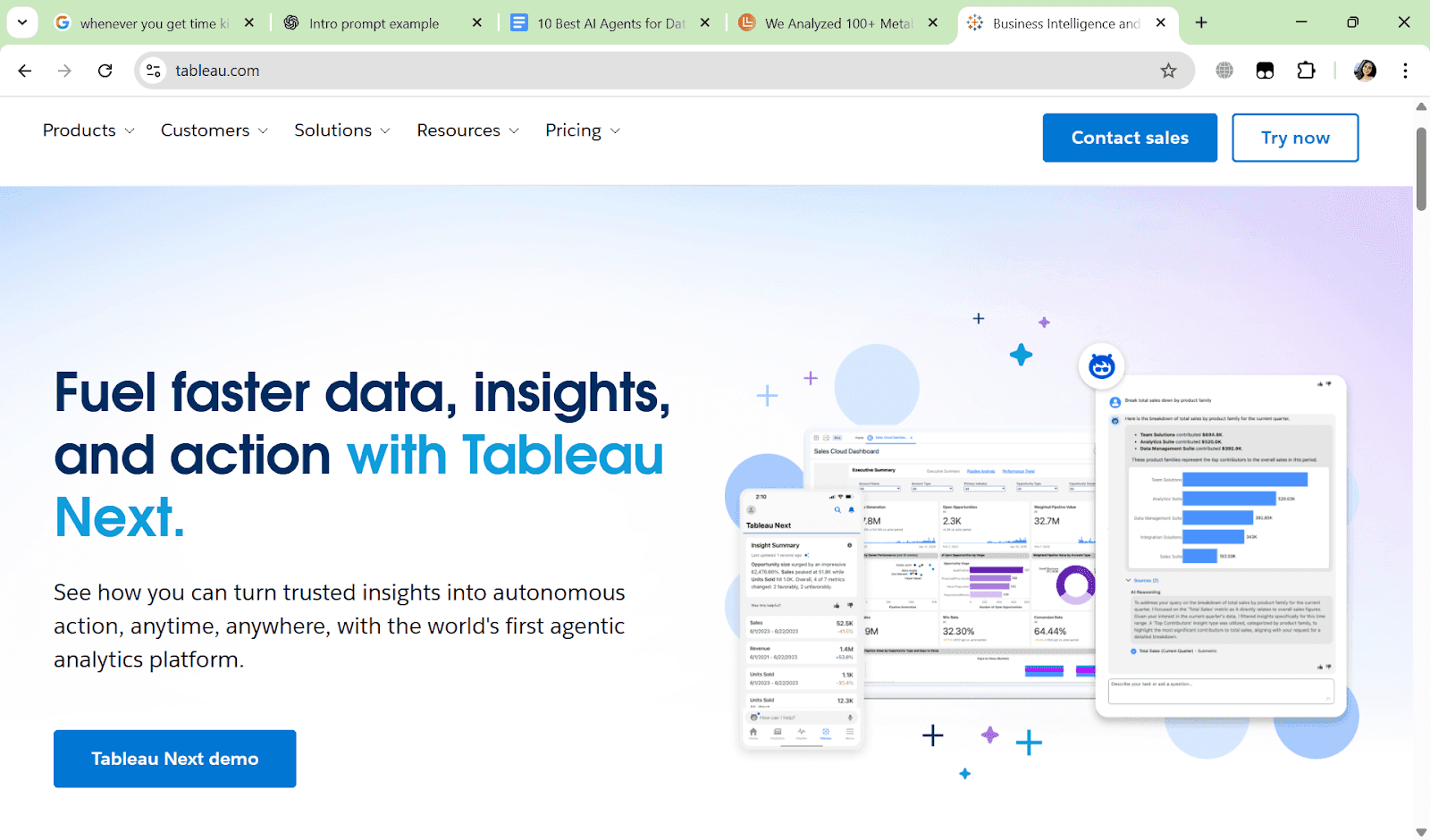
Think of it as an upgrade for companies that already trust Tableau dashboards but now want conversational data agents that answer natural language queries, generate insights automatically, and integrate seamlessly into enterprise workflows.
What Makes It Stand Out
Native integration with Tableau BI → Enterprises don’t need to switch tools; Pulse enhances existing dashboards with AI.
Strong focus on data governance → Role-based access control, audit logs, and compliance baked in.
Multi-channel accessibility → Use insights inside Slack, email, or directly within dashboards.
Enterprise-grade scalability → Designed for thousands of users across departments.
Pros
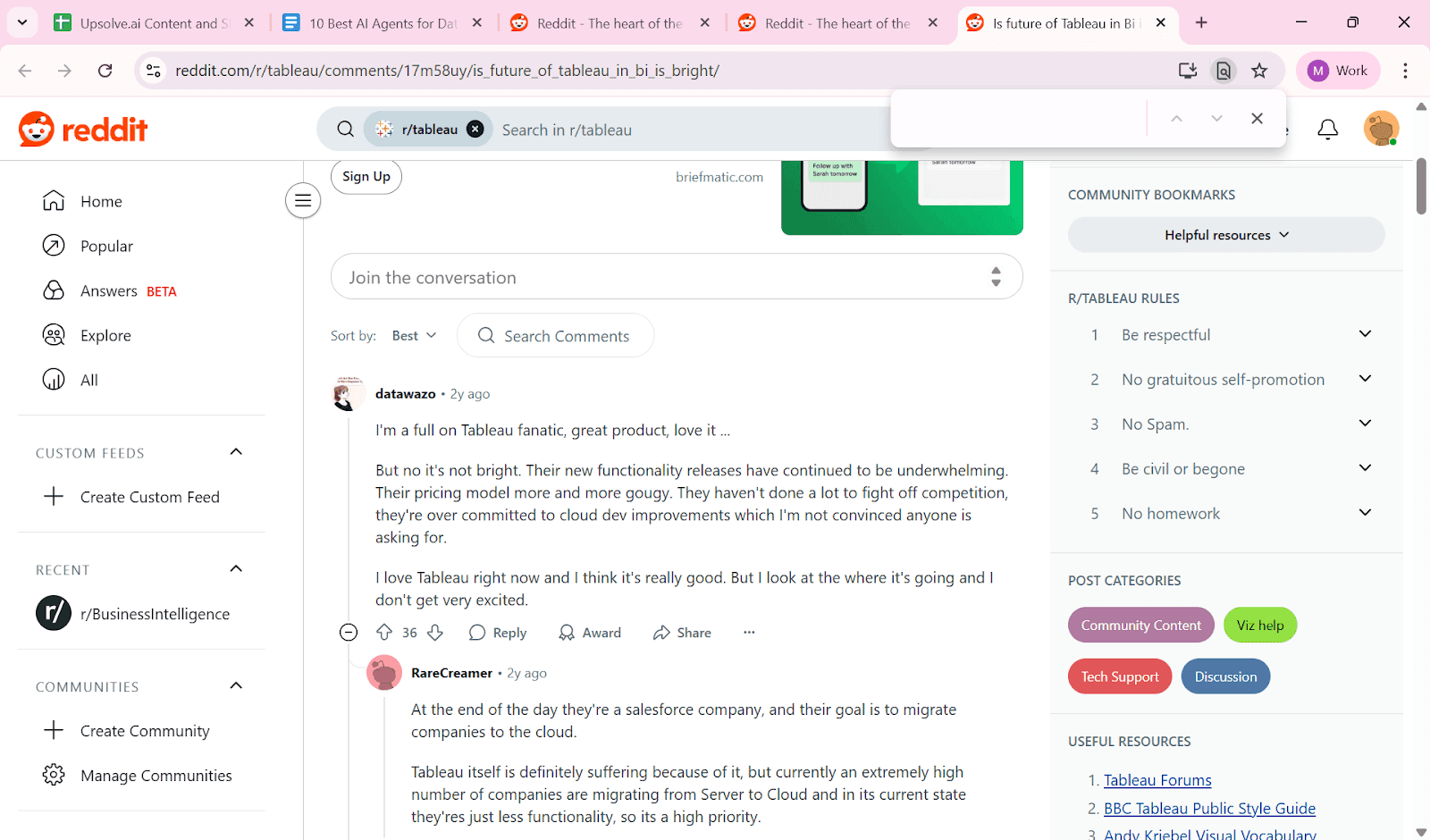
Trusted enterprise brand with strong BI foundation
Seamless integration with existing Tableau deployments
AI-driven anomaly detection, forecasting, and trend alerts
Built-in collaboration across teams and channels
Governance and compliance features for regulated industries

Cons
Requires Tableau setup and licensing not ideal for startups
More complex onboarding compared to lightweight tools
Limited flexibility if you want full agent customization
Pricing is on the higher side for smaller teams
Ideal For
Enterprise teams already using Tableau as their BI system
Large organizations needing secure, governed AI analytics
Departments that want automated alerts and natural language queries
Leadership teams replacing manual dashboards with conversational agents
Pricing
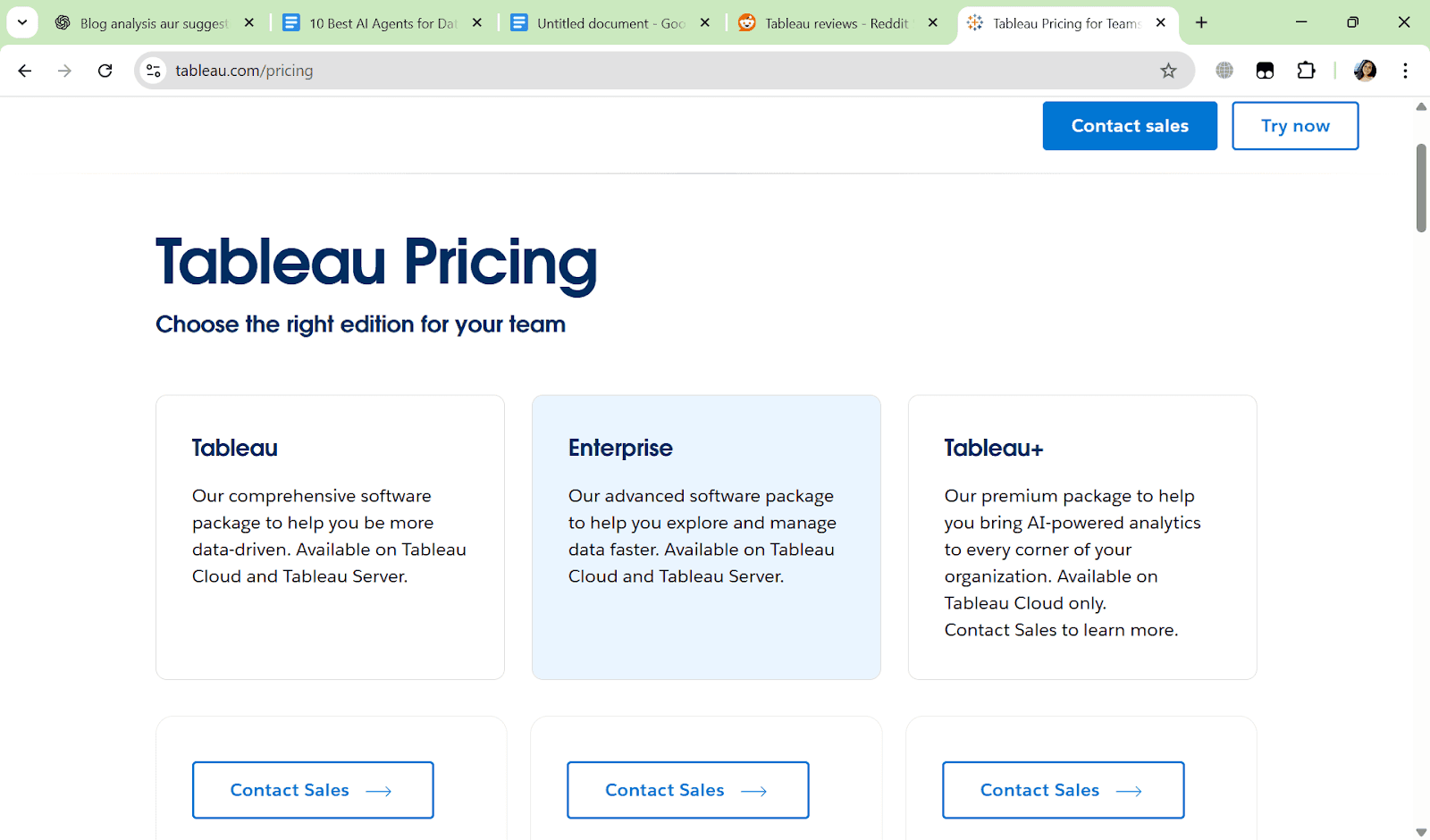
Tableau pricing varies based on licensing ($75 for Creator License, $42 for Explorer License, $15 for Viewer License) and now Pulse is bundled as an add-on.
Pricing is typically enterprise-negotiated, but expect higher costs compared to standalone AI tools.
Summary
Tableau + Pulse is not for scrappy startups or quick experiments.
But if you’re an enterprise CIO or CEO looking to bring AI agents into an existing BI ecosystem with security, compliance, and scale in mind, this is one of the most reliable AI agent solutions for data analysis.
3. Julius AI – Best for Individual Analysts and Spreadsheet Users
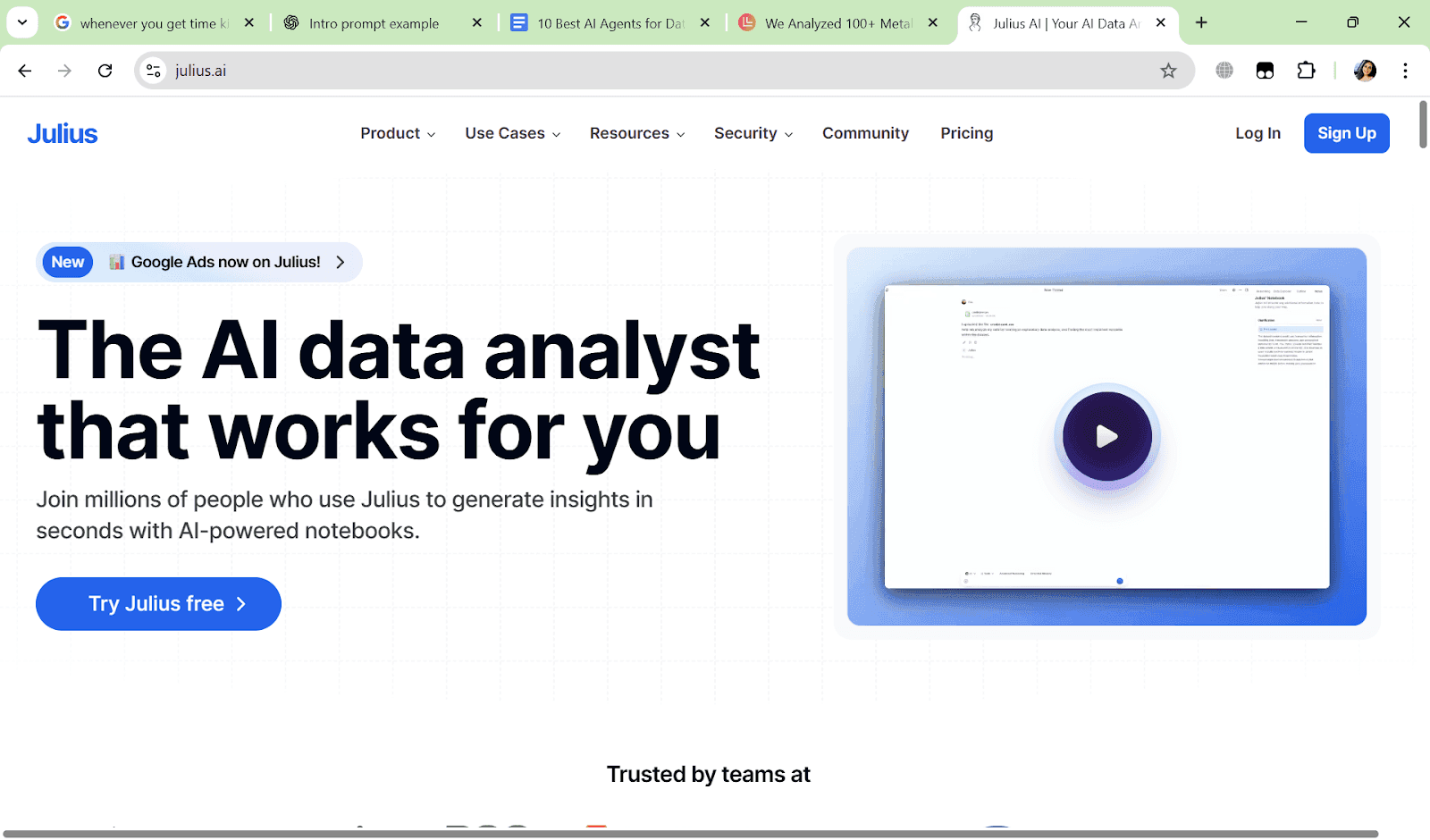
Julius AI is a lightweight but powerful AI agent for data analysis designed for individual analysts, freelancers, students, or small teams who work heavily with spreadsheets and CSVs.
Instead of complex integrations, Julius focuses on simplicity: upload a file, ask natural language questions, and get instant answers, visualizations, or summaries.
You can think of it as a personal data assistant perfect when you don’t want to open SQL or learn Tableau but still need quick, accurate insights.
What Makes It Stand Out
Designed for solo or small-team use without IT overhead
Strong at handling CSVs, Excel sheets, and small databases
Automatically builds charts, pivot tables, and summaries
Provides conversational follow-ups (“Compare last month to this month”)
Extremely fast setup no integrations or technical setup needed
Pros
Very easy to use for non-technical users
Works directly with spreadsheets (Excel, CSV, Google Sheets)
Quick, no-code charting and visualization
Affordable compared to enterprise-grade tools
Great option for freelancers and independent analysts

Cons
Limited scalability for large organizations
Lacks deep integration with enterprise databases
Less flexible for building custom multi-step agent workflows
Visualization capabilities are simpler than Tableau or Power BI

Ideal For
Freelancers, consultants, and students working with CSV/Excel data
Small startups or teams without a data department
Marketers or analysts needing one-off analysis and quick reports
Anyone who wants to skip SQL but still explore datasets intelligently
Pricing
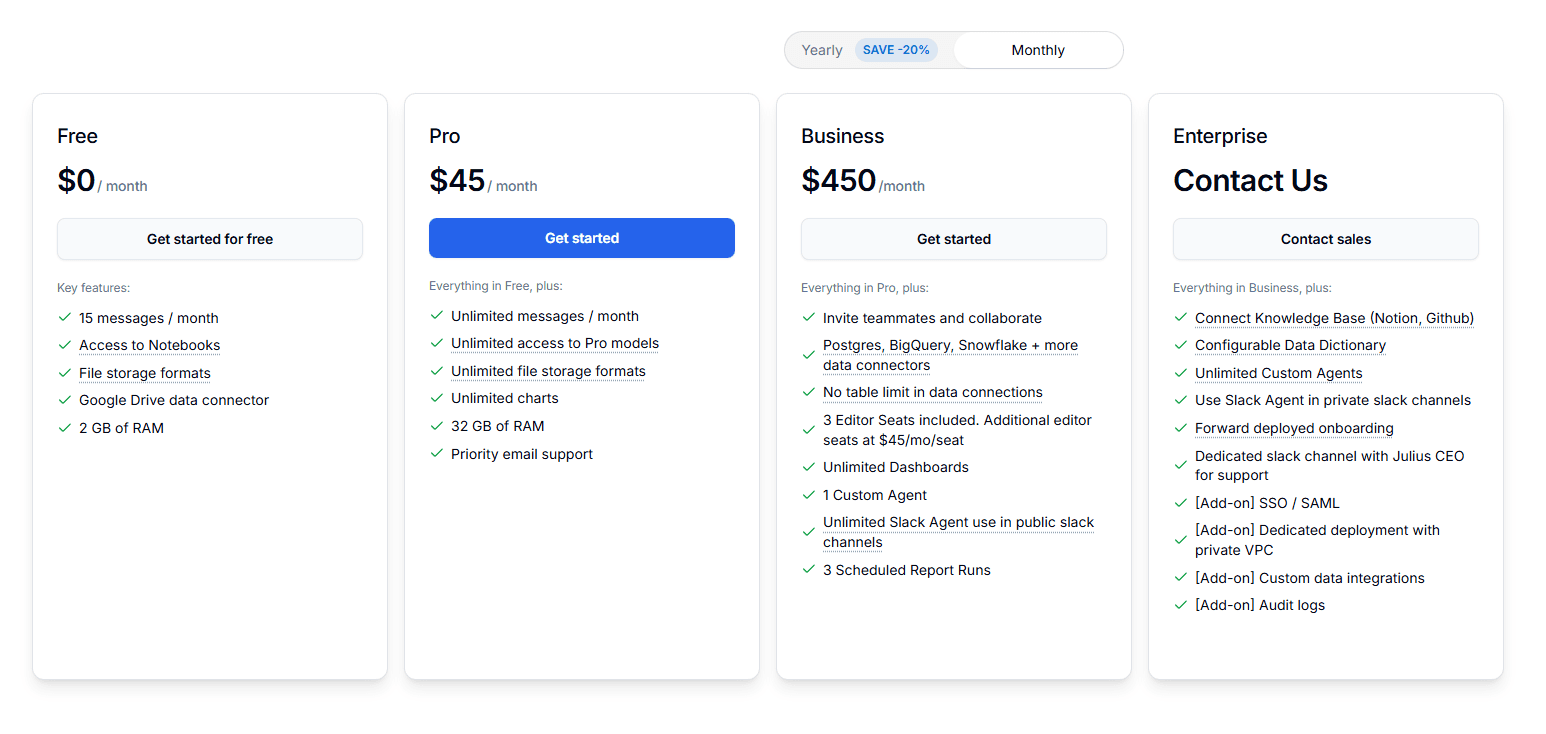
Free Plan → Try it with 15 messages per month, no credit card required.
Pro Plan ($45/month) → Includes unlimited messages, access to Pro models, unlimited charts and file formats, 32 GB RAM, and priority email support. Best for individual power users.
Business Plan ($450/month) → Built for teams. Includes 3 editor seats, collaboration features, unlimited dashboards, advanced data connectors (Postgres, BigQuery, Snowflake), custom agents, and scheduled report runs.
Enterprise Plan (Custom) → Designed for larger organizations. Includes SSO/SAML, configurable data dictionaries, unlimited custom agents, private Slack agent usage, dedicated onboarding, audit logs, and optional private VPC deployment.
Summary
If Powerdrill is great for small teams, Julius AI is the go-to tool for individual analysts who live inside spreadsheets.
It's not meant for enterprises, but as a personal AI agent for data analysis, it's a great starting point, though there are solid Julius AI alternatives worth considering too.
4. Microsoft Power BI (GenAI Upgrades) - AI-Powered Business Insights
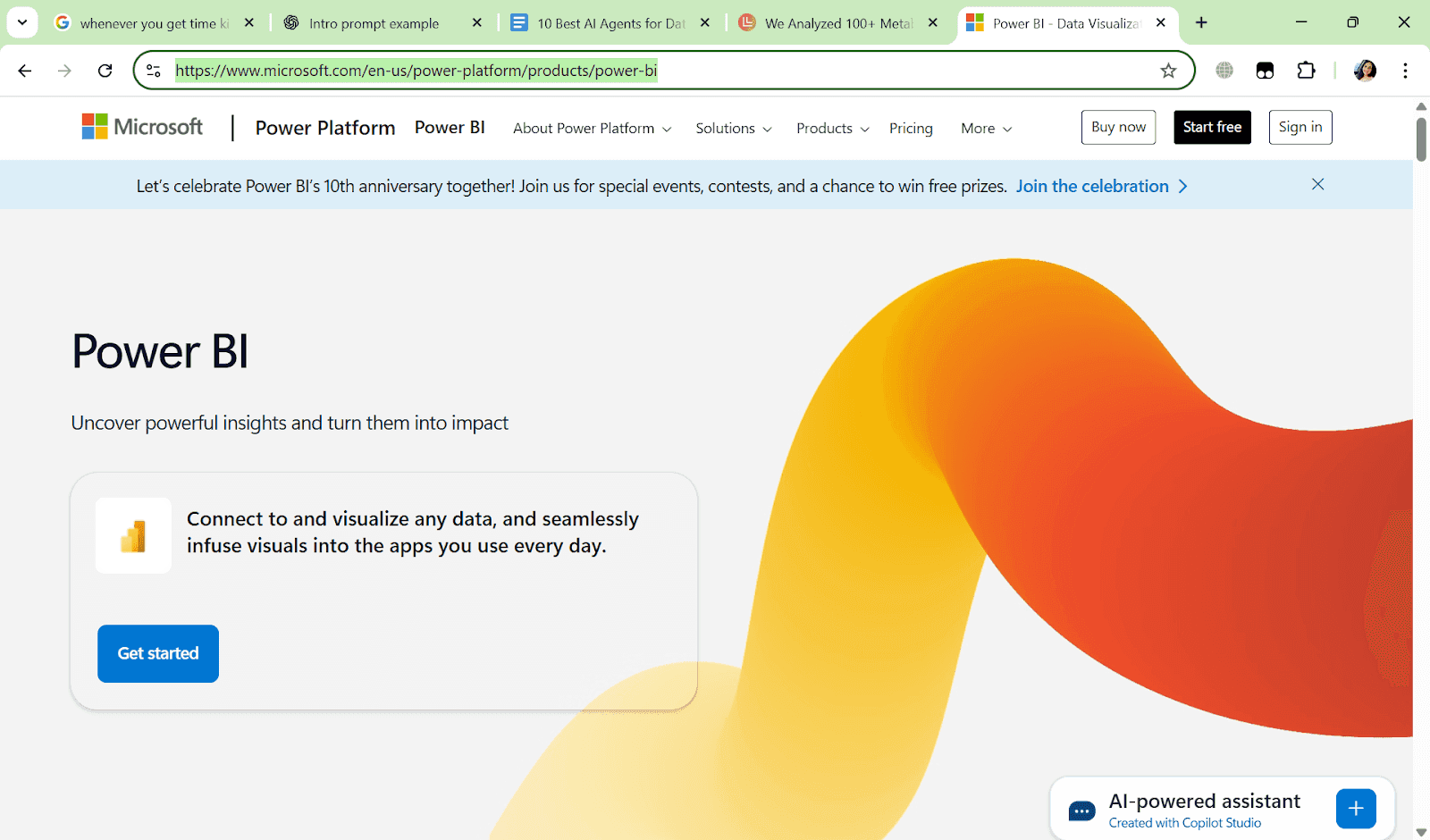
Microsoft Power BI brings generative AI into Microsoft's ecosystem, making it easy for teams to ask natural language questions, generate dashboards, and automate insights directly inside Power BI.
If your company already runs on Microsoft tools (Excel, Teams, Azure), this is the most seamless way to bring an AI agent for data analysis into your workflow.
What Makes It Stand Out
Natively integrated into Microsoft ecosystem (Power BI, Excel, Teams).
AI Copilot helps create reports, dashboards, and summaries automatically.
Governance and compliance backed by Microsoft’s enterprise-grade security.
Smooth adoption for companies already on Microsoft 365.
Pros
Best experience for Microsoft-heavy organizations.
Generates dashboards and summaries with natural language.
Built-in enterprise security, governance, and compliance.
Strong integration with Excel and SQL Server.

Cons
Locked into Microsoft ecosystem → limited if you use other BI stacks.
Pricing can add up with Microsoft licensing layers.
Not very customizable compared to open-source AI agents.
Still evolving with advanced AI capabilities.

Ideal For
Teams are already using Power BI and Microsoft 365.
Enterprises needing secure, scalable analytics.
Business managers want instant dashboards.
Organizations standardizing on Azure.
Pricing
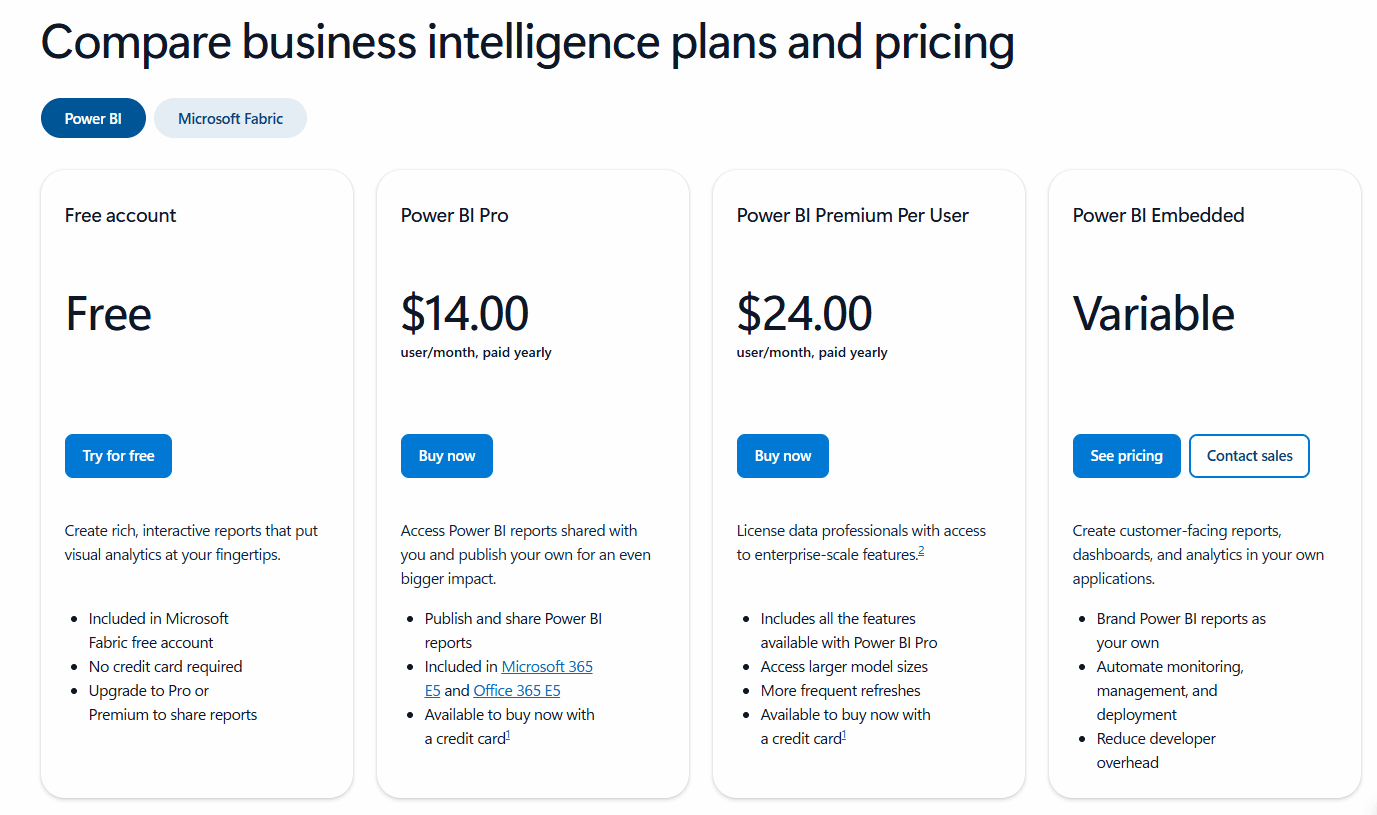
Base Power BI License → Starts at $14/user/month (Power BI Pro) or $24/user/month (Premium Per User), billed annually.
Copilot Access → Available through Microsoft Fabric capacity. Copilot is part of the Fabric experience and is not enabled on Free or Pro tiers alone.
Enterprise Scale → Large deployments typically require Microsoft Fabric capacity or Power BI Embedded, with pricing that varies by region, compute size, and usage.
Overall Cost → Affordable for Microsoft-centric teams starting small, but costs can rise quickly at enterprise scale depending on capacity requirements.
Summary
Microsoft Power BI’s GenAI upgrades let you ask questions in natural language, auto-generate dashboards, and get instant insights.
Seamlessly integrated with Excel, Teams, and Azure, it’s perfect for Microsoft-driven workflows.
With AI Copilot and enterprise-grade security, turning data into decisions has never been easier!
5. AgencyAnalytics (Ask AI) – Tailored for Agencies and Client Reporting
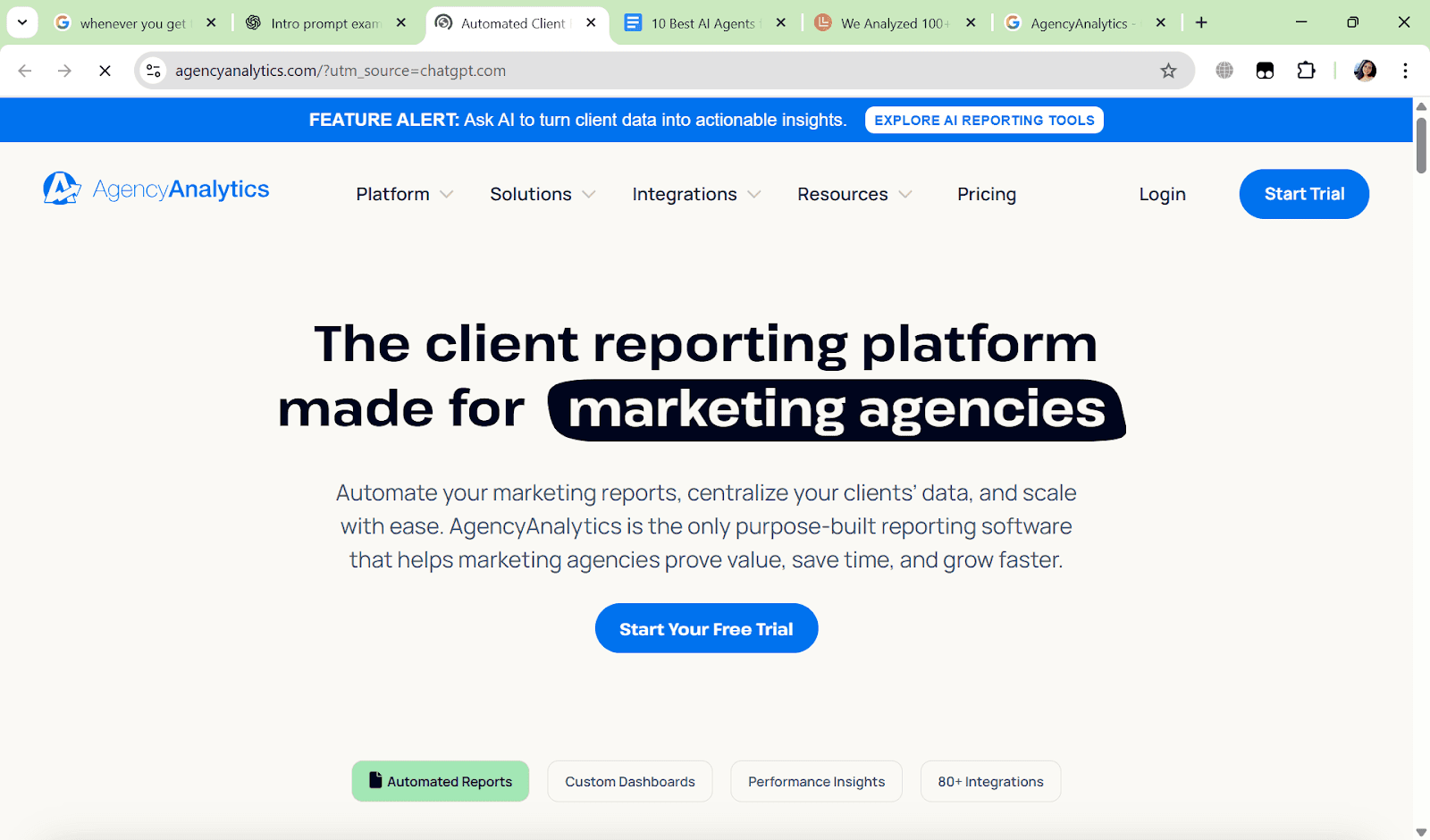
AgencyAnalytics has long been a reporting platform for digital agencies.
With Ask AI, they’ve embedded an AI agent that helps agencies generate client-ready reports, answer campaign performance questions, and automate insights across multiple marketing channels.
What Makes It Stand Out
Built specifically for agencies serving multiple clients.
AI generates instant summaries of marketing KPIs.
Multi-channel integration: Google Ads, SEO, Social, Email, etc.
White-label reports → deliver AI-powered insights under your brand.
Pros
Saves agencies hours of manual reporting.
Supports 70+ marketing integrations.
Ask AI explains data in simple language → client-ready.
White-labeling makes reports look branded and professional.
Cons
Focused only on marketing/agency use cases.
Less flexible for general business data analysis.
Limited customization for AI workflows beyond reporting.
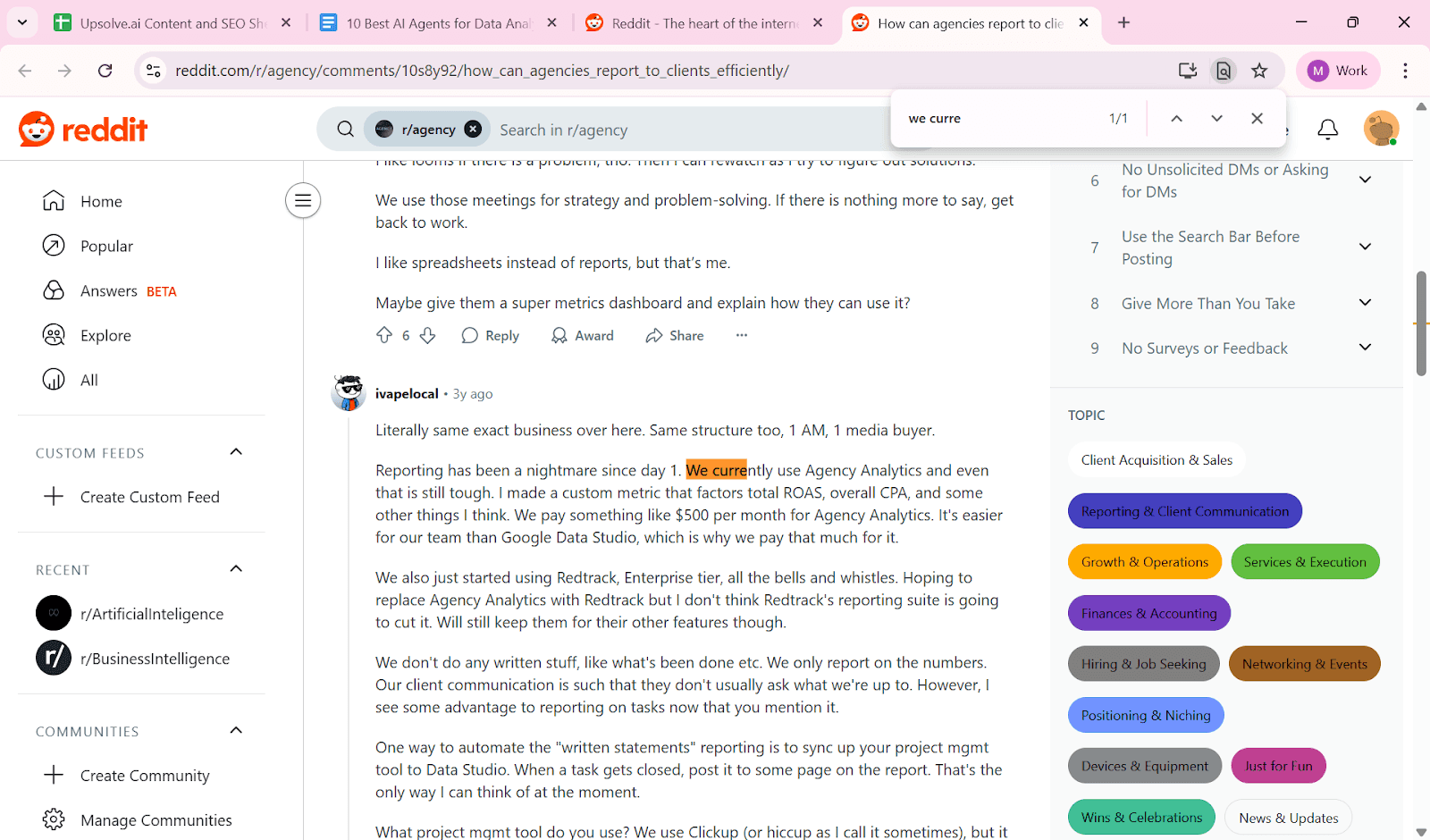
Can be costly if you manage many clients.
Ideal For
Marketing agencies managing 10–100+ clients.
Consultants needing fast, AI-powered reports.
Client-facing teams wanting polished dashboards.
Agencies scaling operations without adding headcount.
Pricing
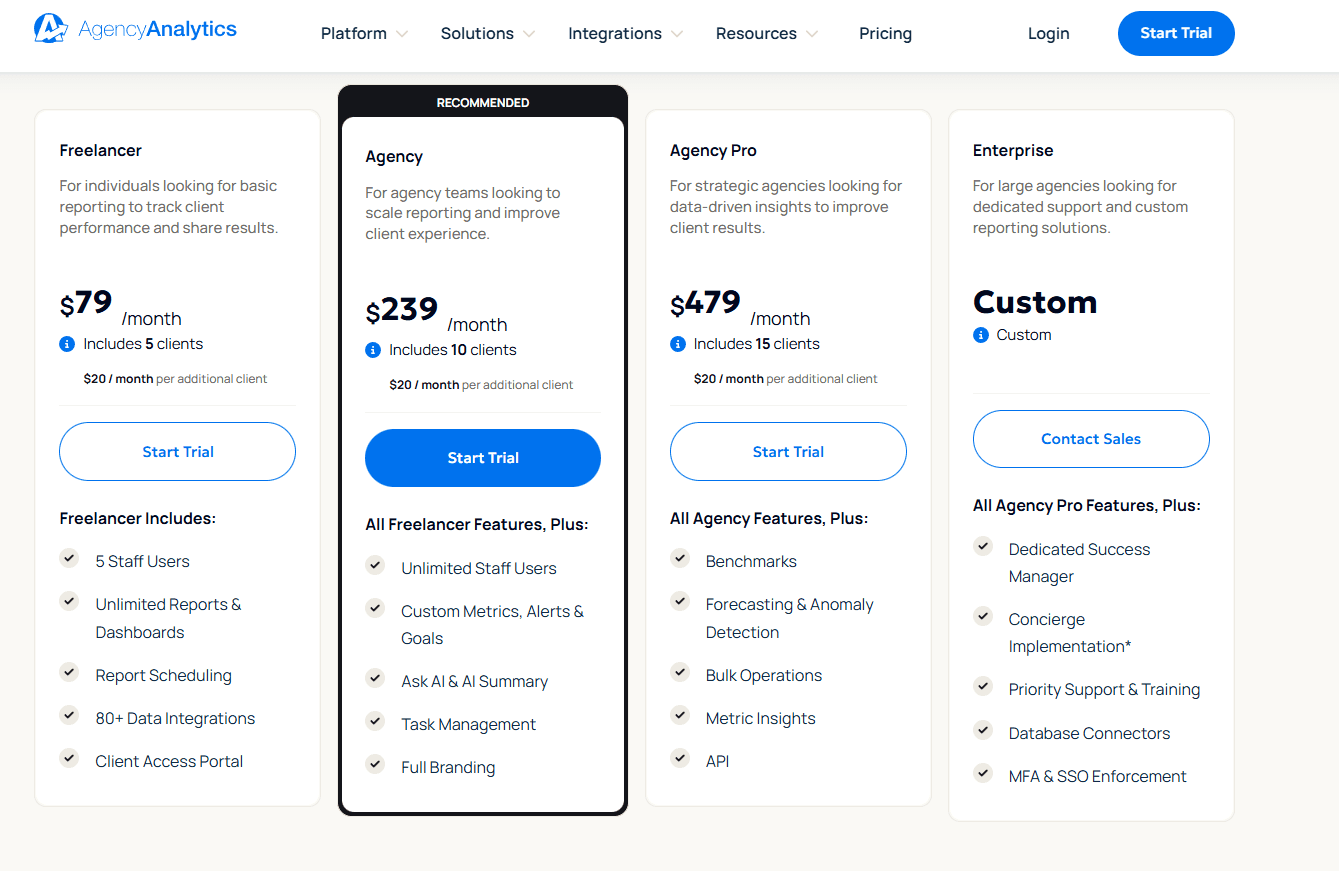
Freelancer Plan → $79/month, includes up to 5 clients. Designed for individuals managing basic client reporting.
Agency Plan → $239/month, includes 10 clients, with additional clients priced at $20/month each. Adds advanced reporting, automation, and white-labeling.
Agency Pro Plan → $479/month, includes 15 clients, plus benchmarks, forecasting, anomaly detection, API access, and bulk operations.
Enterprise Plan → Custom pricing for large agencies requiring dedicated success management, advanced security (SSO/MFA), database connectors, and tailored implementations.
Ask AI Feature → Included in paid plans; overall cost increases as you add more client accounts under each plan.
AgencyAnalytics’ Ask AI automates client reporting, generates instant insights, and explains marketing KPIs in simple language.
With 70+ integrations and white-label dashboards, it’s perfect for agencies managing multiple clients efficiently.
6. Sisense AI Studio – Best for Embedded Dashboards and OEM Use Cases
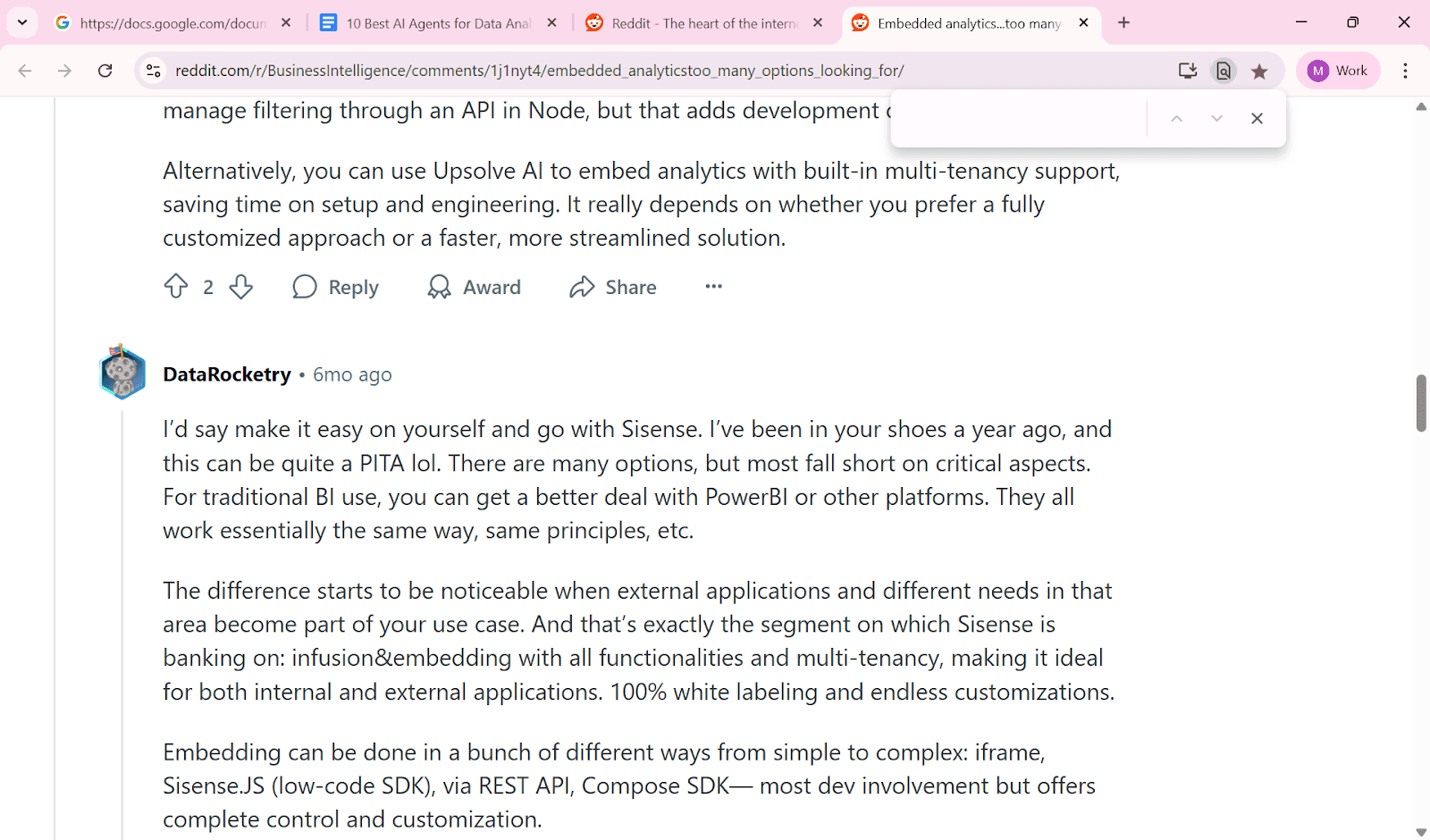
Sisense AI Studio is designed for product and platform teams that want to embed AI-driven analytics directly inside their SaaS products.
Instead of just providing reports, Sisense lets you build AI agents for data analysis that sit within your application, delivering insights directly to end users.
What Makes It Stand Out
Tailored for OEM and embedded analytics → great for SaaS companies.
Supports advanced features like natural language queries, predictive insights, and automated alerts.
Highly customizable via APIs and developer controls.
Strong focus on security, compliance, and scalability.
Pros
Perfect for embedding AI insights into your own product.
Robust APIs and developer flexibility.
Supports both structured and unstructured data sources.
Enterprise-grade governance and compliance.
Cons
Requires strong technical expertise to deploy.
Not ideal for non-technical, small teams.
Pricing is enterprise-level, not SMB-friendly.
Can take longer to implement compared to plug-and-play tools.
Ideal For
SaaS companies embedding AI analytics in their products.
Enterprises needing highly customized AI dashboards.
Product managers who want to differentiate with embedded intelligence.
Data science teams working with diverse data sources.
Pricing
No public pricing → Sisense uses custom enterprise quotes.
Pricing depends on use case → OEM/embedded deployments are priced differently from internal analytics.
Scales with users and data volume → larger user base and complex data = higher pricing tier.
Expect enterprise-level spend → typically in the five-figure annual range for serious deployments.
7. Snowflake Agent – Best for Data Science Teams on Snowflake
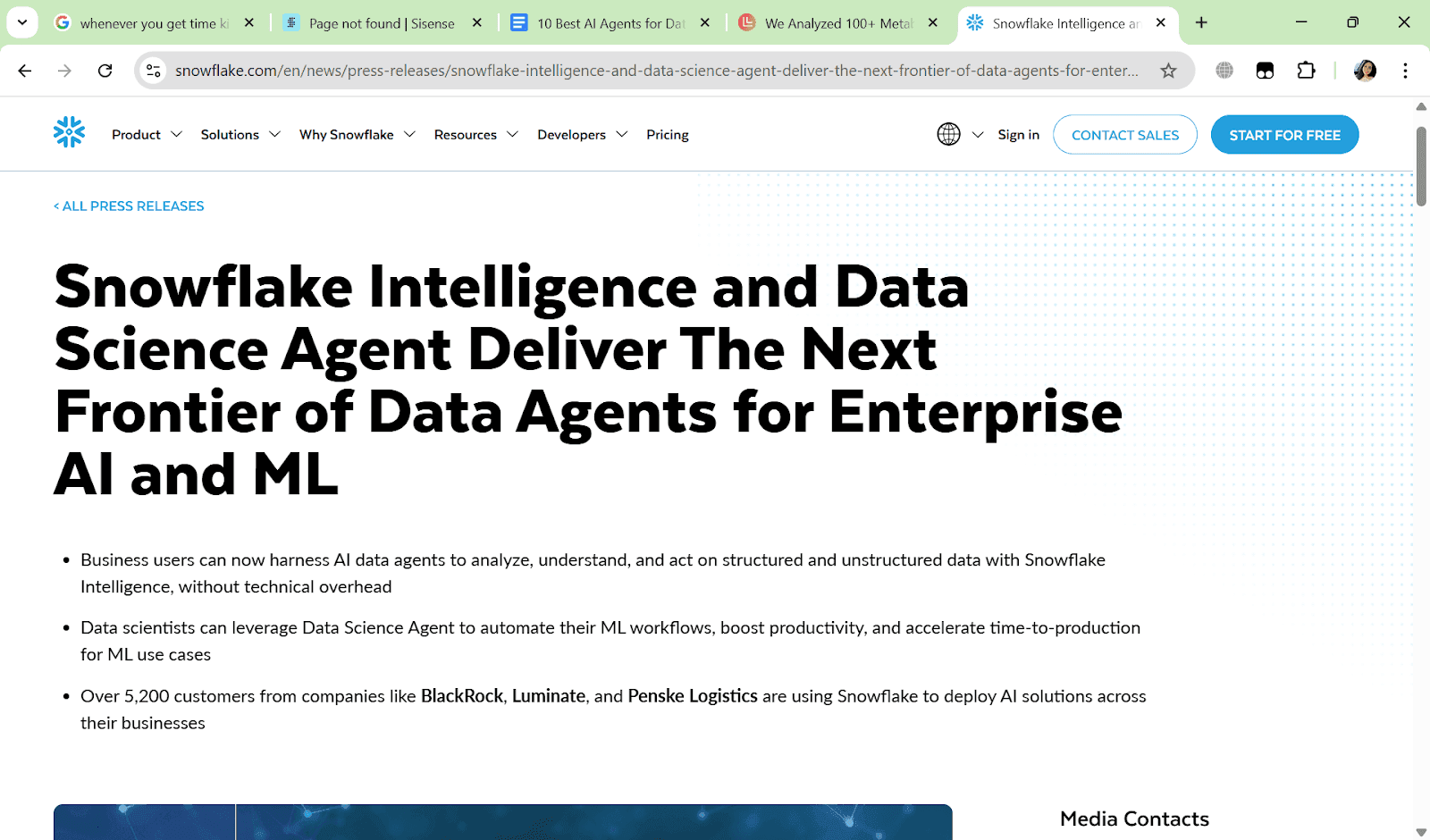
Snowflake’s Data Science Agent has become the backbone for modern data warehouses, and now with its AI Agent capabilities, teams can query, analyze, and even automate workflows directly within the Snowflake ecosystem.
Instead of moving data to external AI tools, Snowflake Agent keeps everything in one place — secure, governed, and production-ready.
What Makes It Stand Out
Native to Snowflake → no need for risky data transfers.
Combines SQL + AI agents for reasoning and analysis.
Supports live querying, forecasting, and anomaly detection.
Integrates well with Snowflake’s ecosystem (data sharing, governance, pipelines).
Pros
Secure and compliant → data never leaves Snowflake.
Strong performance on large datasets.
Perfect for data science and analytics-heavy teams.
Direct AI integration with existing pipelines.
Cons
Limited appeal outside of the Snowflake ecosystem.
Requires technical expertise in SQL/warehousing.
Pricing tied to Snowflake consumption → costs can scale quickly.
More focused on backend/data teams, not business users.
Ideal For
Data science teams already on Snowflake.
Enterprises managing sensitive or regulated data.
Companies scaling big data analytics.
Technical teams embedding AI agents in workflows.
Pricing
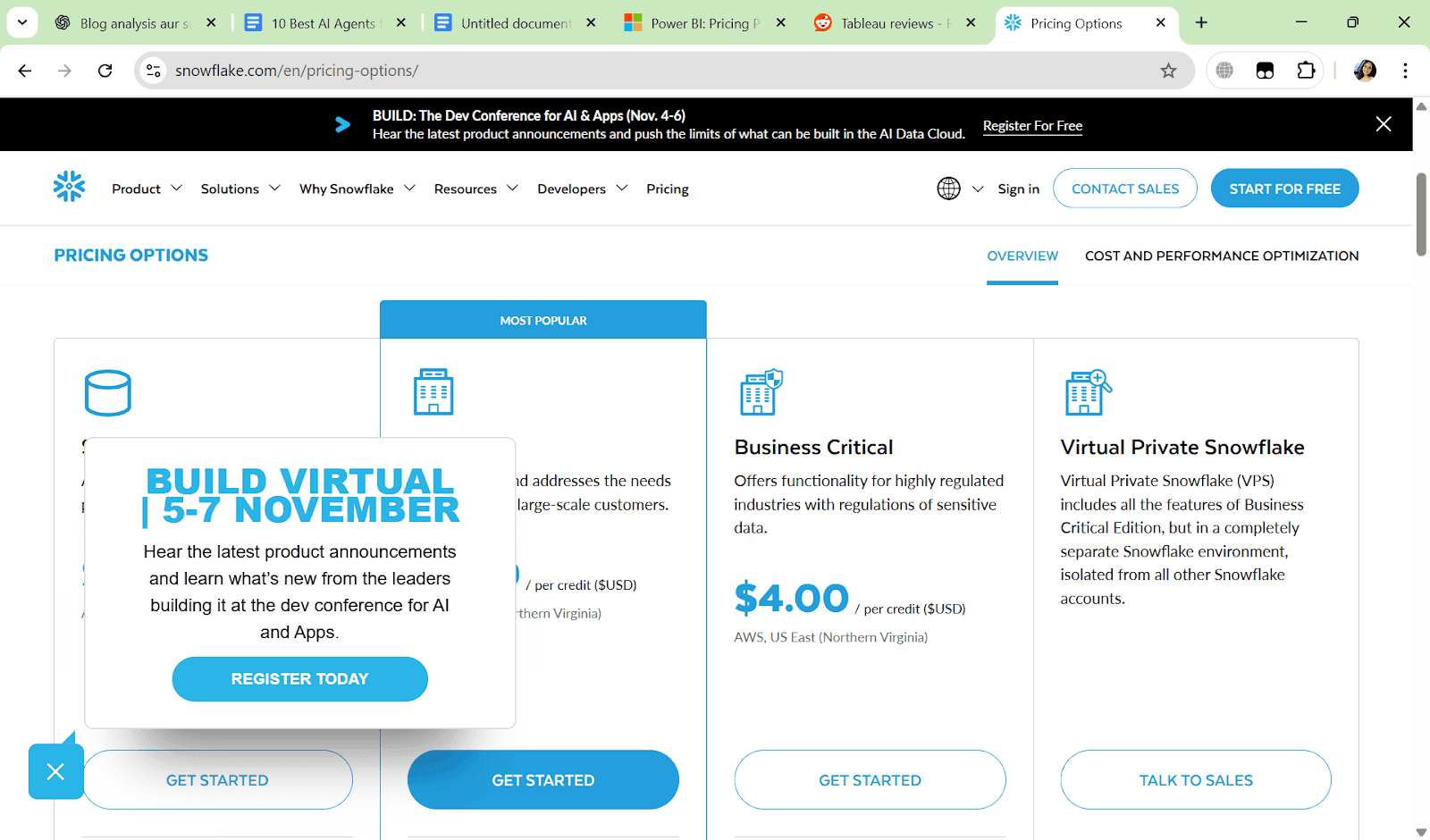
Usage-Based Model → Pricing is tied to Snowflake’s compute and storage consumption.
No fixed add-on fee → AI agent costs depend on the queries and compute used.
Scales with workloads → light use is affordable; heavy pipelines can become expensive.
Enterprise Contracts → For large teams, Snowflake offers volume discounts and enterprise pricing.
Summary
Snowflake Agent is the natural choice for companies already running on Snowflake.
It keeps data secure, scales with enterprise workloads, and makes AI-powered analysis part of your existing stack.
The only tradeoff is usage-based pricing, which can grow quickly with heavy queries.
8. Kanerika Karl – Early-Stage but Promising Prompt-Based Analytics
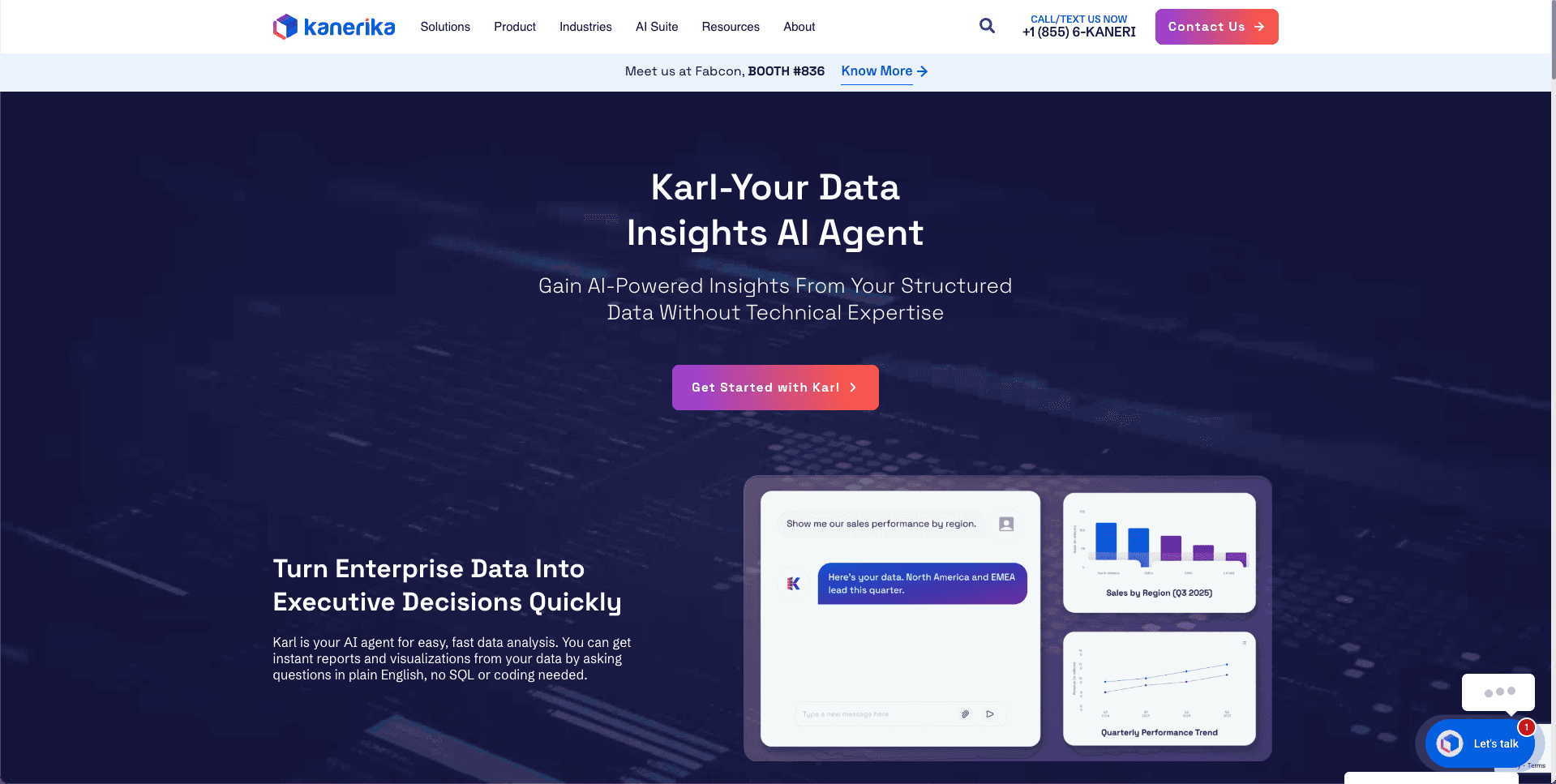
Kanerika Karl is an emerging AI agent for data analysis that focuses on prompt-based analytics letting teams ask natural language questions over data without heavy setup.
It’s still in the early stages, but Karl shows promise as a lightweight, flexible tool for teams exploring AI-driven analysis.
What Makes It Stand Out
Focus on prompt-based data exploration.
Simple setup with connections to common databases and files.
Offers conversational memory → can follow up on previous queries.
Still evolving rapidly with new features.
Pros
Easy to start with minimal configuration.
Affordable compared to larger enterprise tools.
Good option for teams experimenting with AI analytics.
Supports SQL and file-based inputs.
Cons
Early-stage → features still maturing.
Limited integrations compared to bigger platforms.
Lacks enterprise-level governance/security.
Scalability not yet proven for large orgs.
Ideal For
Startups testing AI analytics.
Small data teams needing lightweight tools.
Companies experimenting before committing to big vendors.
Early adopters wanting to try new tech.
Pricing
While specific pricing details are not publicly disclosed, they provide flexible pricing models to fit various budgets.
For a personalized quote, it's recommended to contact Kanerika directly through their Contact Us page.
Their team will assess your needs and provide a tailored pricing plan accordingly.
Summary
Karl is still young but shows promise as a lightweight AI agent for data analysis.
It’s not yet enterprise-grade, but for startups or small teams exploring AI analytics, it’s an affordable, low-risk entry point.
9. LangChain + AutoGen – Best for Custom-Built AI Agents
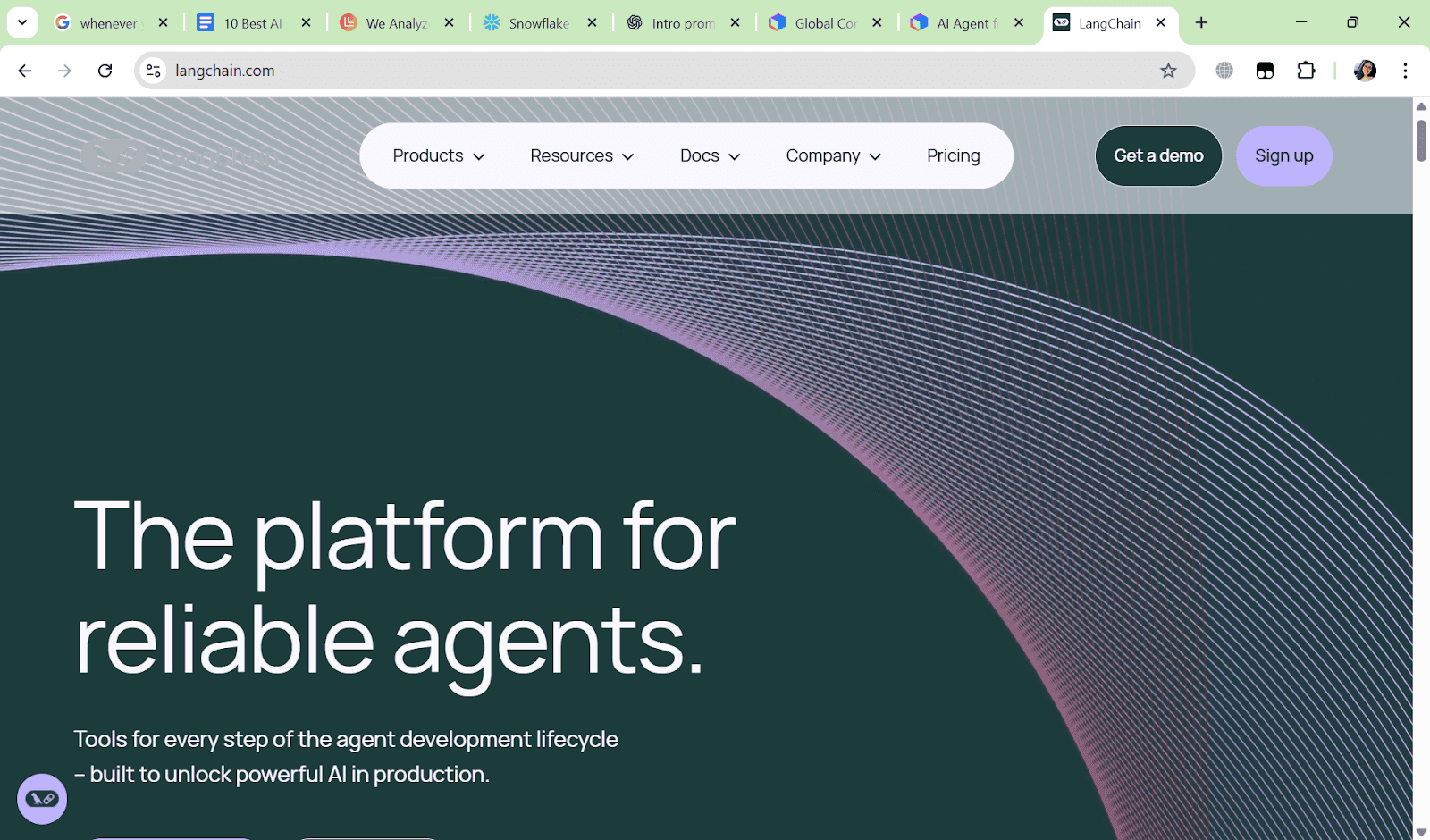
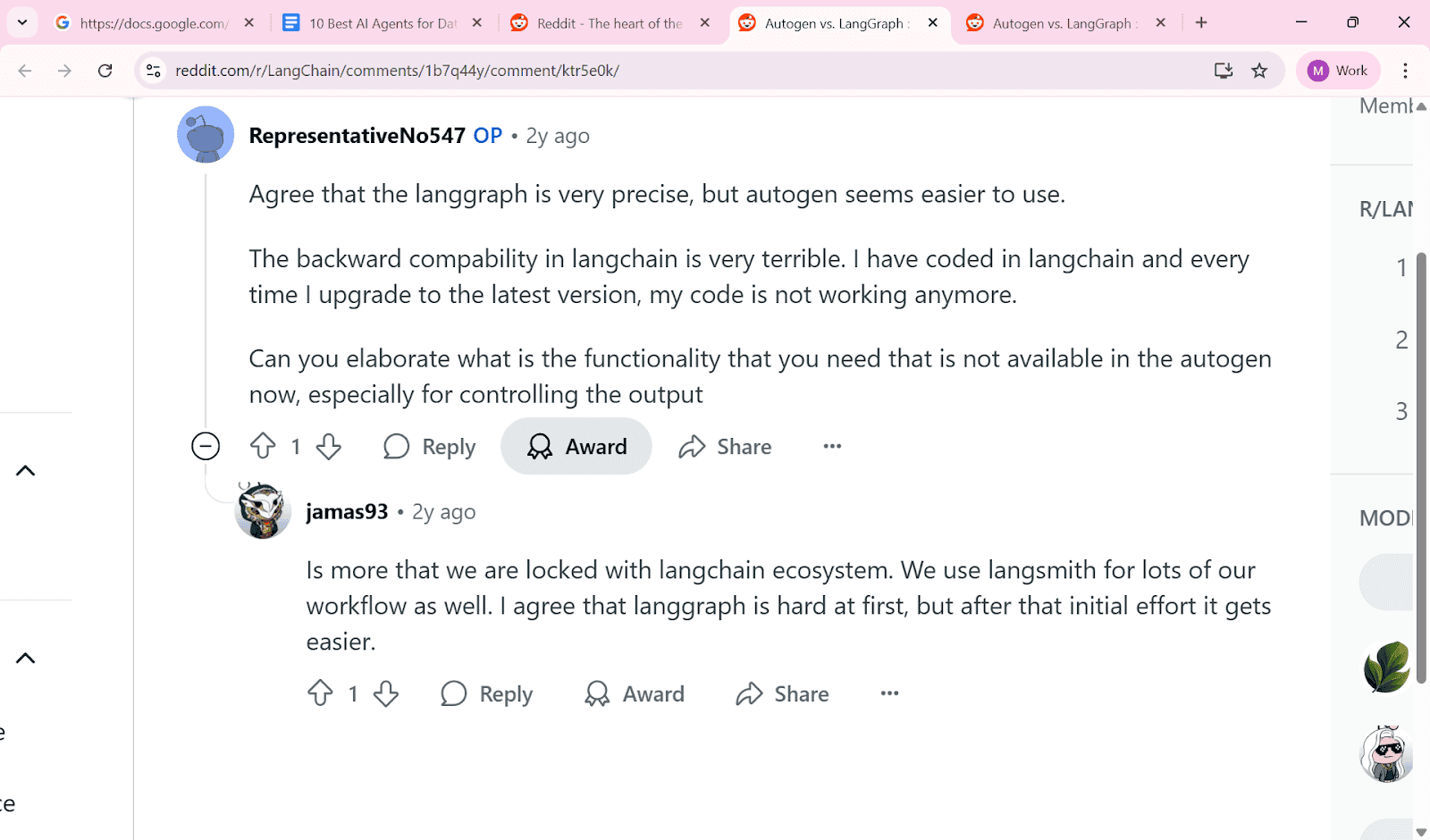
LangChain is the developer-first option for companies that want to build fully customized AI agents for data analysis.
Unlike plug-and-play SaaS tools, this is about control and flexibility — giving engineering teams the power to define workflows, tools, and logic from scratch.
What Makes It Stand Out
Open-source and highly customizable.
AutoGen supports multi-agent orchestration (agents talk to each other).
Works with any LLM, database, or API you choose.
Ideal for advanced teams building proprietary AI systems.
Pros
Maximum flexibility for developers.
Can integrate with any data source or model.
Supports complex, multi-step agent workflows.
Strong community and ecosystem support.

Cons
Requires engineering resources to build and maintain.
No out-of-the-box dashboards or reports.
Governance and compliance must be custom-built.
Steeper learning curve compared to SaaS tools.
Ideal For
Engineering-driven companies building custom AI products.
Data teams wanting full control over logic and orchestration.
SaaS companies embedding agentic features into platforms.
Innovators who need more than off-the-shelf tools.
Pricing
Open Source → Free to use at the framework level.
Hosted Platform → Free tier available; paid plans start at $39 per seat/month, with usage-based pricing.
Cloud Providers → Costs depend on the LLM/API you connect (e.g., OpenAI, Anthropic, Azure).
Infrastructure Costs → Hosting, orchestration, and scaling add infra spend.
Custom Investment → You largely pay for what you build; costs are flexible but can rise with usage and complexity.
Summary
LangChain + AutoGen gives you maximum flexibility to build custom AI agents from scratch.
It’s not plug-and-play, but for engineering-led teams that want full control, it’s the most powerful option on the list.
10. Upsolve AI - Best for Encoding Context and Shipping Production-Ready Agents
If you're building or embedding actual data agents into your product, not just prototyping with prompts, Upsolve AI takes a different approach from most tools on this list.
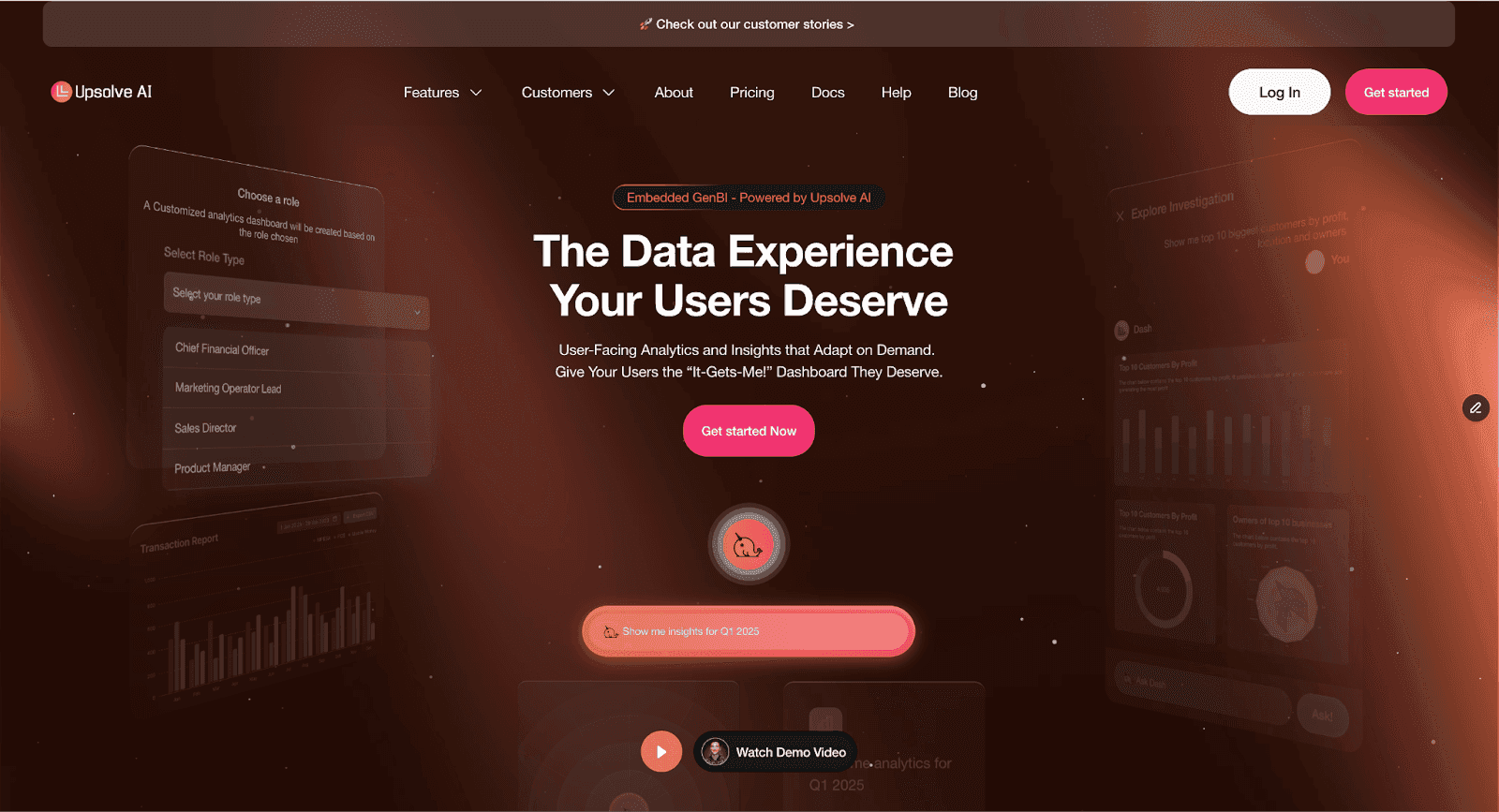
Unlike most no-code tools or GPT wrappers, Upsolve is built specifically for developers and product teams who want to turn LLMs into autonomous, shippable agents.
That means full agentic reasoning, long-context handling, multi-step workflows, and a developer platform that doesn’t break when complexity increases.
What Makes It Different
Upsolve treats context as infrastructure. Most tools connect a model to your data and hope the answers come back right, and the reason so many fail in production is missing business context, not a weak model.
Upsolve is built to encode that institutional knowledge through a three-layer context architecture: Structure (what data exists and how it connects), Meaning (what your metrics and business rules actually mean at your company), and Trust (which answers have been validated).
This is the context engineering approach that separates agents that hold up from agents that stall after the demo.
On top of that context layer, Upsolve lets you build custom data agents that reason, fetch from live sources, trigger workflows, and return structured insights, rather than adding another interface on top of a dataset.
There are two main product tracks:
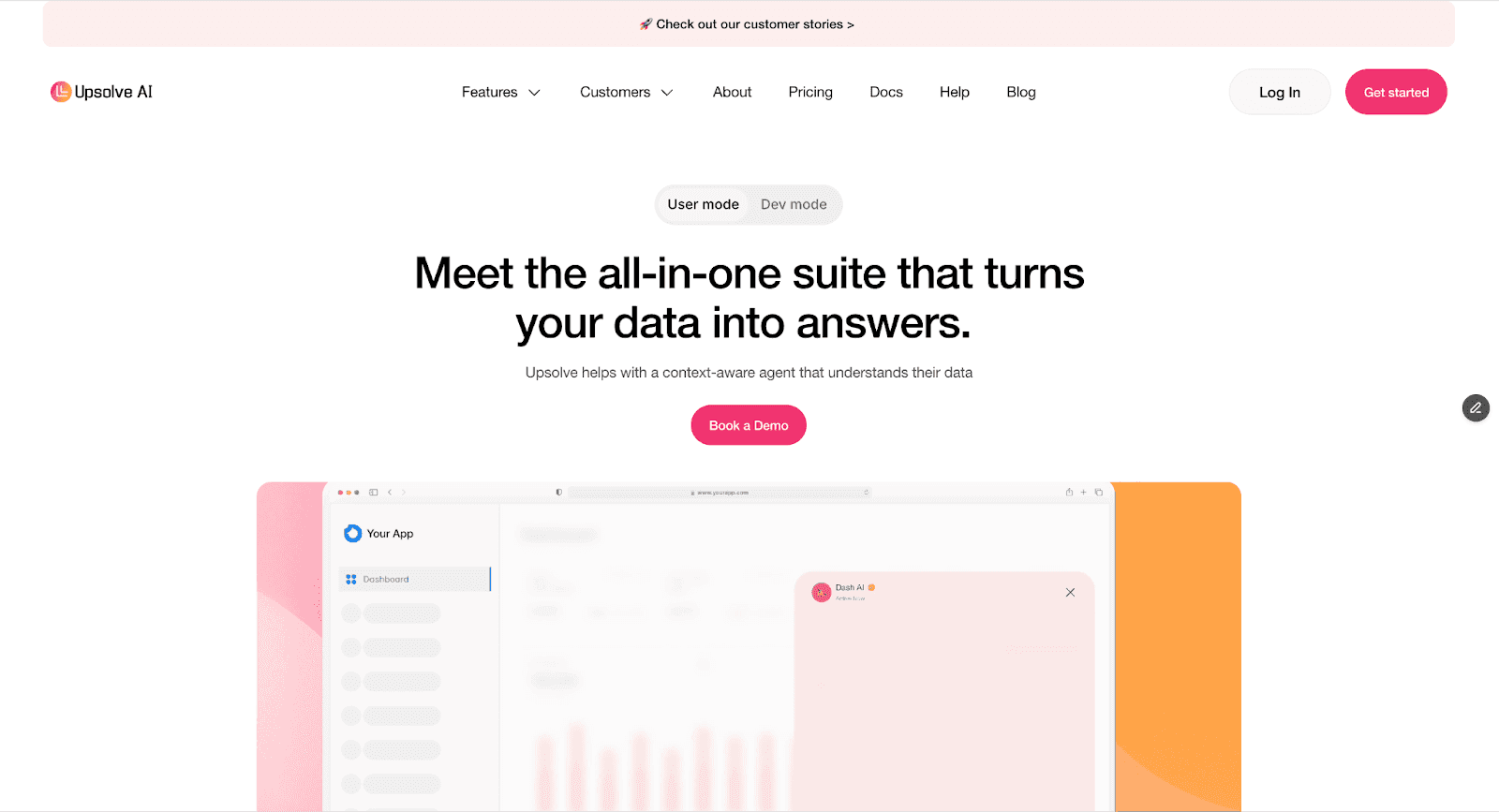
Agentic AI for Products: Lets you embed agents in SaaS platforms, customer dashboards, or internal ops tools. Perfect for building Slack copilots, product analytics interfaces, or customer-facing agents.
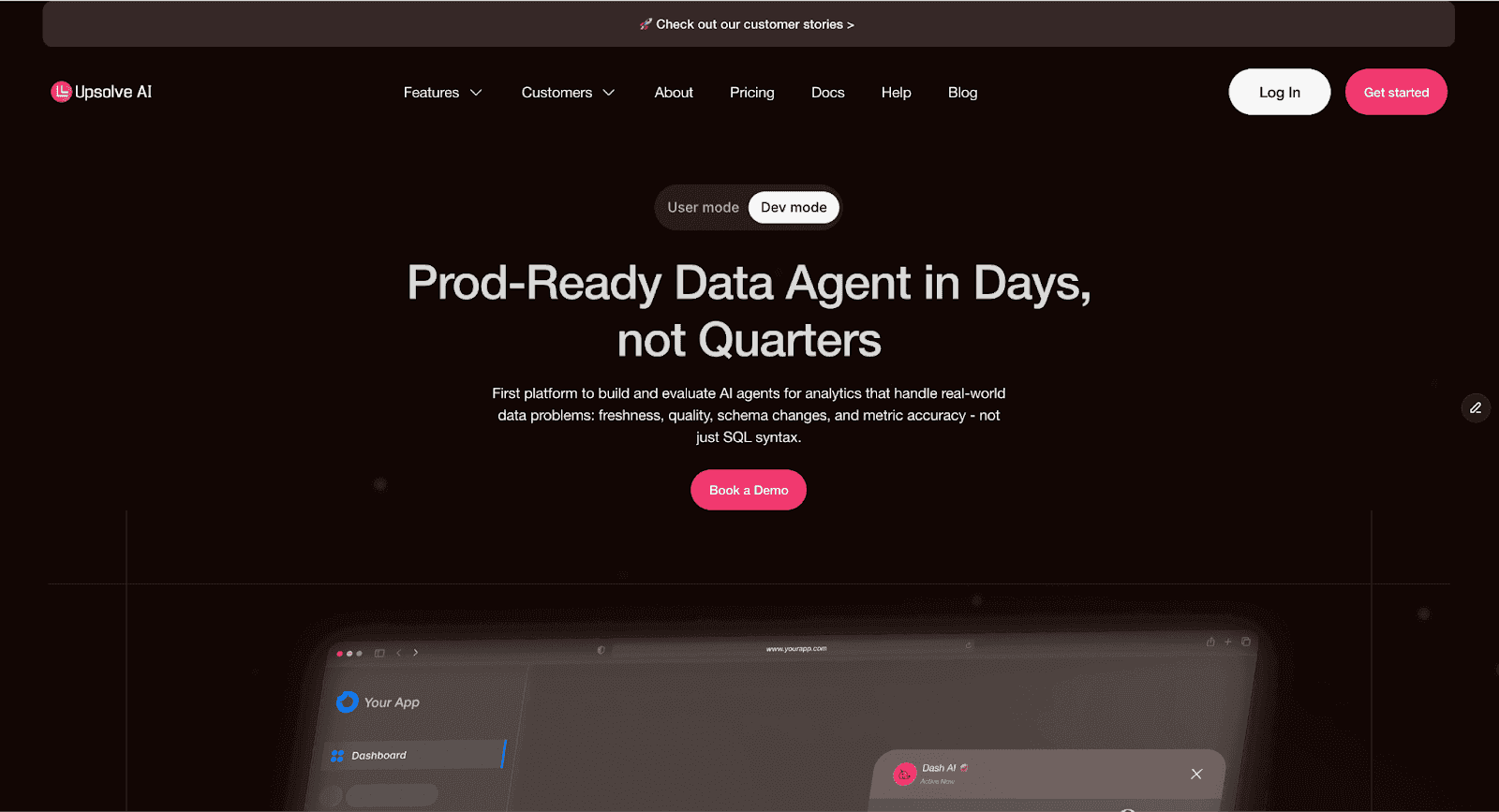
Agentic AI Developer Platform: Gives full control over prompts, tools, and orchestration. Built for teams shipping agents in production and scaling with users, data volume, and use cases.
Pros
Fully autonomous reasoning with long context windows
Works across SQL, APIs, JSON, documents, and custom tools
Ships with tooling to manage memory, tool calling, grounding, and fallback
Agent outputs can be structured (JSON), making them straightforward to integrate
Built for production, not just demos or internal dashboards
Supports both developer-led and low-code usage
Cons
Currently better suited for teams with some technical expertise
Requires upfront setup to define agent tools and behaviors
Not a plug-and-play solution for non-technical users
Still maturing in terms of prebuilt visualizations and UI layer
Ideal For
Founders building customer-facing analytics
Product teams embedding LLM agents into SaaS tools
Data teams automating internal workflows with minimal manual intervention
Agencies and platforms looking to turn spreadsheets or dashboards into agents
Pricing
Upsolve AI offers a free plan plus three paid tiers; embedding and multi-tenant analytics start on the Team plan ($2,000/mo).
Free ($0): 2,000 one-time credits (~200 questions); all Pro features, to test-drive
Pro ($500/mo): 2,000 credits/month; 50+ data connections, unlimited agents, full observability
Team ($2,000/mo): 10,000 credits/month; adds embedding, RBAC/row-level security, multi-tenant, and semantic-layer generation
Enterprise (custom): on-prem/VPC, SAML SSO, BYOM, and compliance controls for regulated environments
Annual billing is 20% off.
If you’re building agentic analytics or embedding AI-driven insights into a production product, Upsolve’s pricing reflects serious, production-ready use cases rather than experimentation.
Summary
Most tools on this list give you an interface for interacting with data. Upsolve provides the context infrastructure to build, deploy, and scale agents that answer reliably on your data, grounded in the three-layer architecture of Structure, Meaning, and Trust.
How to Choose the Right AI Agent for Data Analysis
Choosing the right AI agent for data analysis depends on a few important factors:
Data Complexity: How large and complex is your dataset? Some agents are better suited for large enterprise data, while others are more suitable for smaller or personal datasets.
Use Case: Do you need quick dashboards, predictive analytics, client reporting, or ML pipelines? Select the agent that best fits your primary workflow.
Required Integrations: Make sure it works with your existing tools (Excel, Tableau, Power BI, cloud platforms).
Ease of Use and Scalability: Non-technical teams will benefit from intuitive interfaces, while growing companies need agents that can scale as data and team size expand.
By keeping these factors in mind, you can select the AI agent that saves time, sharpens insights, and fits your business needs. For a deeper evaluation framework, see how to compare AI agent builder platforms for analytics on context, reliability, security, and cost.
Conclusion
AI agents are changing how businesses handle data, but the pattern across every tool above is consistent: the ones that hold up in production are grounded in real business context, not just a capable model. That is why so many promising pilots stall after the demo, a failure mode we break down in why AI data agents fail in production.
From instant insights to automated reporting, the right AI agent for data analysis reduces manual work, helps teams make faster decisions, and unlocks more value from your data. By testing tools like Powerdrill AI, Tableau Pulse, Julius AI, Power BI, AgencyAnalytics, Sisense, Snowflake Data Science Agent, Kanerika Karl, LangChain and Microsoft AutoGen, and Upsolve AI against real workflows, you now have a clearer picture of what fits your data, your team, and the way your business defines its metrics.
FAQs
1. What is an AI agent for data analysis, and how does it work?
An AI agent for data analysis is a software tool that can automatically explore, interpret, and visualise data sets.
It uses AI techniques, including natural language queries, machine learning, and automation, to deliver insights quickly.
2. How can AI agents improve the accuracy and speed of data analysis?
They reduce human errors, automate repetitive tasks, and analyse large datasets more efficiently than manual methods, providing teams with reliable and timely insights.
3. What are the best AI agents available for data analysis?
Strong options include Powerdrill AI, Tableau (Pulse), Julius AI, Microsoft Power BI (GenAI), AgencyAnalytics, Sisense, Snowflake Data Science Agent, Kanerika Karl, LangChain and Microsoft AutoGen, and Upsolve AI. The best fit depends on where your data lives and who will use the agent, not on any single ranking.
4. Can AI agents integrate with existing data analysis tools and platforms?
Yes, most agents can connect with popular platforms like Excel, Power BI, Tableau, cloud databases, and enterprise software to streamline workflows.
5. What challenges should businesses be aware of when implementing AI agents for data analysis?
Challenges include ensuring data privacy, selecting the right agent for your use case, training teams to utilise the tools, and managing complex integrations in large enterprise environments.

Try Upsolve for Embedded Dashboards & AI Insights
Embed dashboards and AI insights directly into your product, with no heavy engineering required.
Fast setup
Built for SaaS products
30‑day free trial



